Configure settings for saving the SYSLOG of this product.
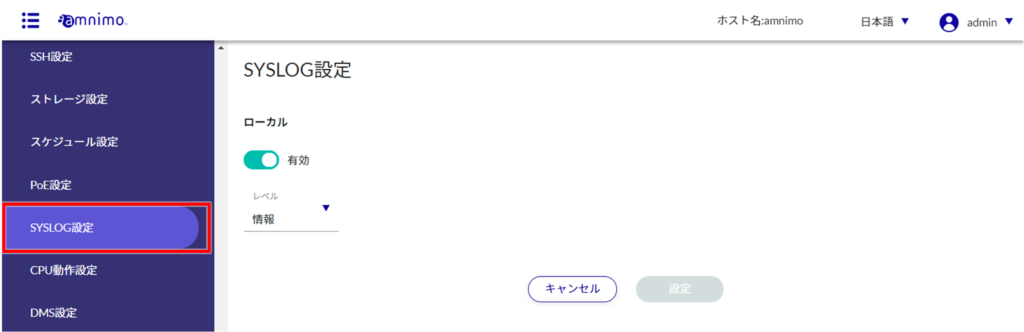
Click [ Advanced Settings and Controls ] - [ SYSLOG Settings ] in the side menu.
The "SYSLOG SETTINGS" screen appears.
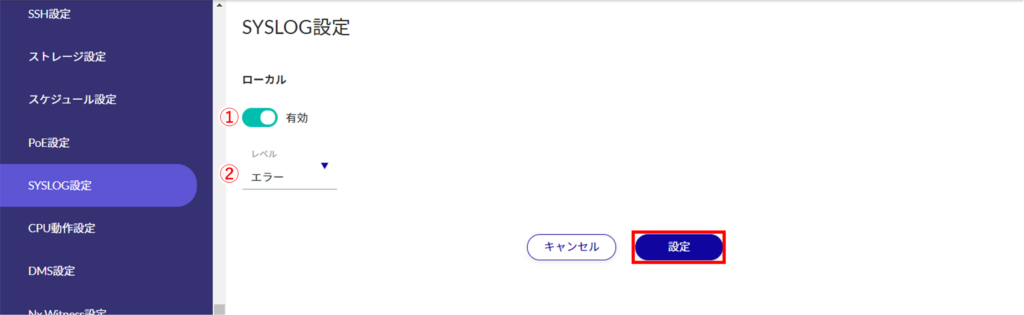
Set the following items (1) to (2) and click the "Set" button.
Slide the ❶ toggle to set SYSLOG as enabled.
❷ Select the level of log output.
SYSLOG settings are made.