Configure this product to use remote.it.
From the side menu, click Advanced Settings & Controls - remote.it Settings.
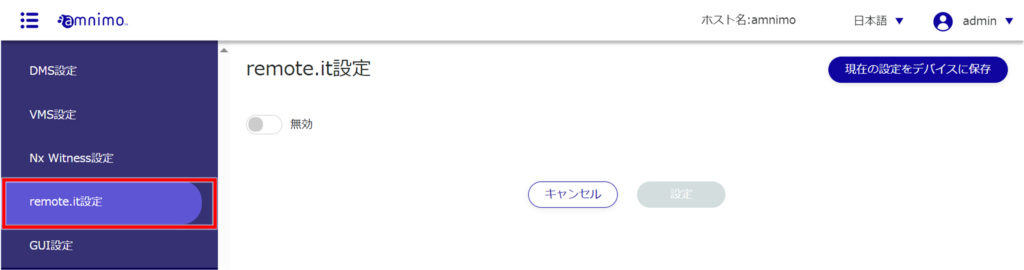
The "remote.it settings" screen will appear.
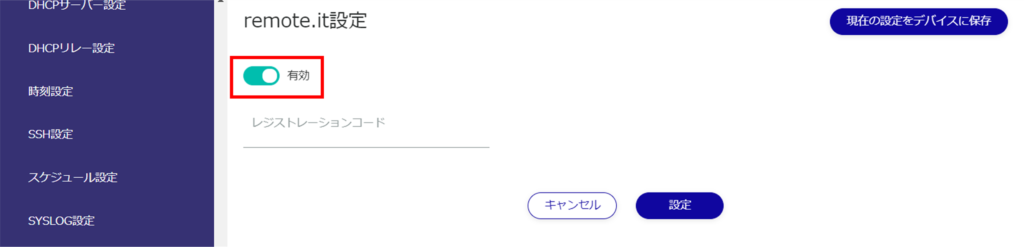
Slide the toggle to set remote.it to active.
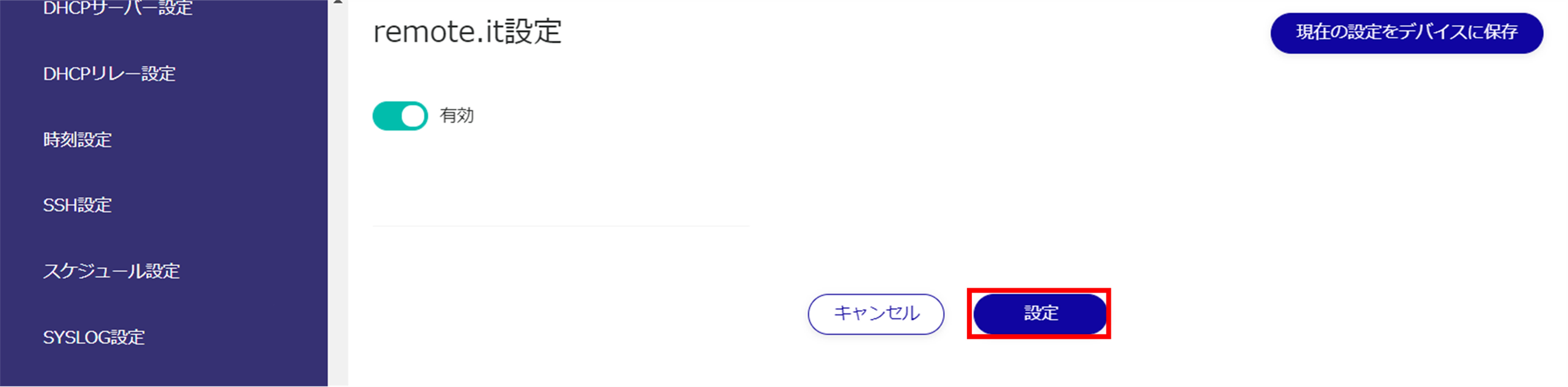
For Edge Gateway / AI Edge Gateway / IoT Router, click Next.
For compact routers, perform the following precautionary tasks
NOTE
For compact routers (amnimo C series), the registration code must be registered.
Registration codes must be obtained separately from the remote.it web page.
- Refer to the " amnimo C Series Compact Router Startup Guide " or other reference manuals for configuration instructions.
| Edge Gateway AI Edge Gateway IoT Router | Compact Router |
|---|---|
 | 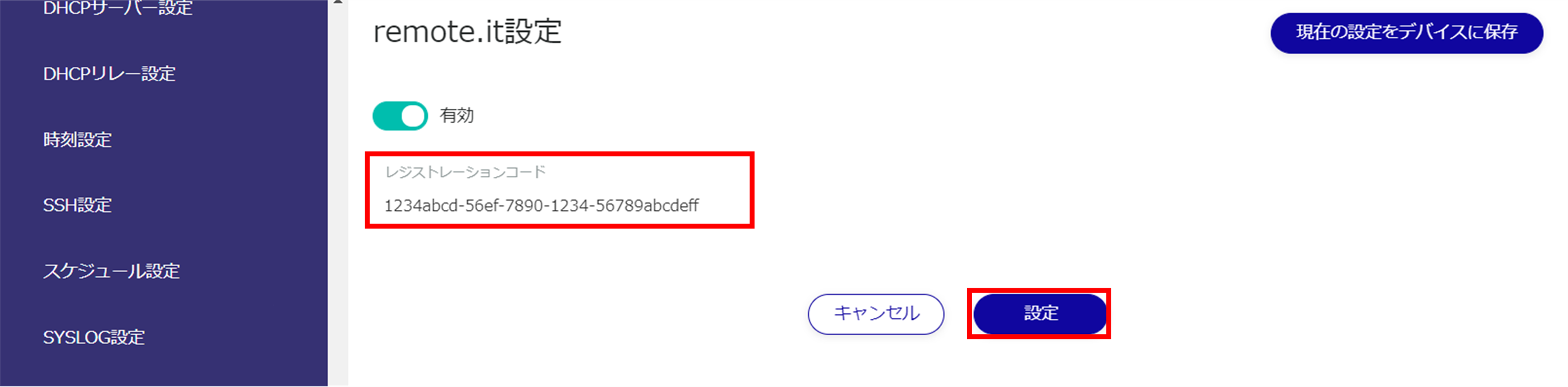 |
You can delete the registered registration code by clicking "Settings" without entering the registration code.