Set the host name of this product.
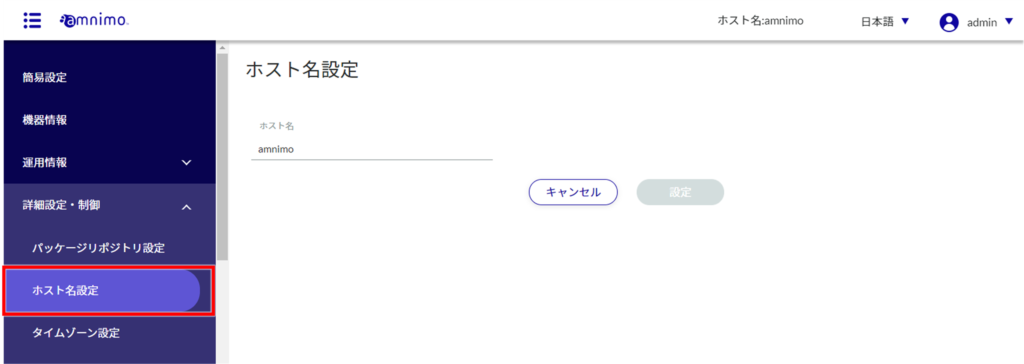
From the side menu, click Advanced Configuration and Control - Host Name Settings.
The "Host Name Settings" screen appears.
Enter a host name in the "Host Name" field and click the "Set" button.
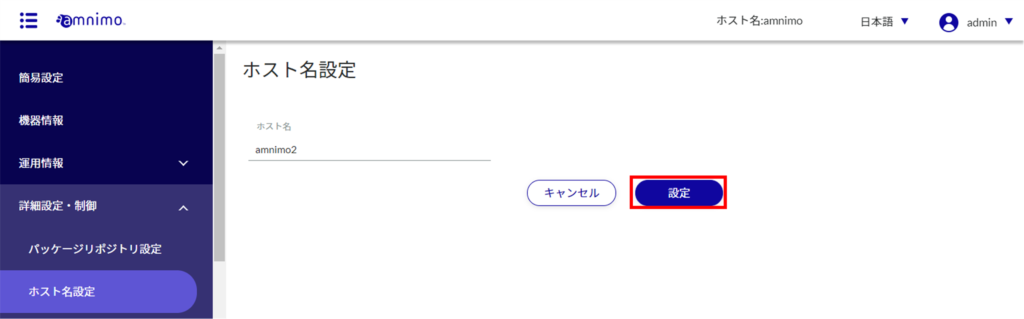
The host name is set.