The features listed on this page are not available for Amnimo Portable.
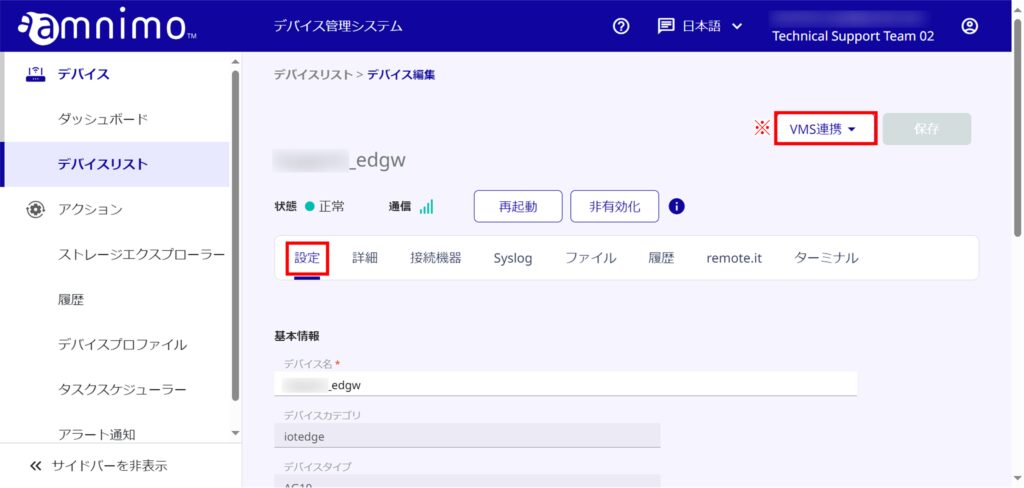
The [ VMS linkage ] button is not displayed when using the AR series or AC series.
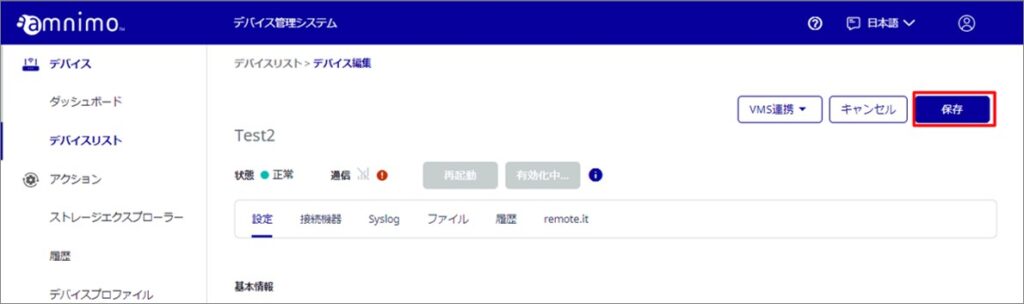
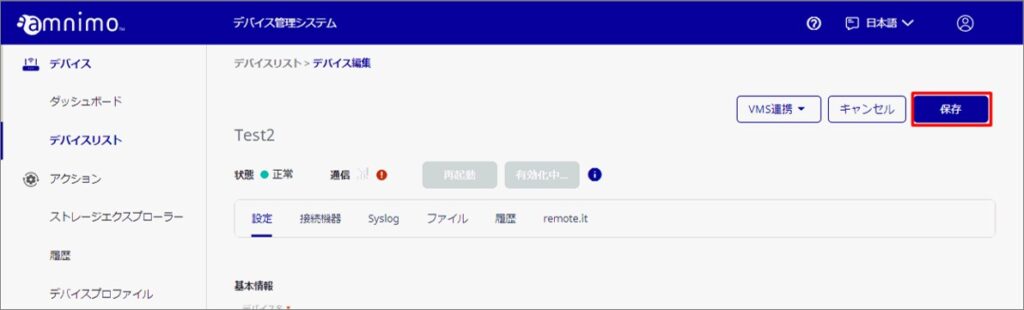
From the device edit screen, device names and device tags can be set.
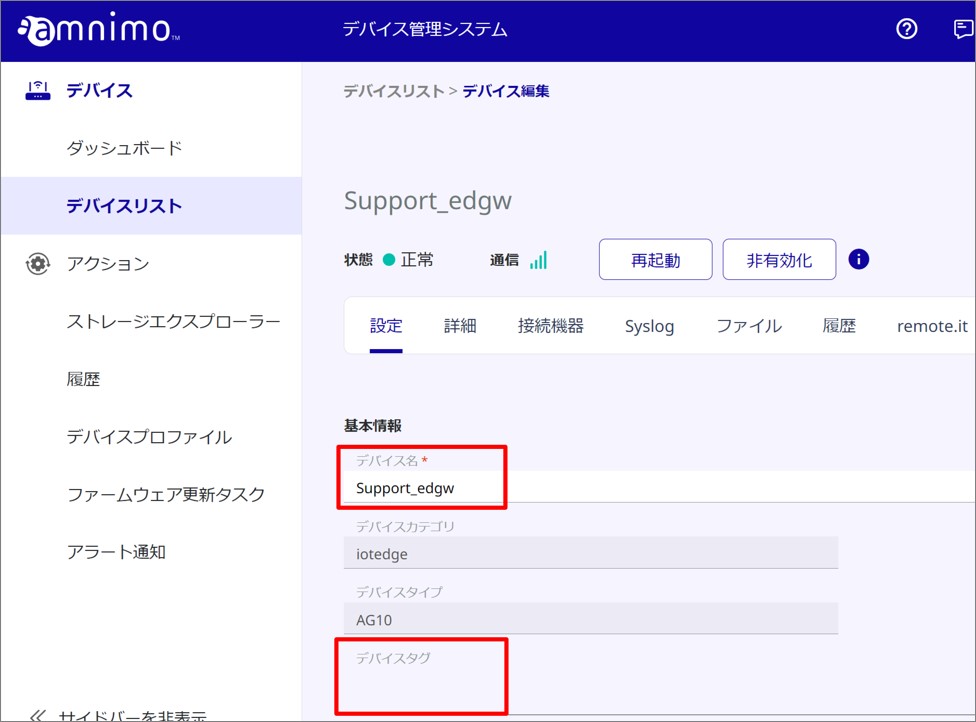
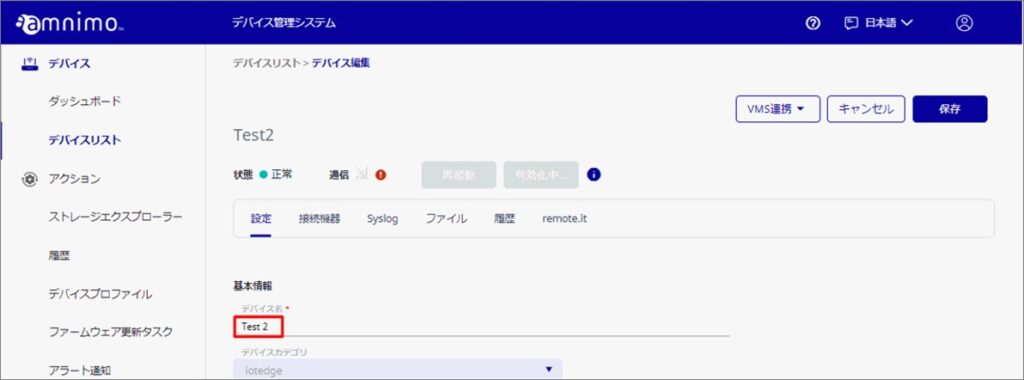
Edit device name
Edit device names individually
Update device names in bulk
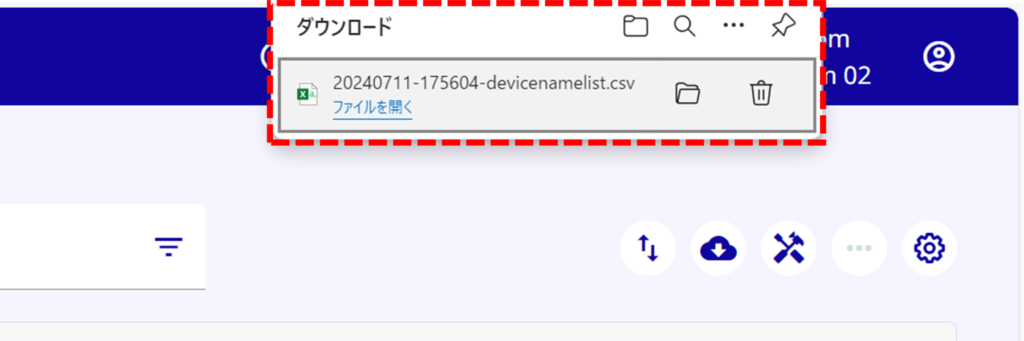
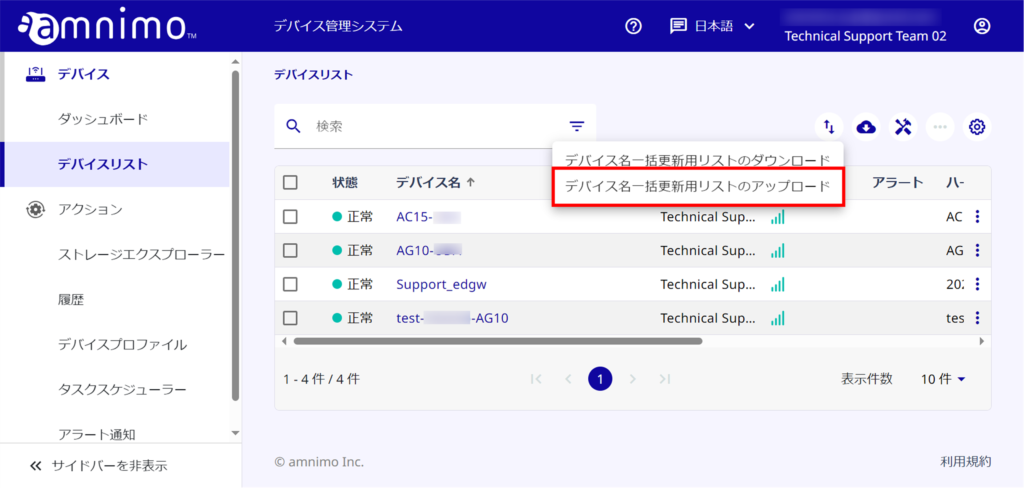
It is possible to update device names, comments, and user definitions for multiple devices at once.
The maximum number of devices that can be updated at one time is 1000.
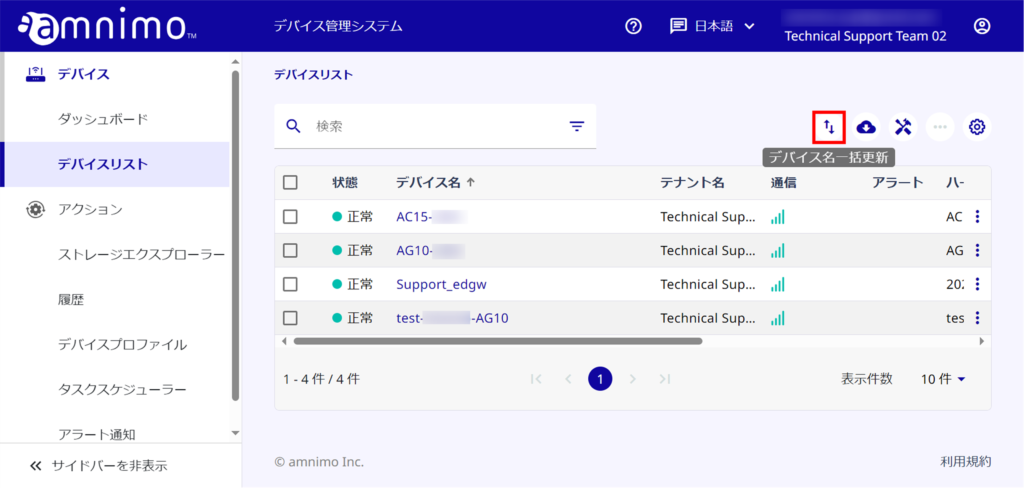
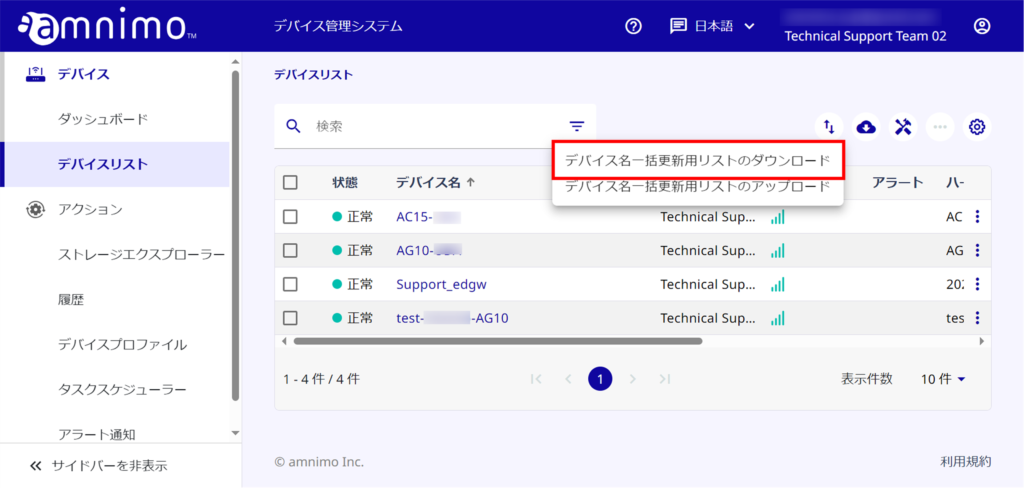
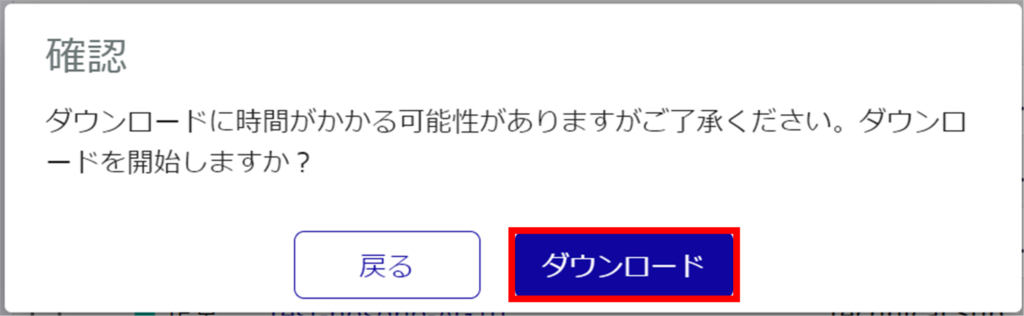
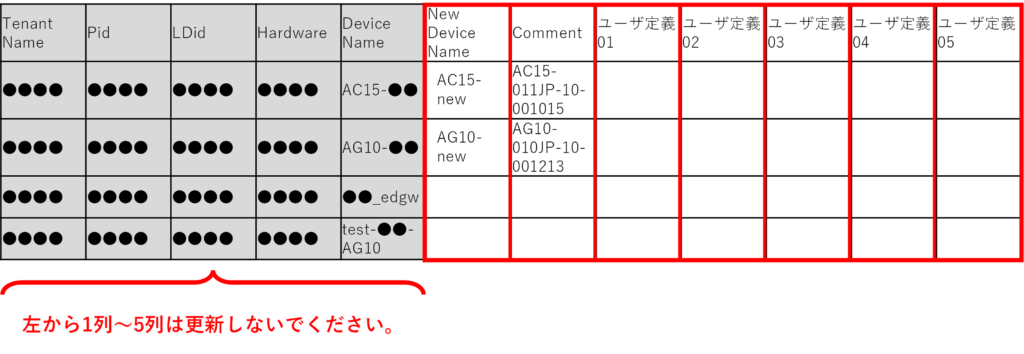
- Enter a new device name in the "New Device Name" field. (max. 100 characters)
- If you want to update the comment without changing the device name, enter the current device name in the "New Device Name" field and update "Comment". (Maximum 1000 characters)
- If you want to update the user definition without changing the device name, enter the current device name in the "New Device Name" field and update the "User Definition (any one from 01 to 05)". (Maximum 64 characters)
- Leave the "New Device Name" field blank for devices that do not need to be updated.
- Some one-byte symbols ( / ? : * < > | } ) cannot be used for device names.
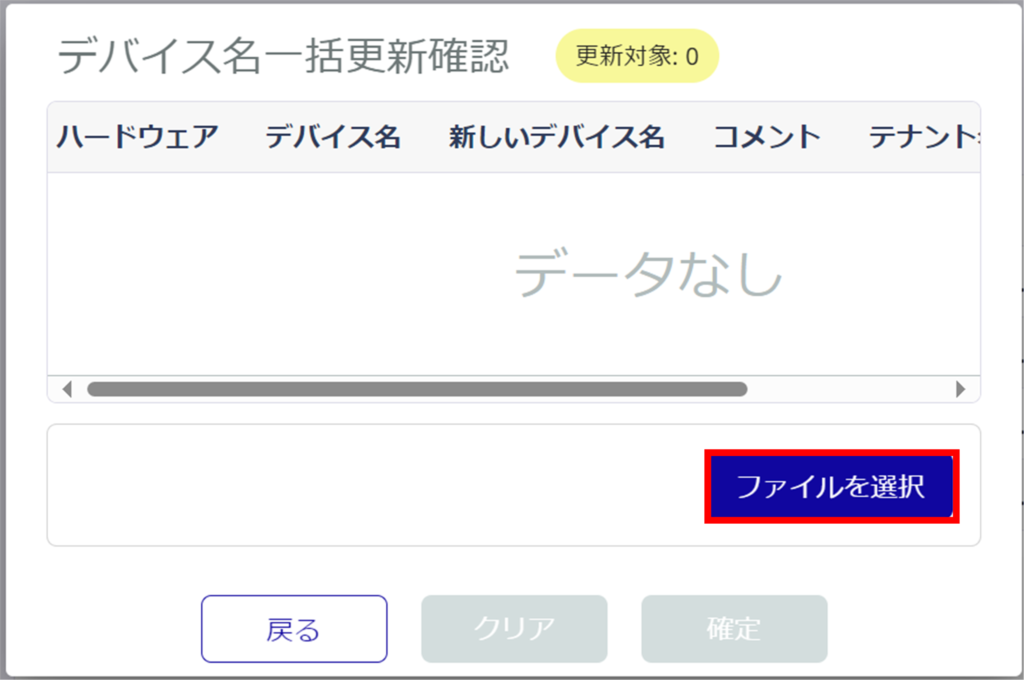
If there are rows in the list for device name batch update (CSV file) that have only been updated with comments or user definitions, they are not considered as update targets in the DMS.
⇒Return to step 5 and modify the list for device name batch update (CSV file).
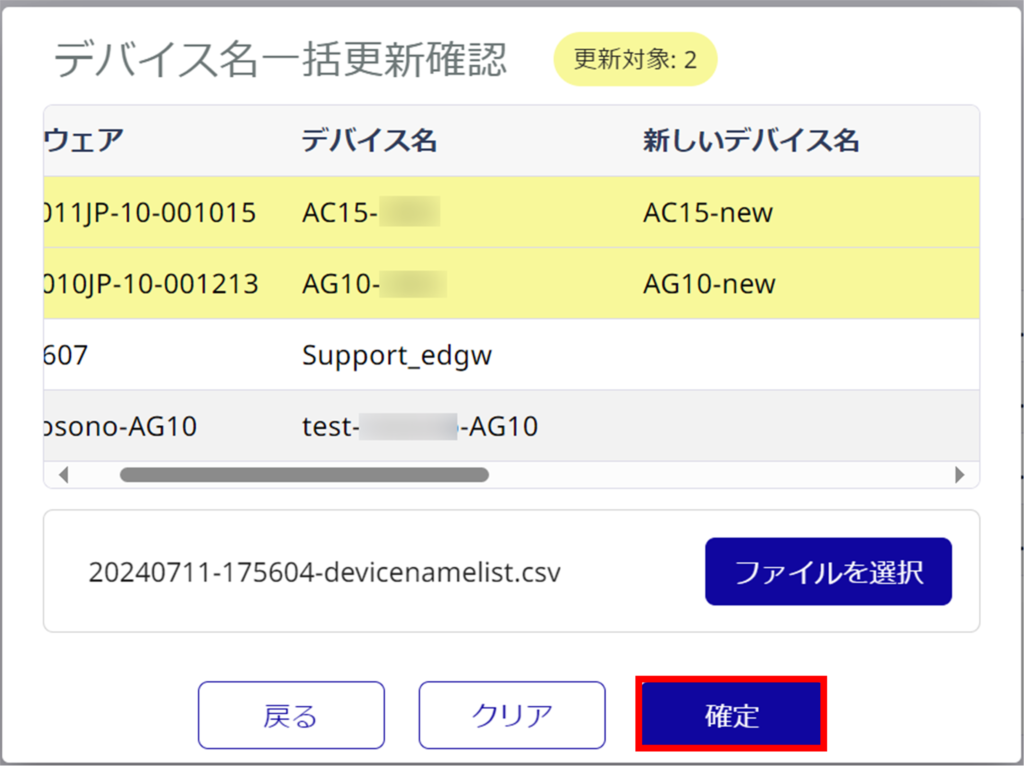
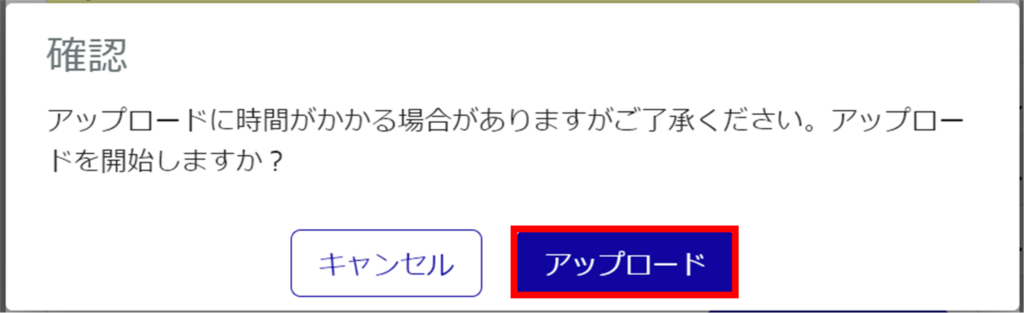
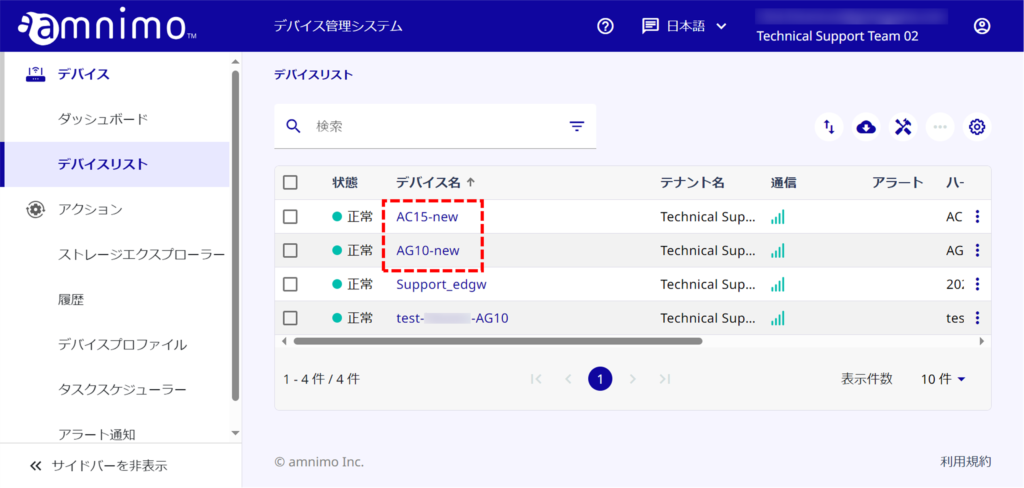
When comments are updated, click each device name and confirm the updated contents on the "Edit Device" screen.
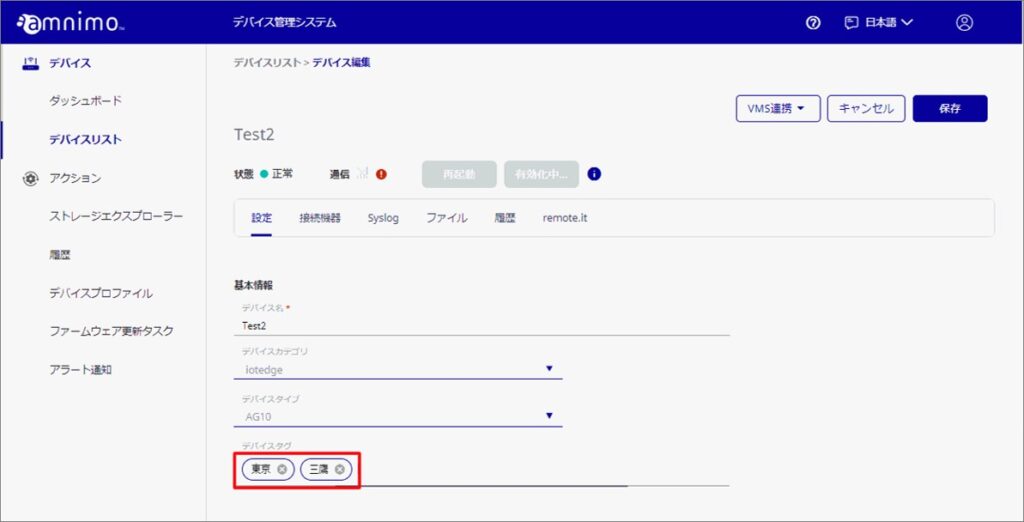
Add device tag
Adding device tags will enable searches by device tag when searching for devices in the integrated video management system.
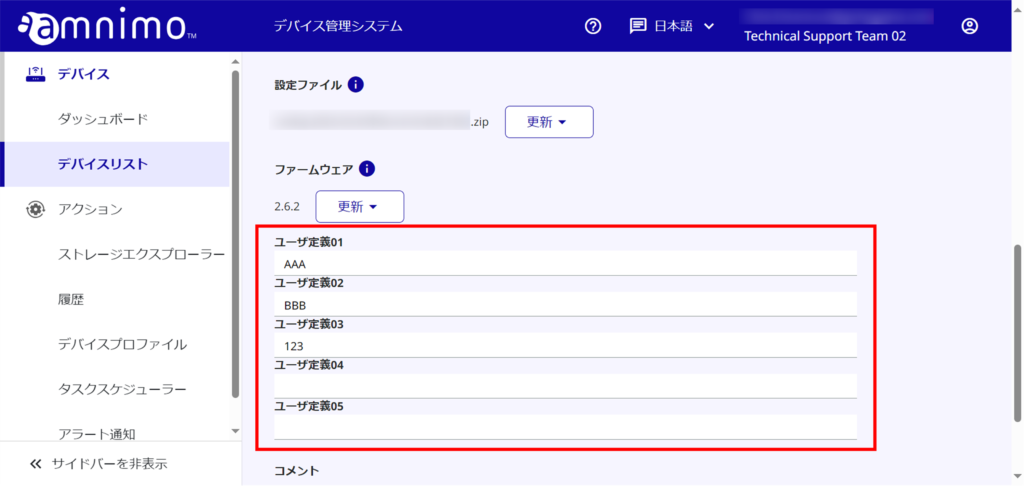
Editing User Definitions
In the user-defined field, you can enter any string.
User definitions cannot be edited for user definitions that have been hidden in "Edit Display Items" in the device list.
The maximum length of the string that can be entered in the user definition is 64 characters.
Editing Comments
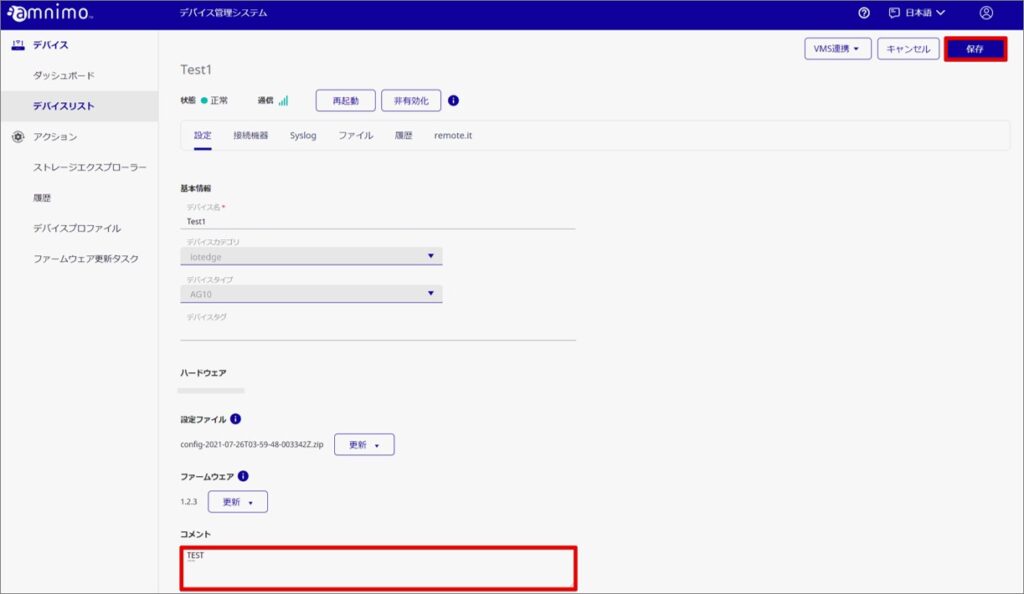
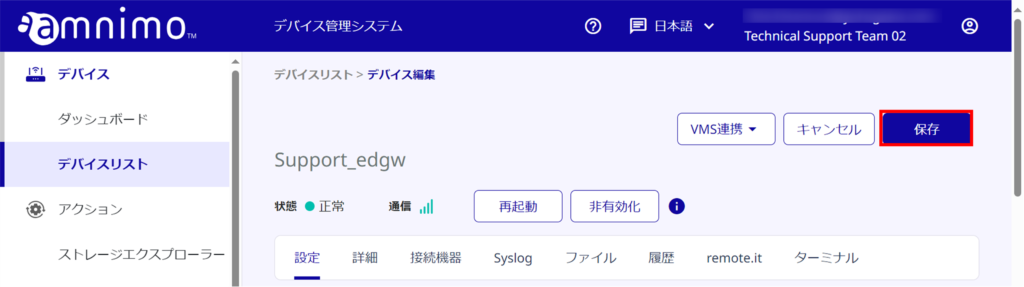
In the comment field, you can add or edit comments. Write your comment directly in the area circled in red below and click [ Save ].