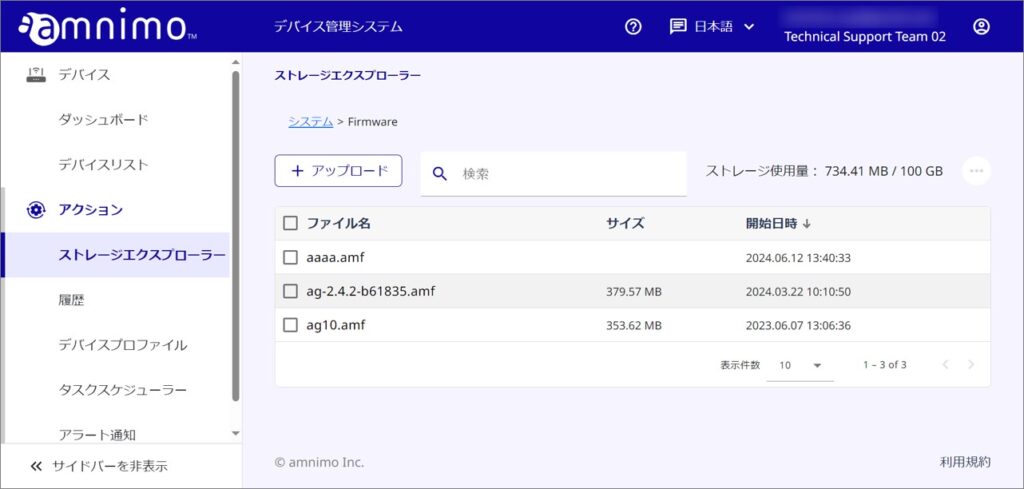
デバイス管理システムでは、設定ファイル、ファームウェアのイメージファイル、Syslog ファイルを管理するためにデバイス管理システムのサブスクリプションごとにストレージを用意しています。
ファイル画面では、ストレージに格納されているファイルを参照できます。また、ファイルのアップロード、ダウンロードも可能です。
なお、デバイス管理システムの1テナントあたりの使用可能なストレージ量は、100 GB です。
Folder Structure
ストレージエクスプローラーには、Configuration フォルダ、Firmware フォルダ、AI Apps フォルダが用意されています。
各フォルダにデバイスの設定変更やファームウェア更新に必要なファイルをアップロードしてください。
- Configuration folder: Contains files necessary to change settings from the device management system to the device.
- Firmware folder: Contains files necessary for firmware updates from the device management system to the device.
- AI Apps folder: Contains files necessary for installing AI apps from the device management system to the device.
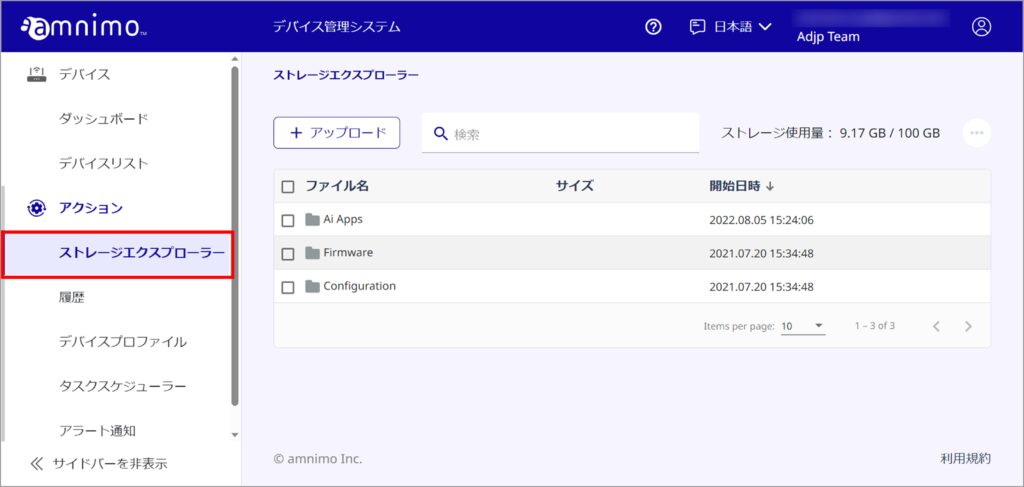
File Management.
Upload a file
Here are the instructions for uploading files. The maximum file size you can upload is 500 MB.
メモ
This operation is not available in the AI Apps folder.
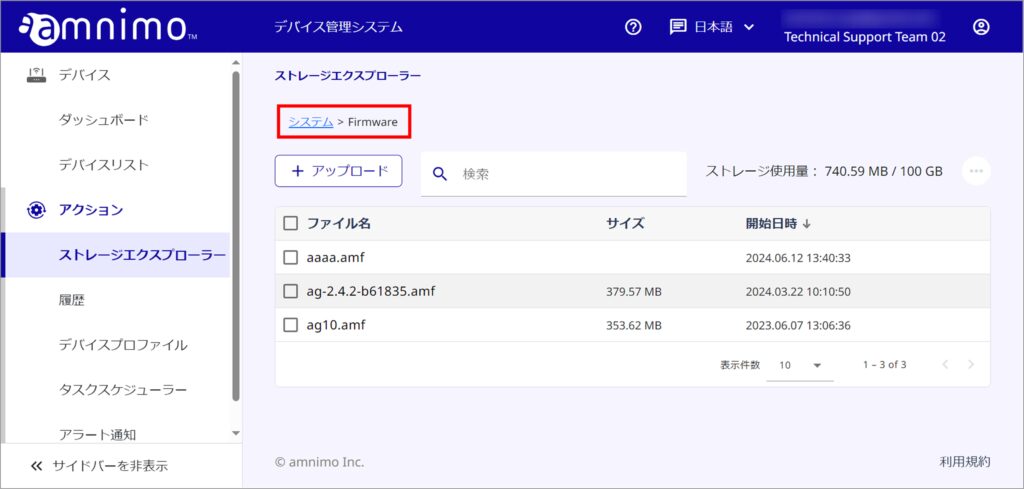
アップロード先のフォルダに移動します。
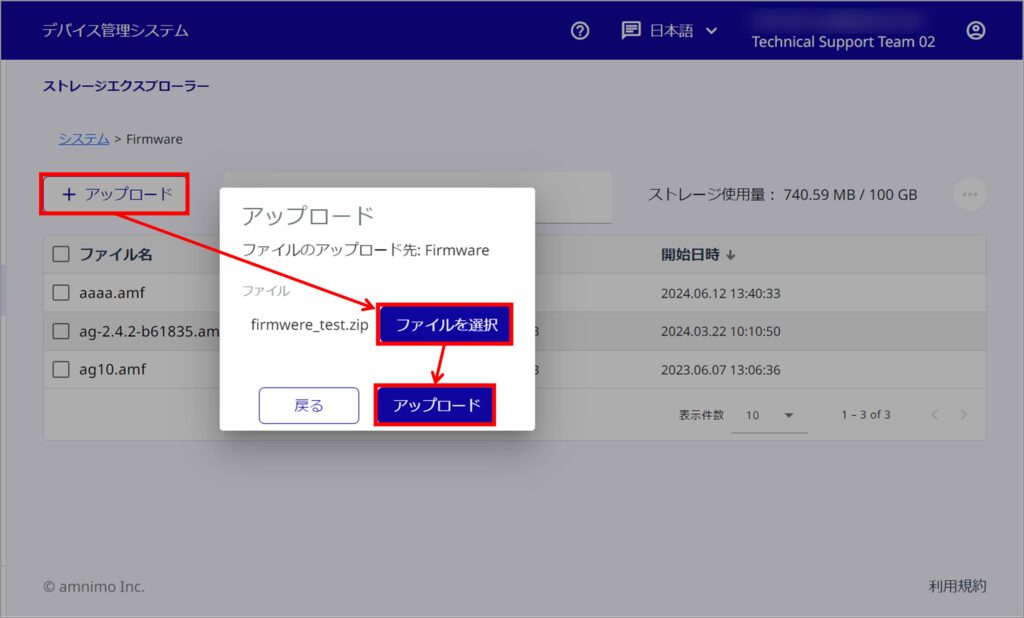
[ アップロード ] をクリックして、対象のファイルをアップロードします。
アップロードが完了しました。
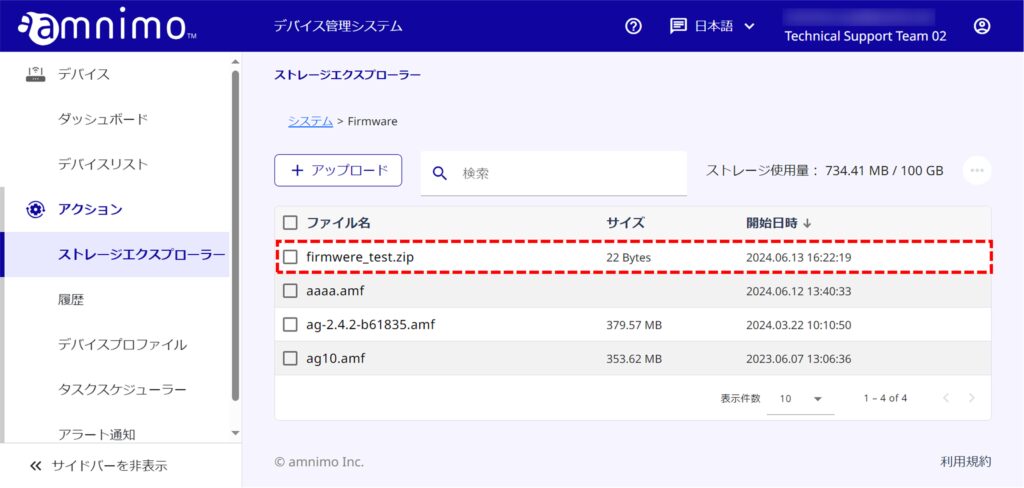
Download file
How to download files.
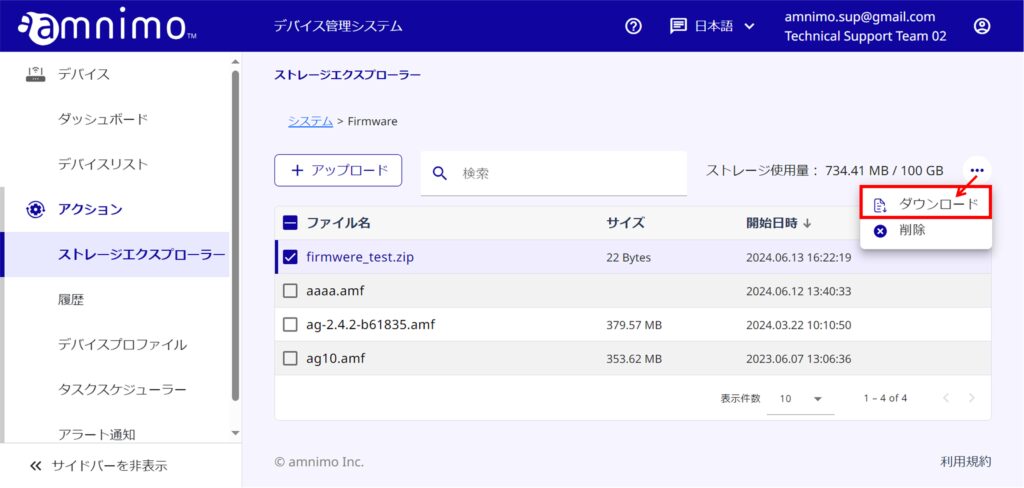
ダウンロードしたいファイルにチェックを入れて、[ ダウンロード ] をクリックします。
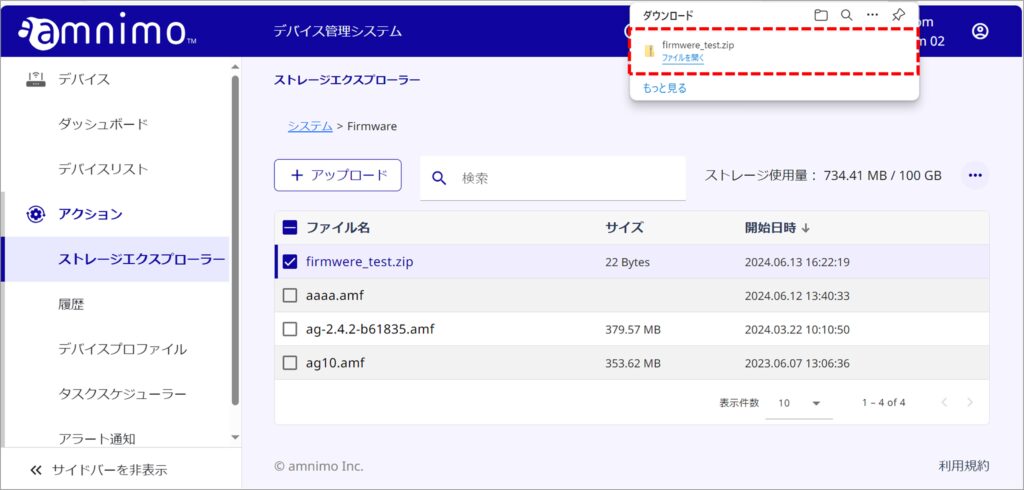
ファイルがダウンロードされました。
Delete a file
Learn how to delete files.
メモ
For the AI Apps folder, files selected by AI Apps cannot be deleted.
削除したいファイルにチェックを入れて、[ 削除 ] をクリックします。
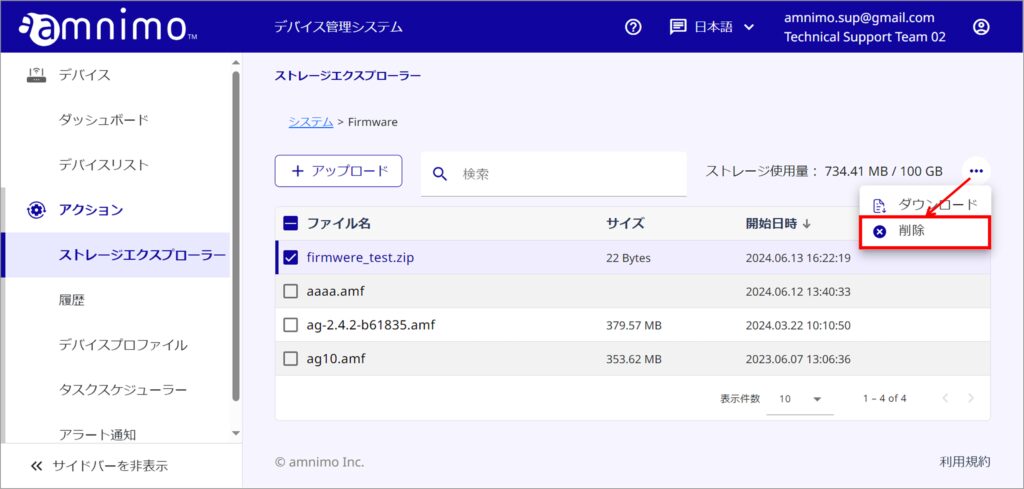
[ 削除 ] をクリックします。
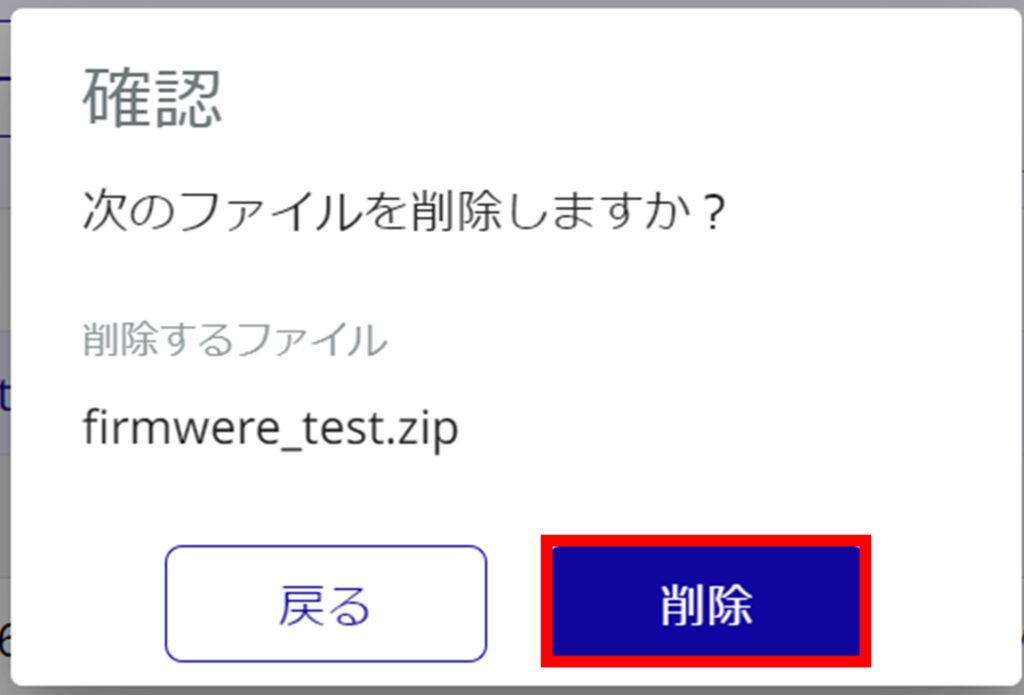
ファイルが削除されました。