This section describes the procedure for changing passwords.
Click on the account name displayed in the upper right corner of the screen and select Password.

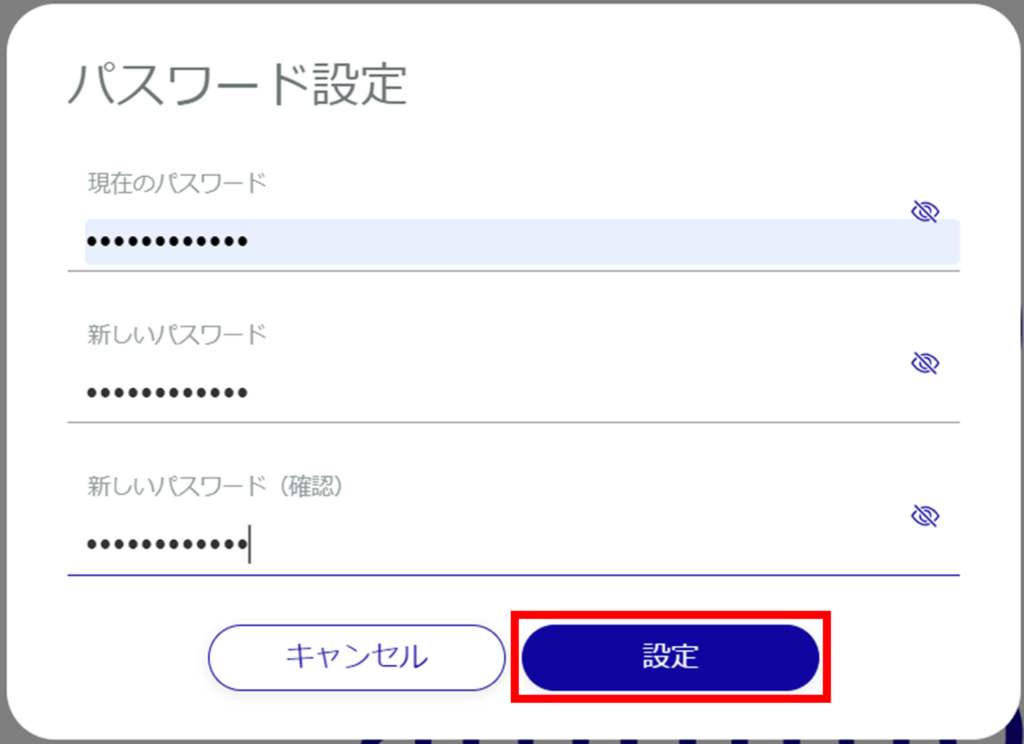
The password setting screen appears.
Enter the current password and the new password, then click Settings.
The password will be changed.
You will not be signed out and can continue to operate.