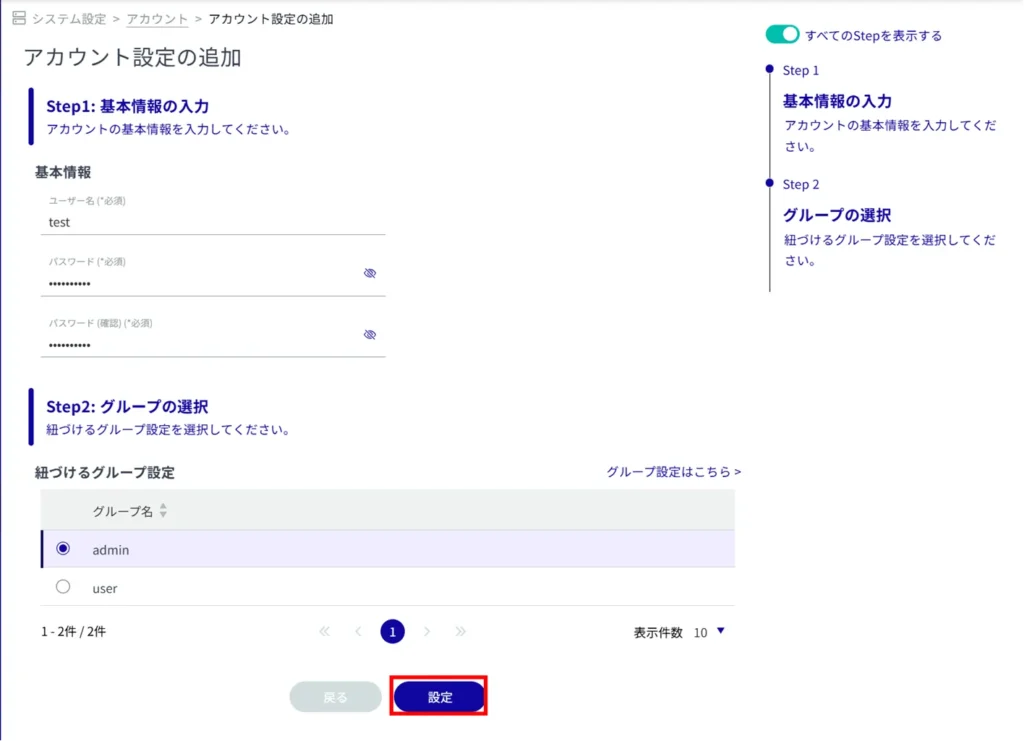
Common to all functions, there is a "Show All Steps" toggle on the Add/Edit Settings page.
Normally, the screen switches for each Step, but by enabling this feature, all Steps can be displayed on the screen for operation.
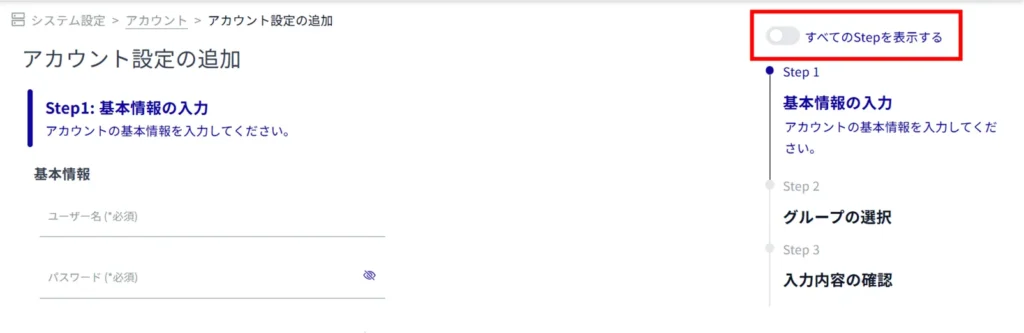
[Screen when [Show All Steps] is enabled.
[Click on the "Show All Steps" toggle to enable it.

All steps required for setup will be displayed.
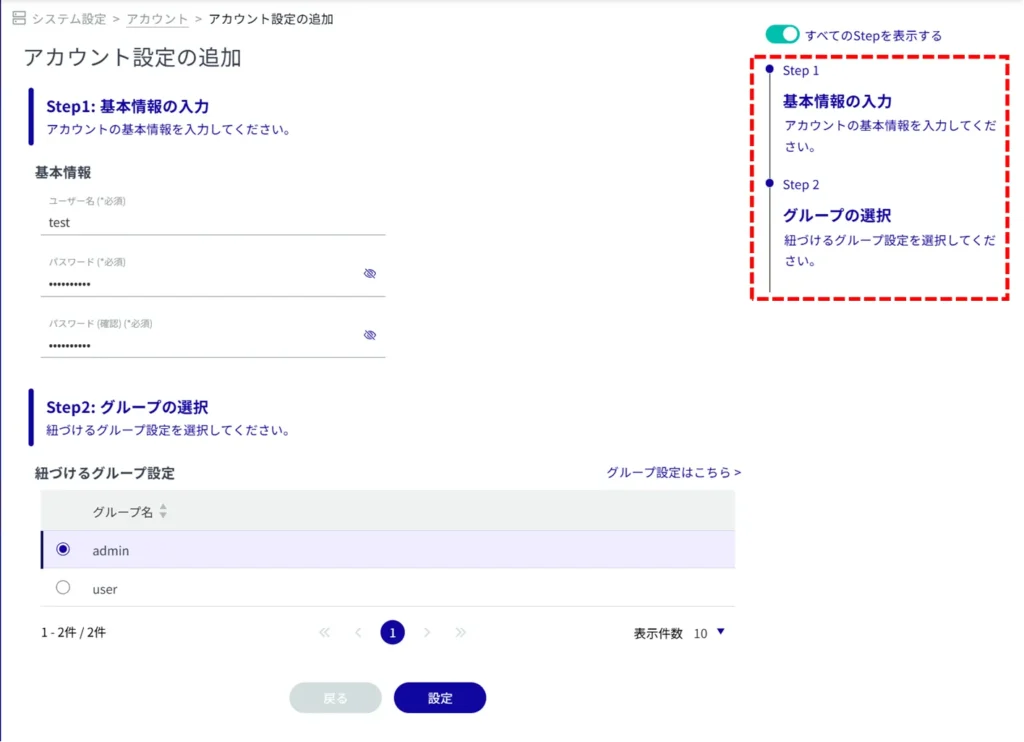
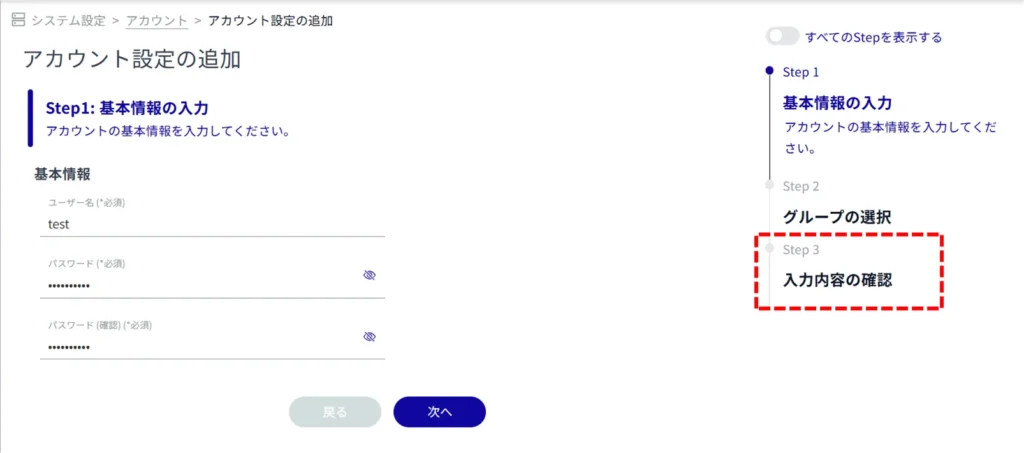
NOTE
[The "Confirmation" step that was present when "Show All Steps" was deactivated is no longer present.
[Click Settings to add or edit settings.
As described in the NOTE in Step 1, the "Confirmation of Input" step is eliminated, so clicking on "Setup" will be executed immediately.