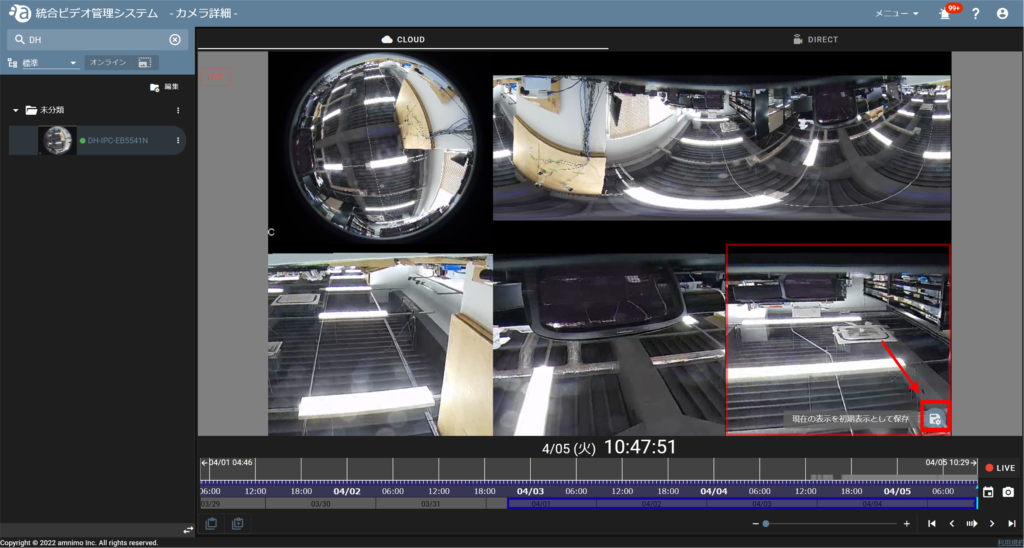
If fisheye correction is enabled, you can switch between the original fisheye image and the fisheye corrected image.
You can also save the initial image as you like when you click on the camera.
When fisheye correction is enabled, the following features are available
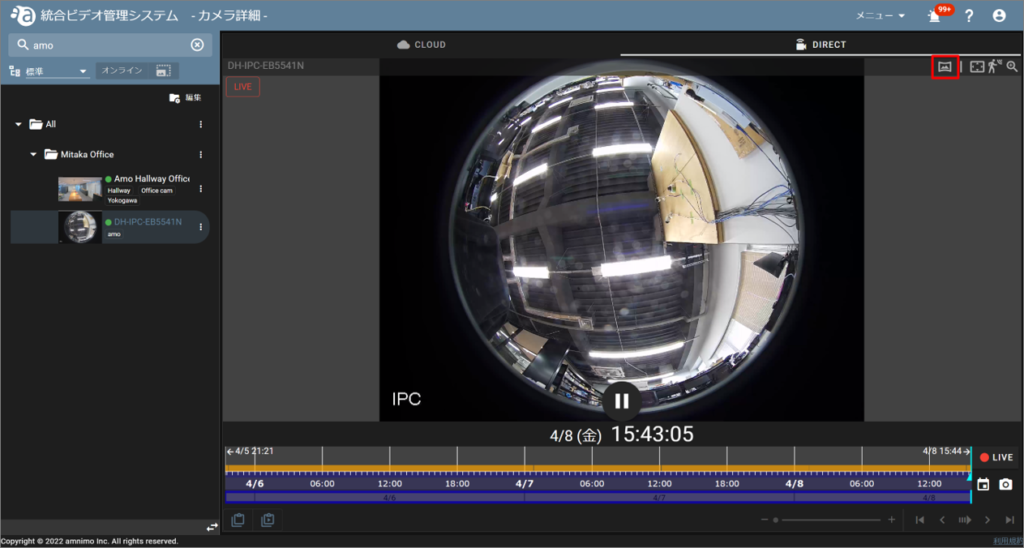
Switching between correction and original screens
Click the fisheye correction icon to switch between the fisheye corrected layout and the original (fisheye) image.
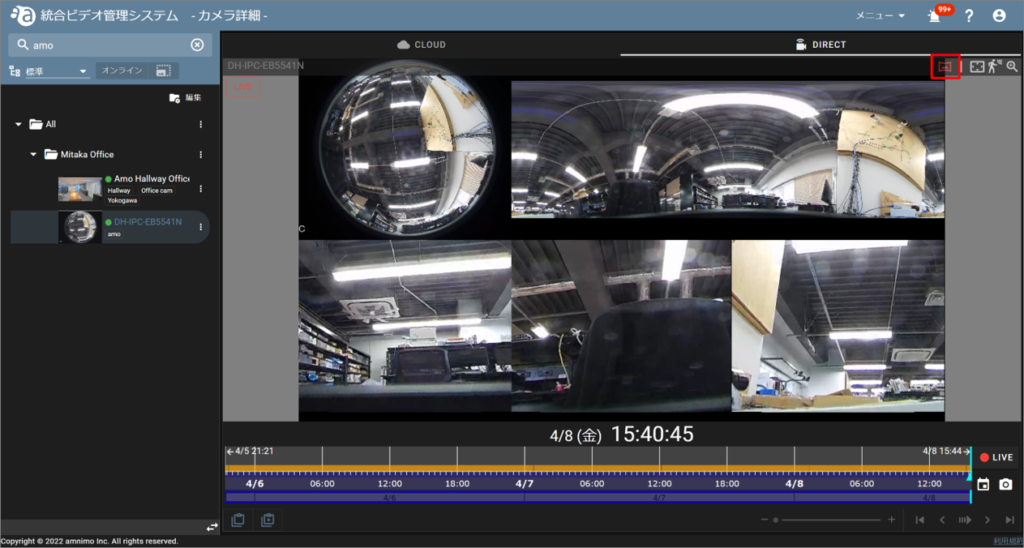
Image after clicking the fisheye correction icon
Save current display as initial display
Click the save icon in the lower right corner of the screen to save the currently displayed screen as the initial view.