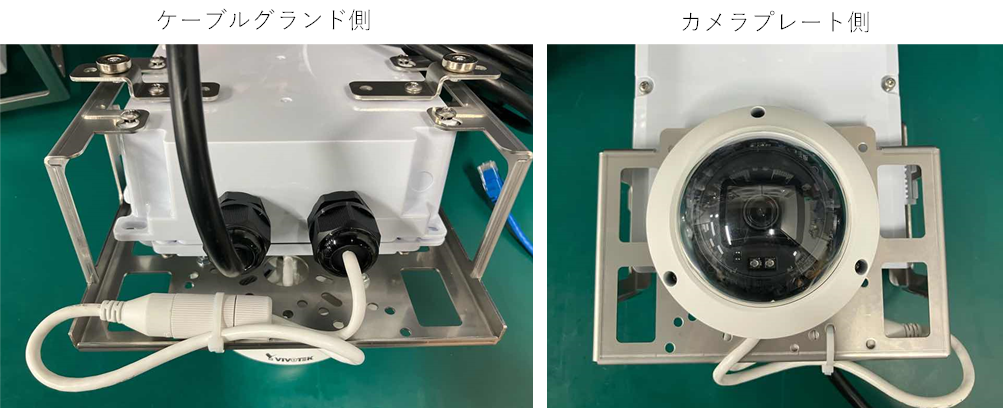
Camera Mounting Bracket Set (Separate Type)
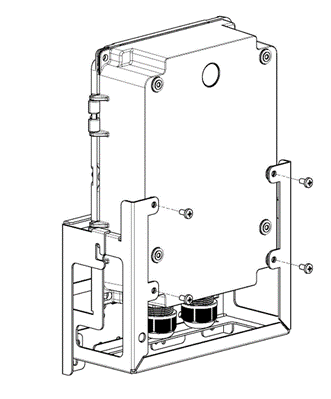
The camera plate section can be removed by slightly loosening the screws.
Note that if you loosen the screws all the way to the end with an electric screwdriver, etc., the washers that prevent the screws from falling out will come off.
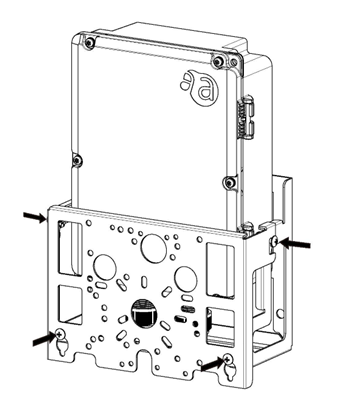
Refer to the following for the mounting position of each camera.
⇒[ AC25] Camera mounting bracket: List of mounting holes for each camera
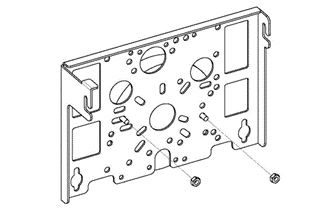
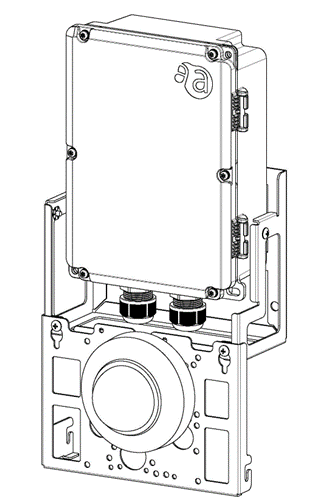
Camera mounting bracket set (integrated type)
Refer to the following for the mounting position of each camera.
⇒[ AC25] Camera mounting bracket: List of mounting holes for each camera
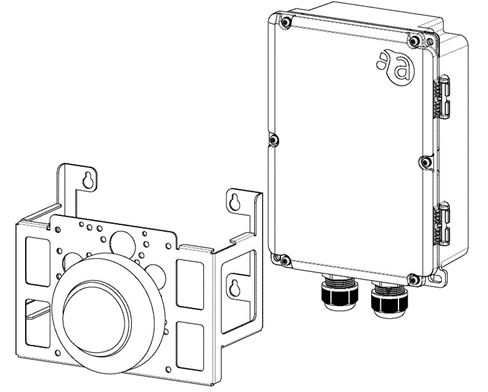
Cable installation method for camera mounting bracket set
Cable ground section
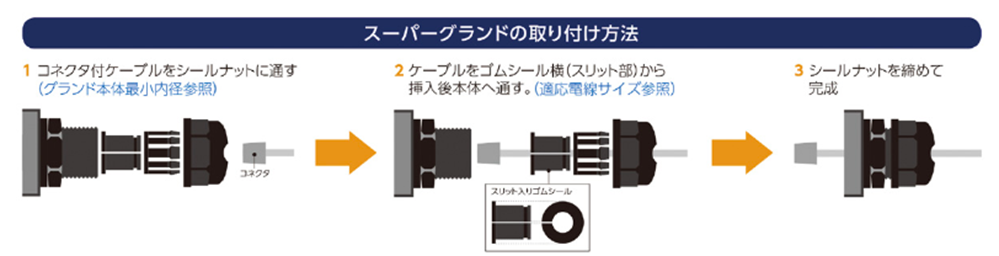
In Amnimo's standard optional cable gland, there is a slit in the rubber shield section, so the jack part of the LAN cable can be passed through.
The slit makes it a cable gland that allows even small, pre-installed connectors to pass through.

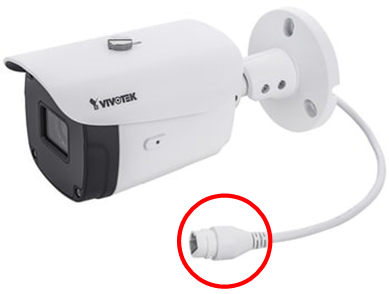
Camera-side connector
The connector on the camera side is too large to pass through the cable gland.
Use the waterproof connector supplied with the camera.
Waterproof cap on camera side
When using Amnimo's standard optional cable gland for normal installation, make connections outside of the cable gland.
Use the waterproof cap provided with the camera.
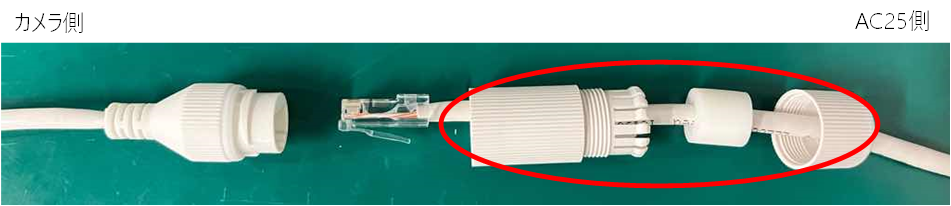
Waterproofing is secured here. Add waterproofing tape if necessary.

Cable Fixing
For excess cable length treatment, use the holes in the camera fittings and secure with cable ties.