If event notifications are set up, the camera icon on the map will blink to indicate the occurrence of an event.
WARNING
To enable this function, the event notification settings must be made in advance.
(See "Configuring Event Notification Settings ")
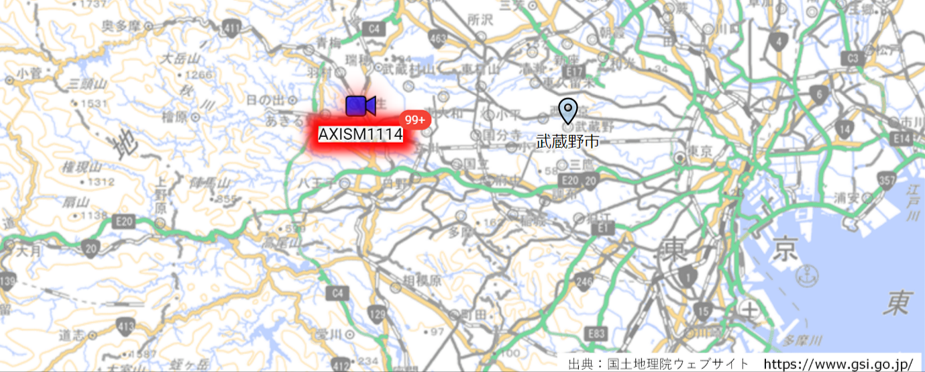
When an event is detected, the  icon appears in the pop-up window and clicking on it opens the Event List page. (Clicking on a thumbnail opens the camera details page.)
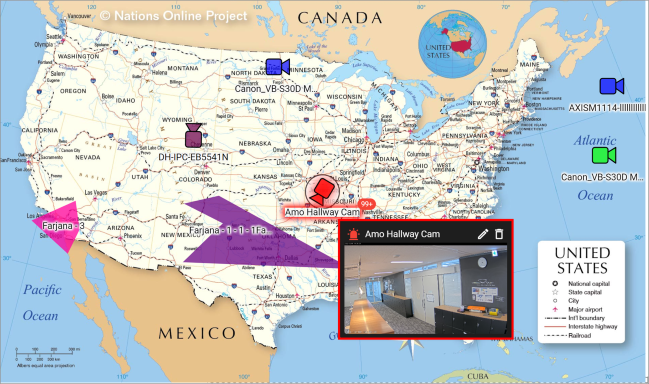
イベント情報を表示しない場合
Disable the event display in the custom map settings.
(See " Switching the display of event information ")