メモ
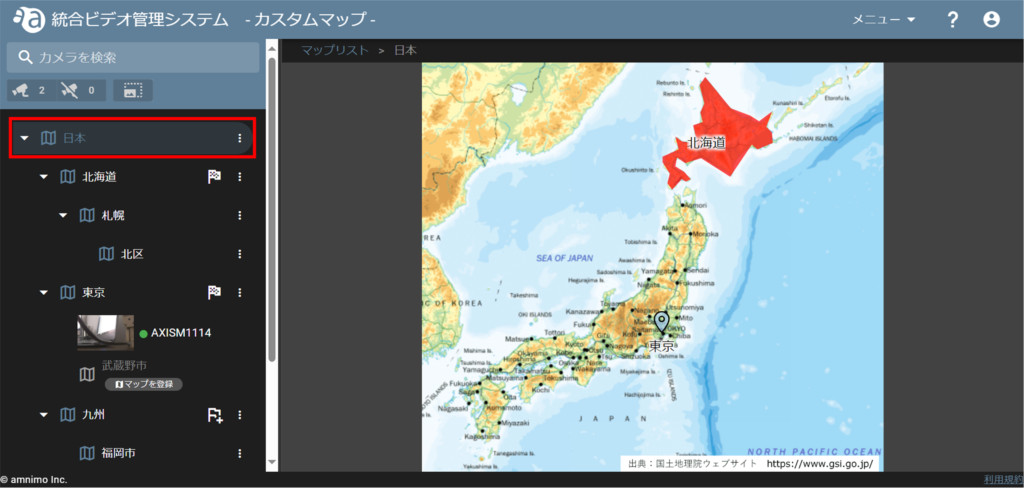
The image is an integrated video management system, but the custom map screen will display/operate in a similar manner.
変更/削除したいエリアやアイコンが表示されるようカスタムマップを開きます。
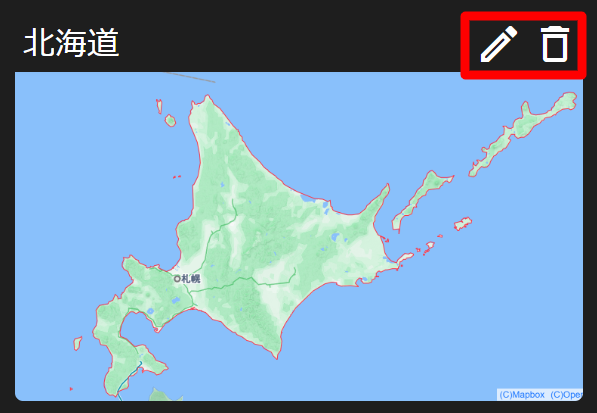
エリアやアイコンにカーソルを合わせると、下位の地図がポップアップされるので、編集アイコン または ごみ箱アイコン をクリックします。
変更する
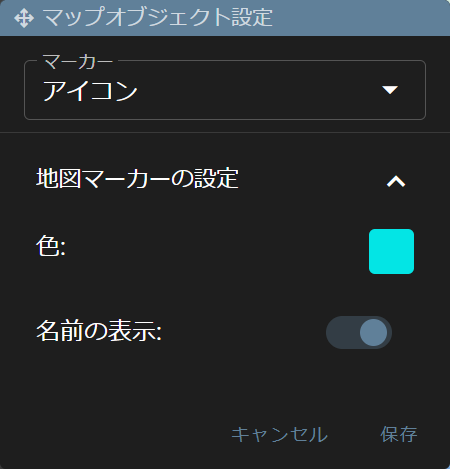
編集アイコンをクリックし、[ マップオブジェクト設定 ] 画面からマーカーや色を変更して [ 保存 ] します。
削除する
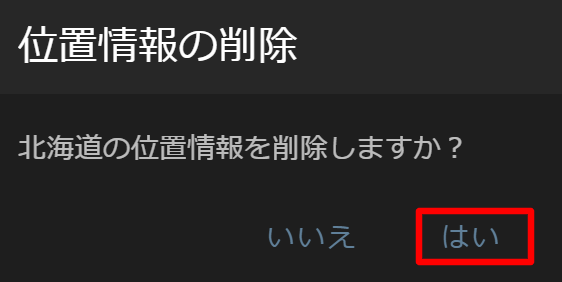
ごみ箱アイコンをクリックすると以下の確認画面が表示されるので、[ はい ] をクリックします。