Check device information
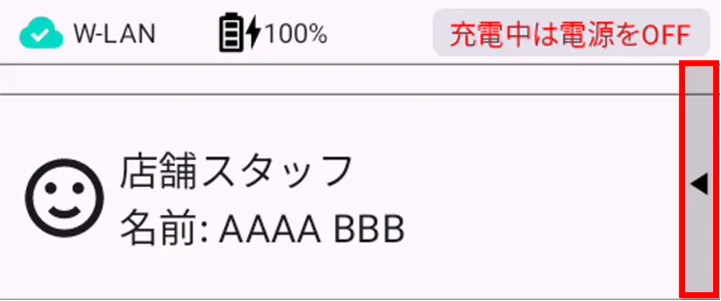
Tap ▲ on the user selection screen.
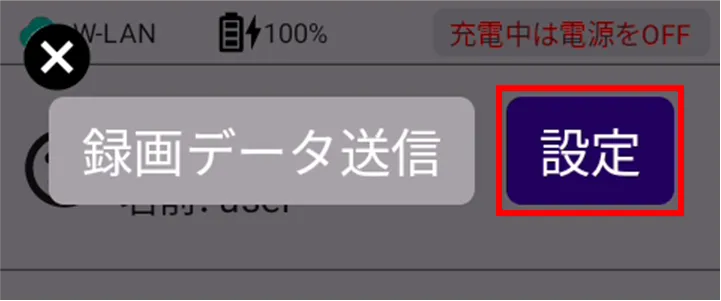
[Tap Settings.
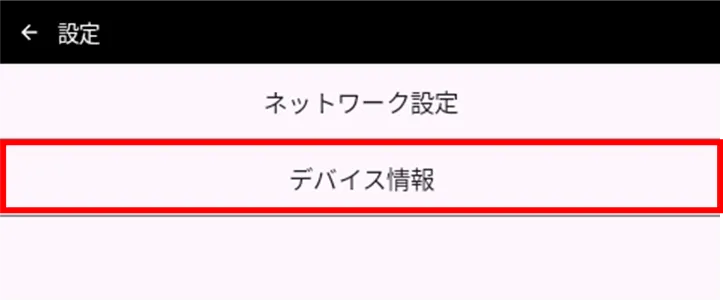
[Tap Device Info.
The "Device Information" screen appears.
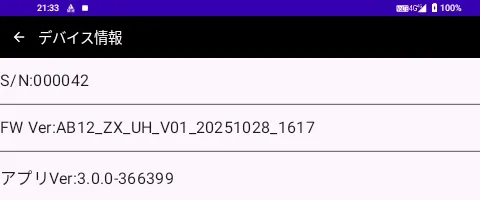
Check for application update information
With update
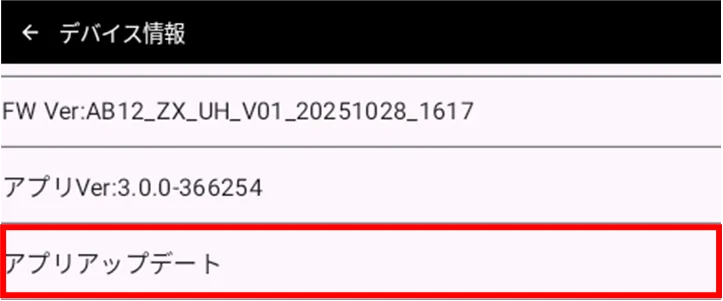
If there is an app update, you can update the app from the "Device Information" screen.
On the "Device Information" screen, tap "Update Apps".
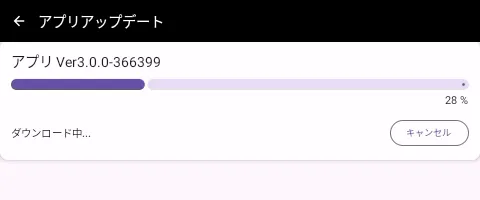
The application will start downloading.
[Tap Yes.
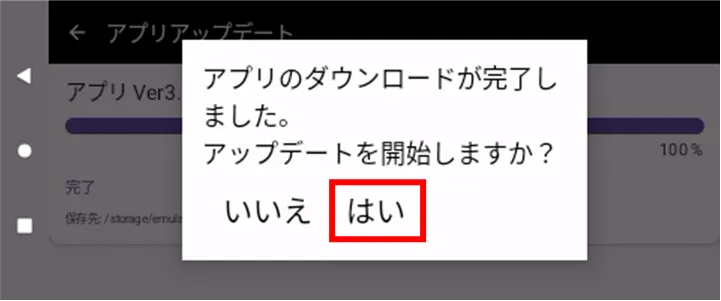
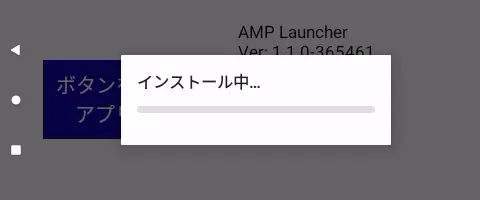
The application will start updating.
[Tap OK.
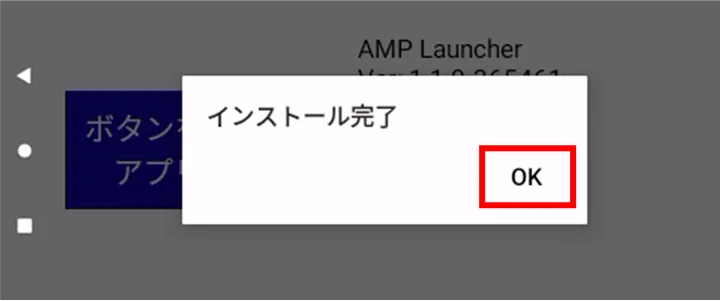
Installation is complete and the application has been updated.
Without update
On the "Device Information" screen, tap "Update Apps".
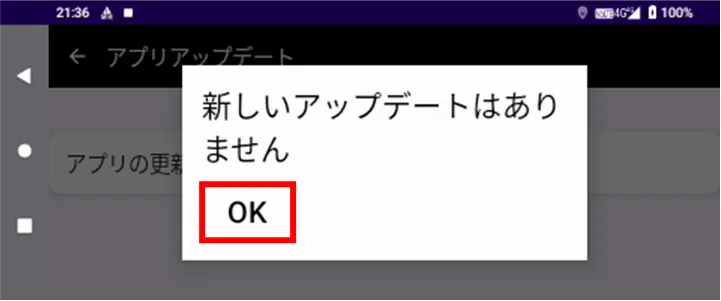
[Tap OK.