Once the device is set up, access the Device Management System.
You can log in by following the steps below.
Access the Service Management Portal and sign in.
[Click on Device Management System.
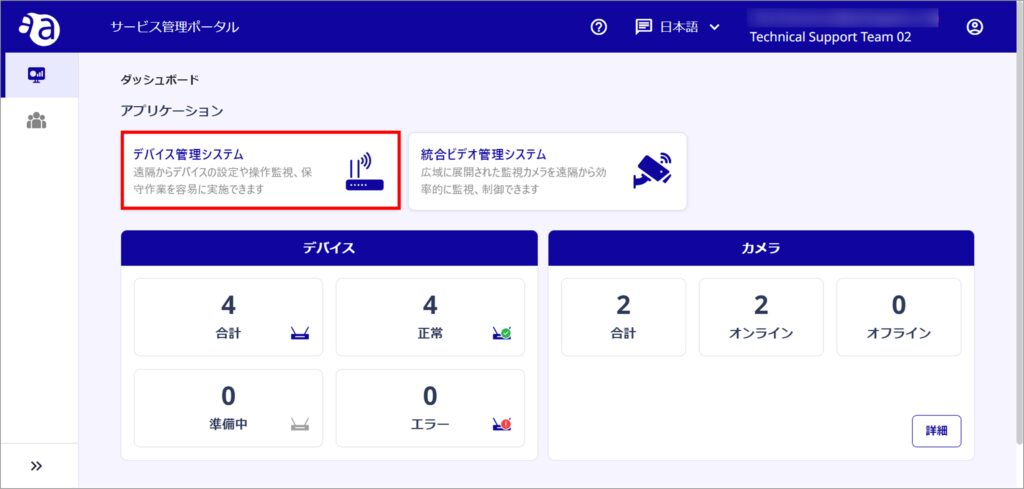
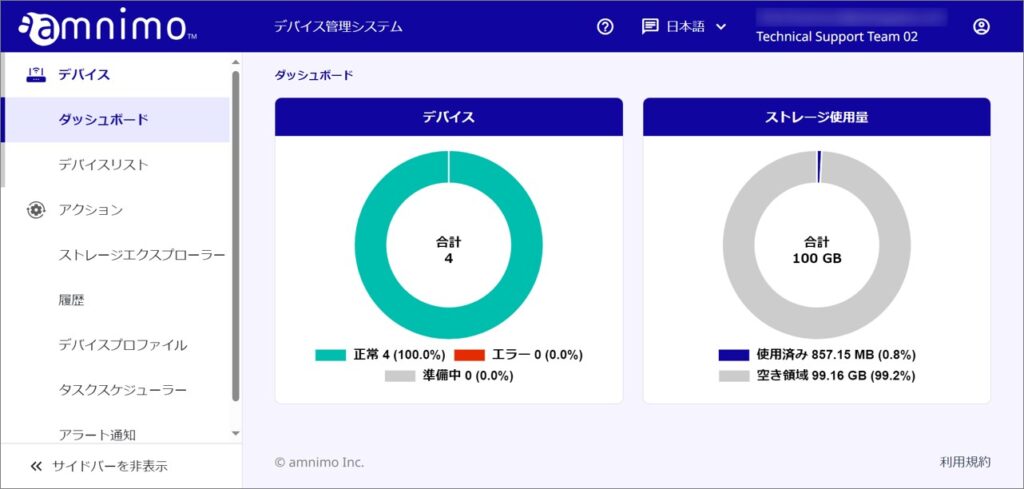
The Dashboard of the Device Management System opens.
The Dashboard
The Dashboard allows you to view the number of devices by device status, storage usage, and more.
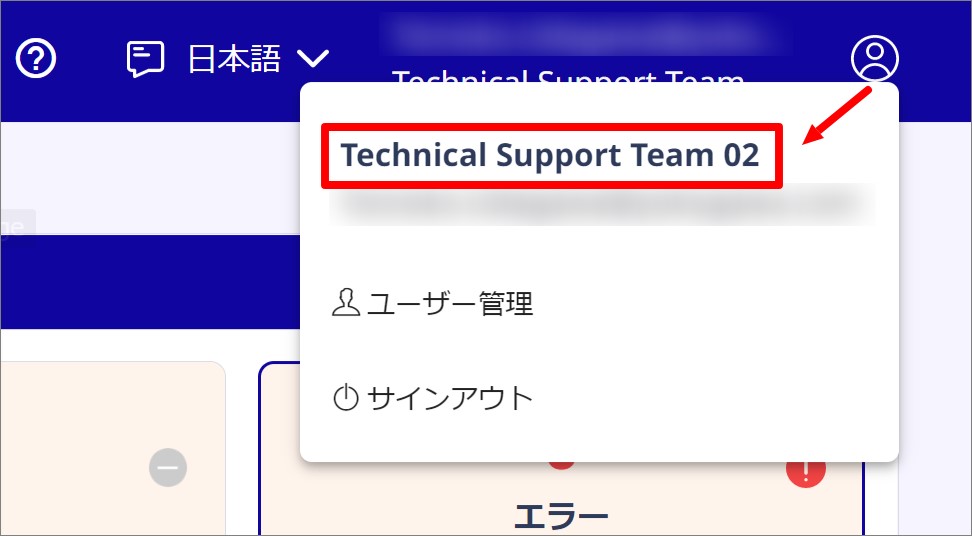
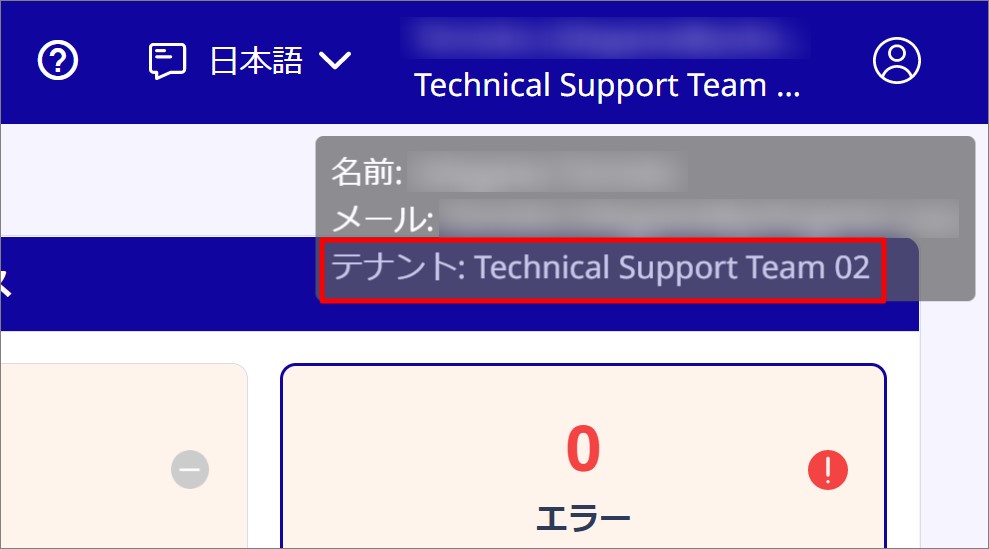
テナント名の表示
Click on the person icon in the upper right corner of the screen or mouse over it to see the name of the tenant to which it belongs.
| If clicked | When mouse over |
|---|---|
 |  |