This section describes the operation of the "DMS Settings" screen.
Here you will set up to use the Device Management System.
Click [Service Settings] > [DMS] on the side menu to open the "DMS Settings" screen.
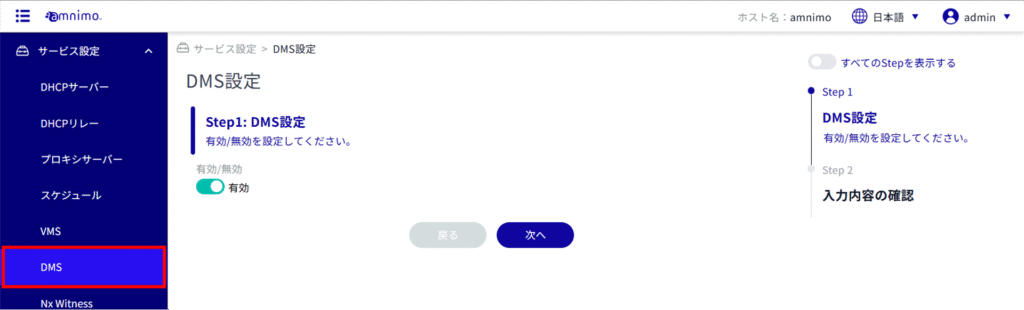
Display DMS settings
When the "DMS Settings" screen is opened, the current status of the DMS settings is displayed.
ALERT
To enable smooth device management, the factory default setting for DMS on the device side is " enabled ".
Regardless of whether this service is used or not, Internet communication is performed when the DMS setting is enabled. Since communication costs are incurred when using the mobile function, please disable the DMS setting if you do not use this service.
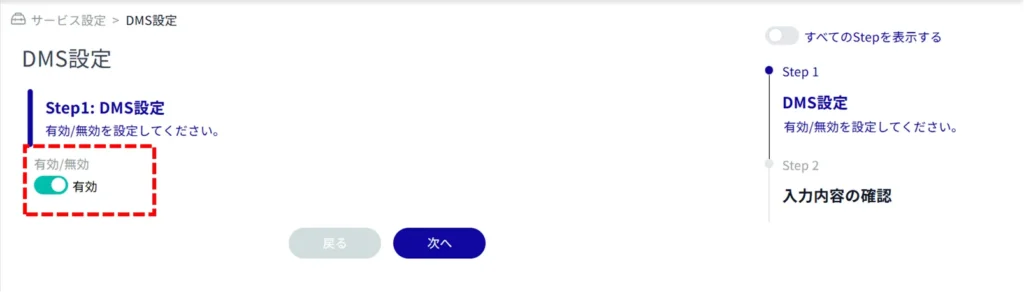
Change DMS settings
Enables/disables DMS settings.
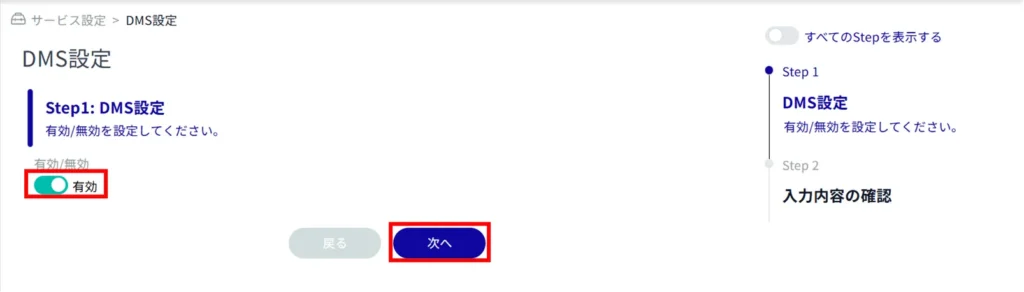
Click the toggle to Enable/Disable and click Next.
Confirm the information entered and click "Setup".
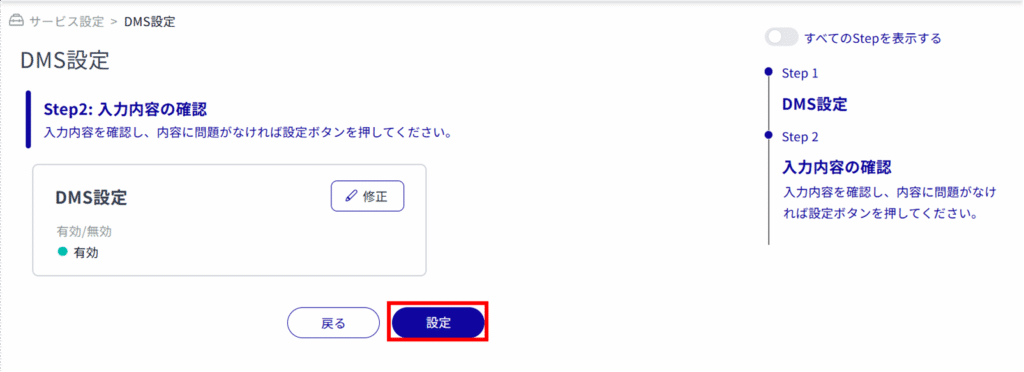
The DMS settings are changed.