Set the device's time zone and time.
This document describes an example of synchronizing the time with a PC.
For time setting, we recommend using NTP settings to synchronize the time, but manual entry is also possible.
For details, please refer to the following
⇒ GUI User's Manual , "Time".
Set the time zone
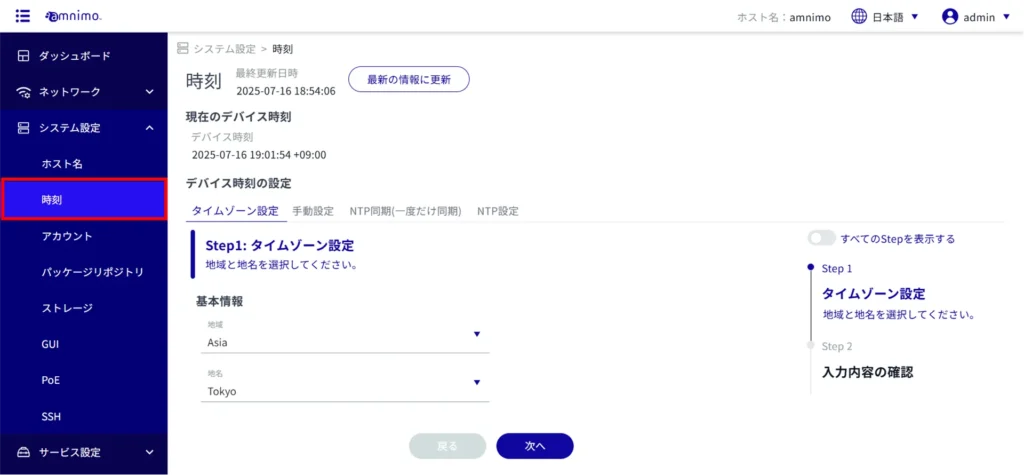
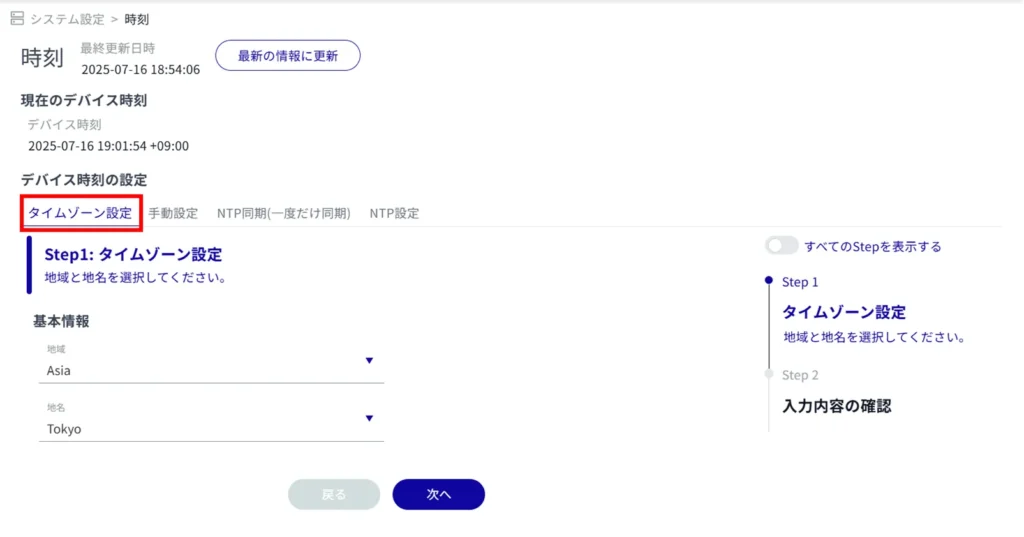
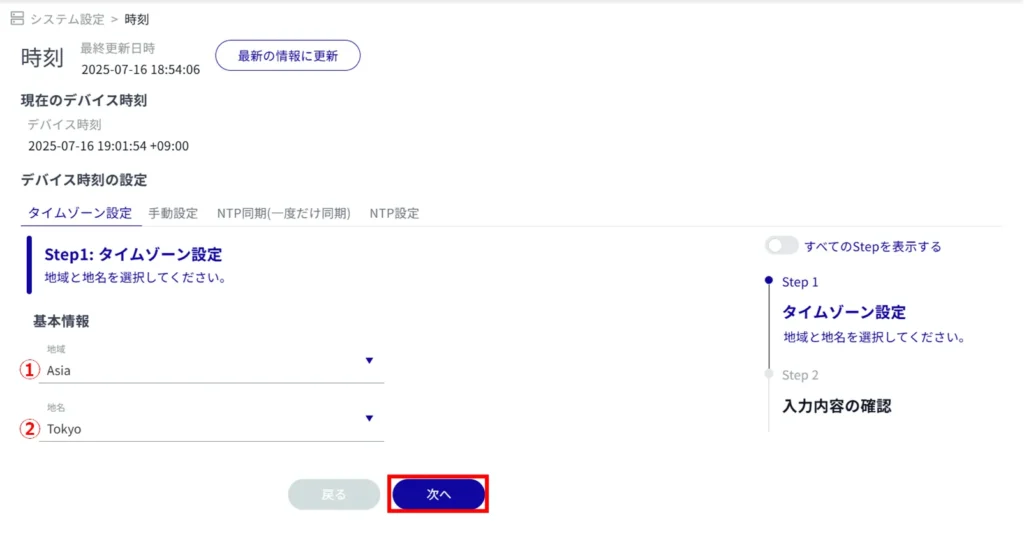
(1) Select "Region".
(2) Select "Place Name".
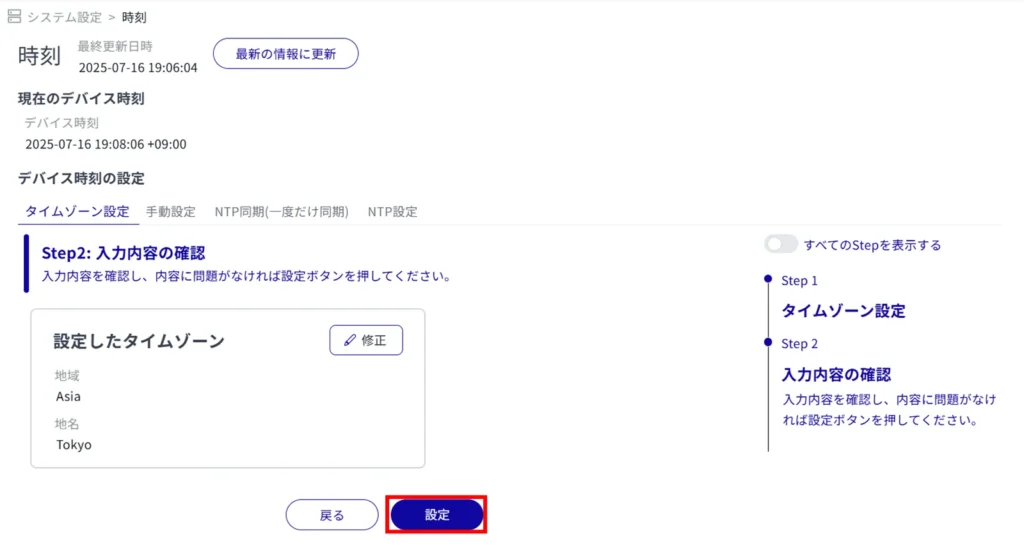
The time zone setting is complete and the "Device Time" will reflect the time zone.
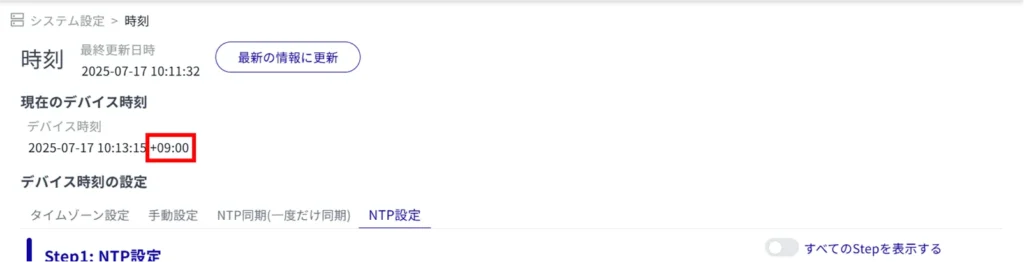
Set the time
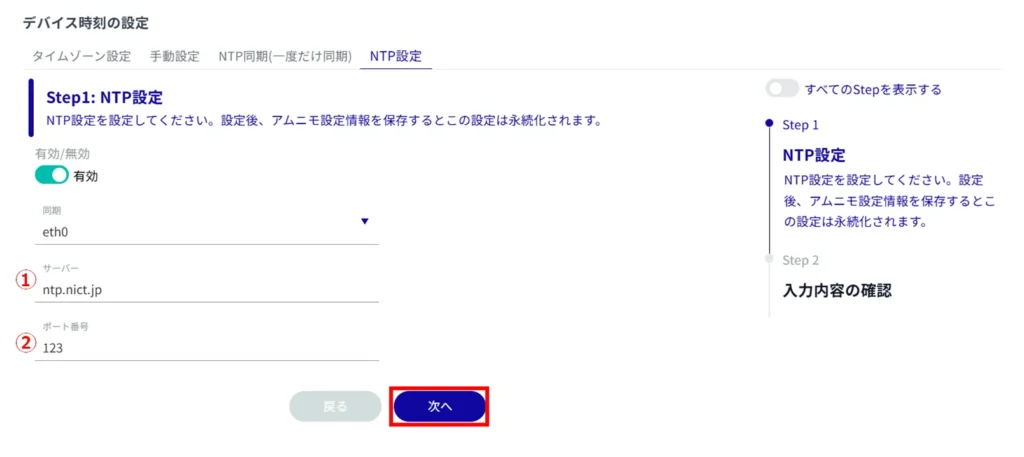
This section describes how to periodically retrieve time information from an NTP server to adjust the time of this product.
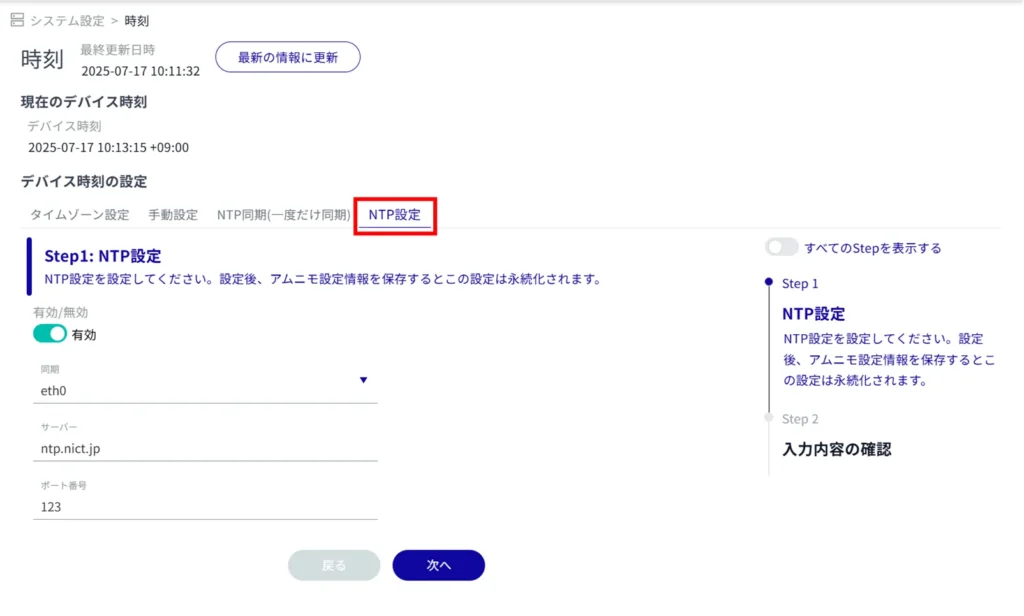
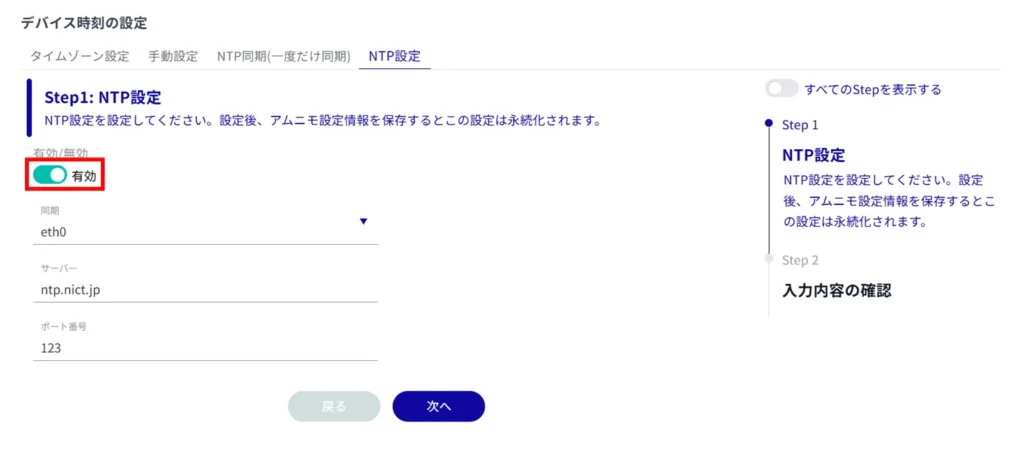
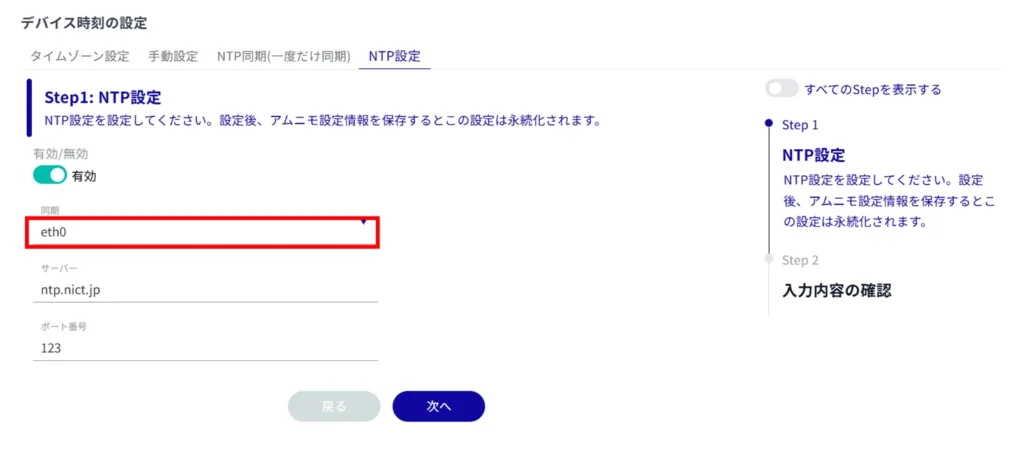
- You can either type directly or click on the interface and select from the drop-down list.
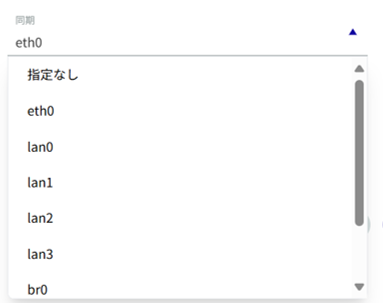
- Multiple interfaces cannot be specified.
- The interface that can be specified depends on the model used.
| model | Specifiable Interfaces |
|---|---|
| AI Edge Gateway | wan0, lan0~lan3, br0, ecm0, ppp0 |
| edge gateway | eth0, lan0~lan3, br0, ecm0, ppp0 |
| IoT Routers | eth0-eth1, br0, ecm0, ppp0 |
| Compact Router | eth0, rmnet_data0 |
| Compact router with wireless LAN | lan0~lan1, br0, rmnet_data0, ppp0, wlan0~wlan1 |
Enter the IP address or host name (FQDN) of the NTP server.
Enter the port number of the NTP server.
Regarding NTP servers, Amnimo recommends Google Public NTP (time.google.com) and NICT public NTP service (ntp.nict.jp). Please see below for terms of use and precautions for each service.
- Google Public NTP: https://developers.google.com/terms/
- NICT Public NTP Service: https://jjy.nict.go.jp/tsp/PubNtp/qa.html
If this procedure is used, NTP time synchronization will be performed at the following intervals (these values can be changed from the CLI).
- Immediately after network connection starts: 64s interval
- After that, time synchronization is continuously performed with gradually increasing intervals
- Final, periodic synchronization interval: 1024s
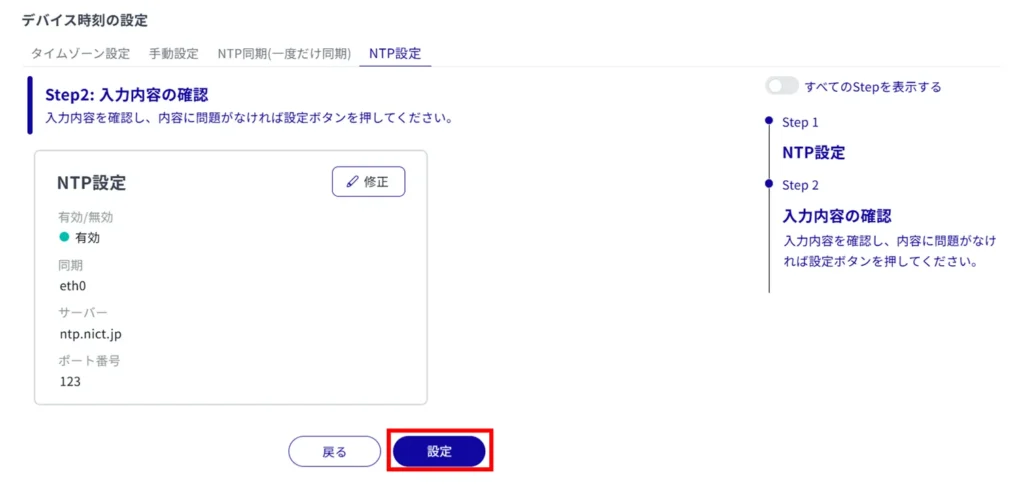
NTP time synchronization is configured.