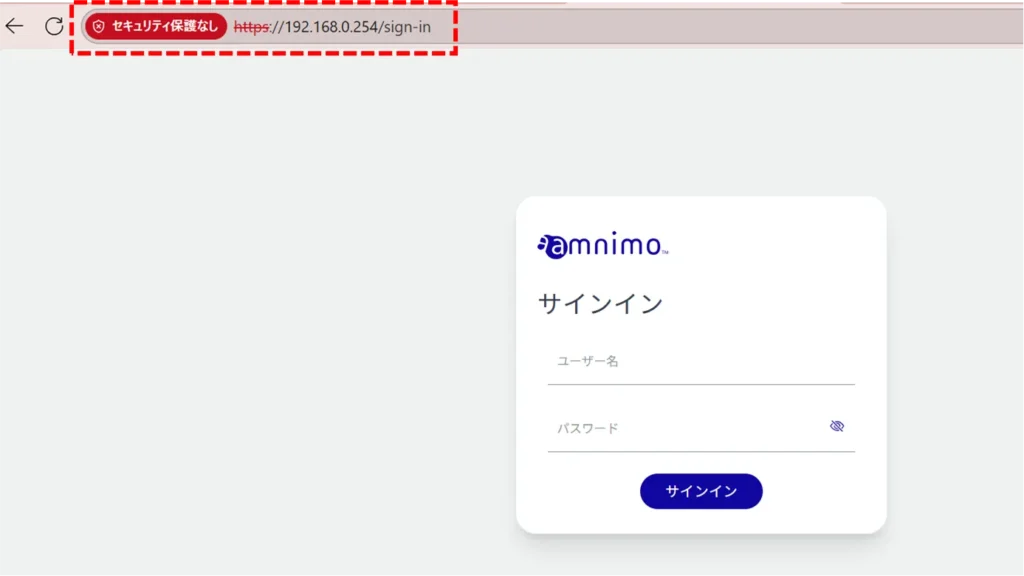
This section describes the operation of the "GUI Setup" screen.
Here you can configure GUI settings.
Click [System Settings] > [GUI] on the side menu to open the "GUI Settings" screen.
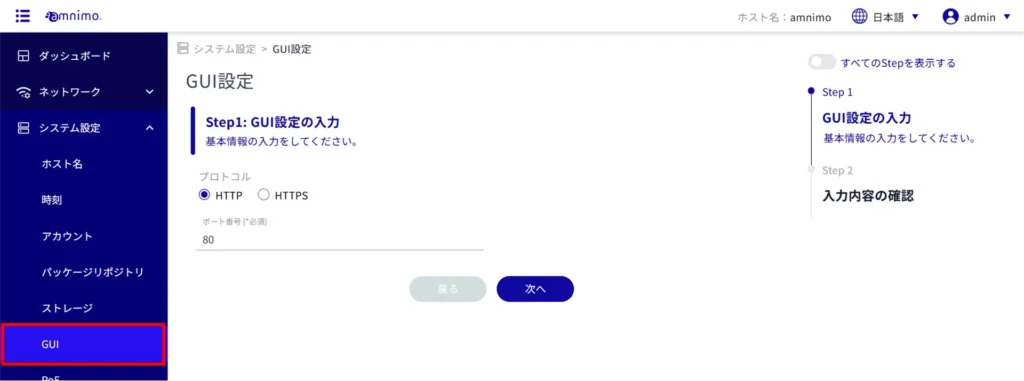
GUI Settings
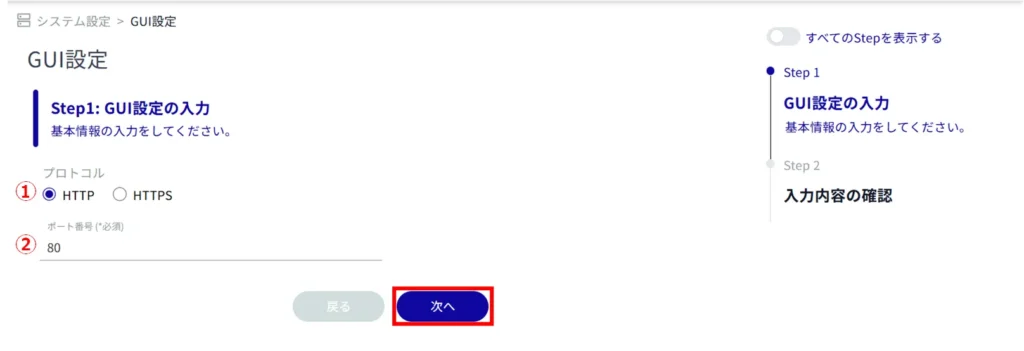
Set the following items (1) to (2) for basic information on GUI settings and click Next.
(1) Select "HTTP" or "HTTPS" as the protocol.
Enter the port number.
NOTE
- The port number can be set in the range of 1 to 65535.
- The standard port 80 for HTTP and port 443 for HTTPS are used.
- Note that if the port number is changed, the client must specify that port number to connect.
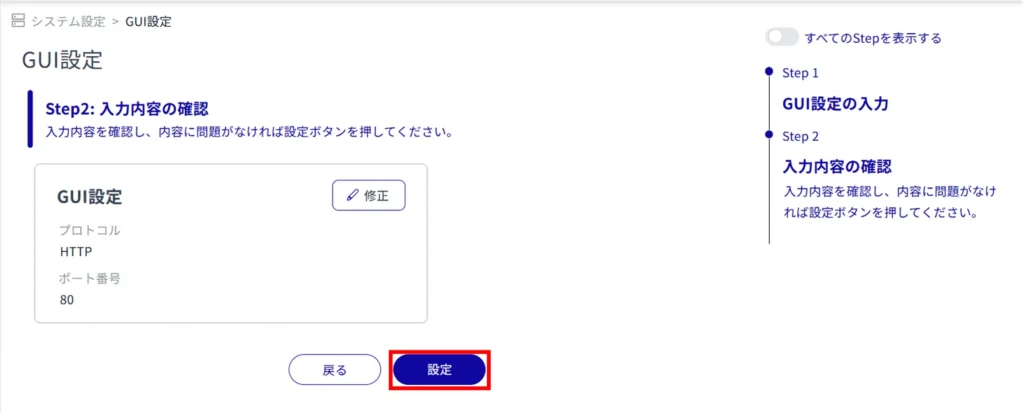
Confirm the information entered and click "Setup".
When the GUI setup is complete, the following dialog box appears.
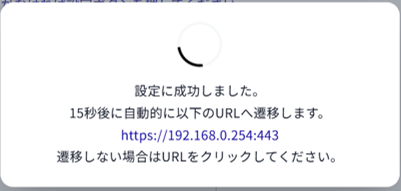
You will then be taken to the sign-in screen.
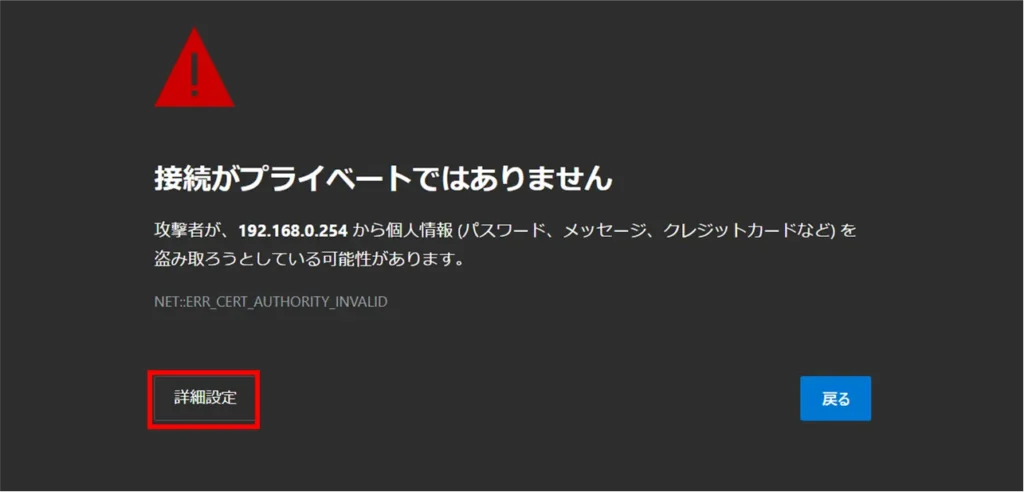
If the protocol is set to "HTTPS", you may be taken to the following screen, click on the "Advanced" setting.
[Click Proceed to 192.168.0.254 (not secure).
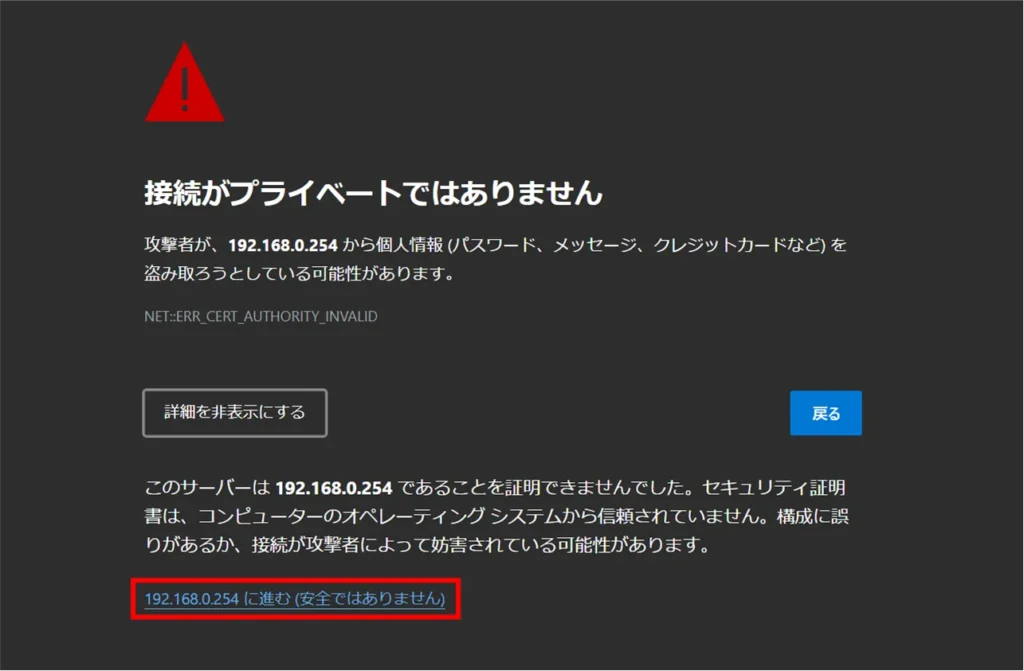
You will be redirected to the sign-in screen.