Firmware update is not progressing properly and the [ FW updating... ] may have stopped being displayed.
In such cases, the firmware update can be executed again by forcibly exiting the update and then executing the firmware update again or by forcibly restarting the device.
Force the update to close
ファームウェア更新のプログレスバーにある、 ボタンをクリックします。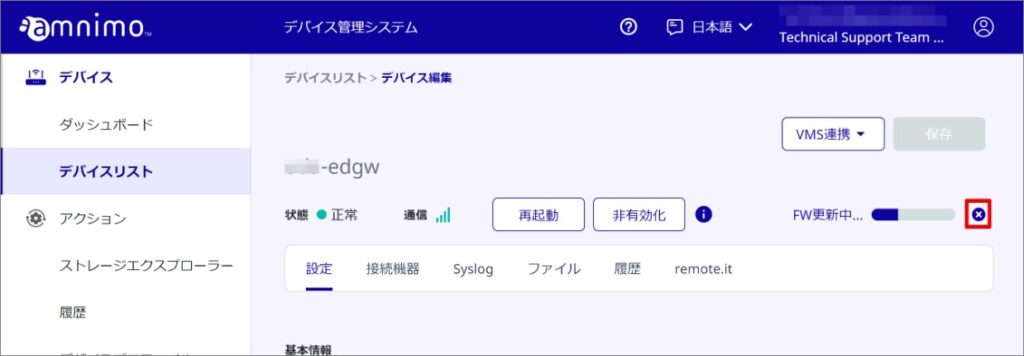
Firmware update is canceled.
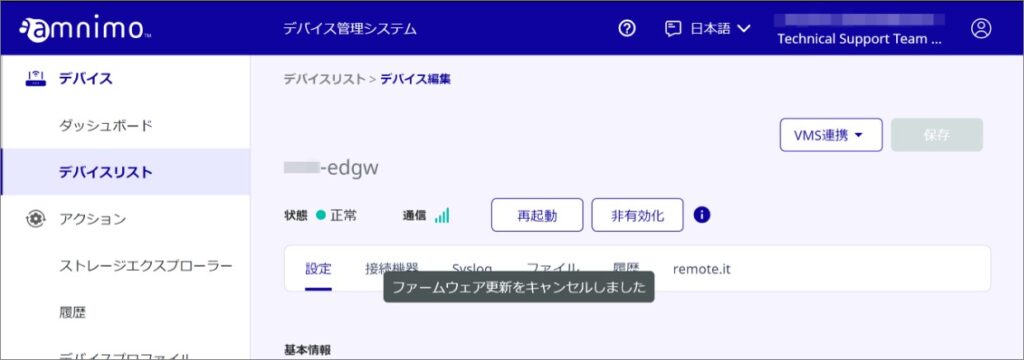
Perform the firmware update again.
Forced Reboot Procedure
Check the firmware update status.
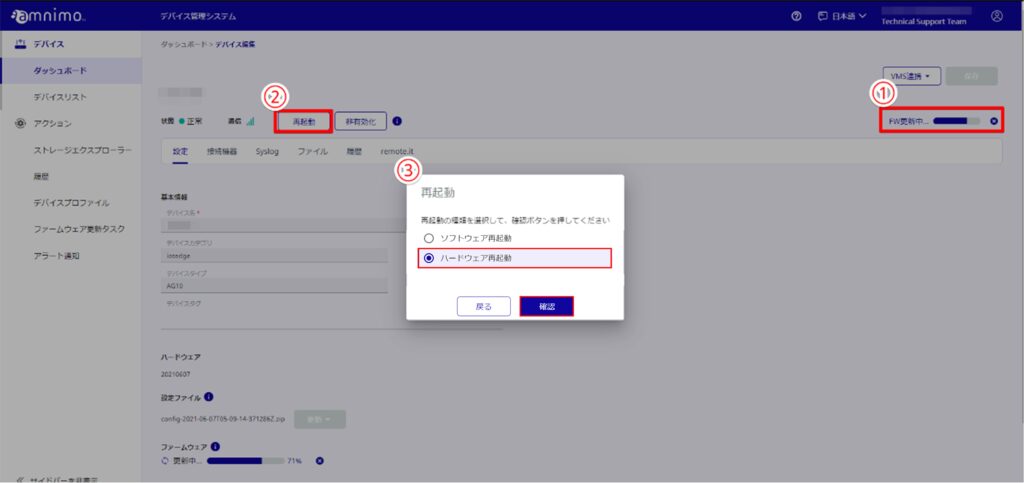
Confirm that the firmware does not proceed while updating. (Figure 1)
[Click Restart. (Figure 2)
Select [ Hardware Reboot ] and click [ Confirm ]. (Figure 3)
Perform a hardware reboot.
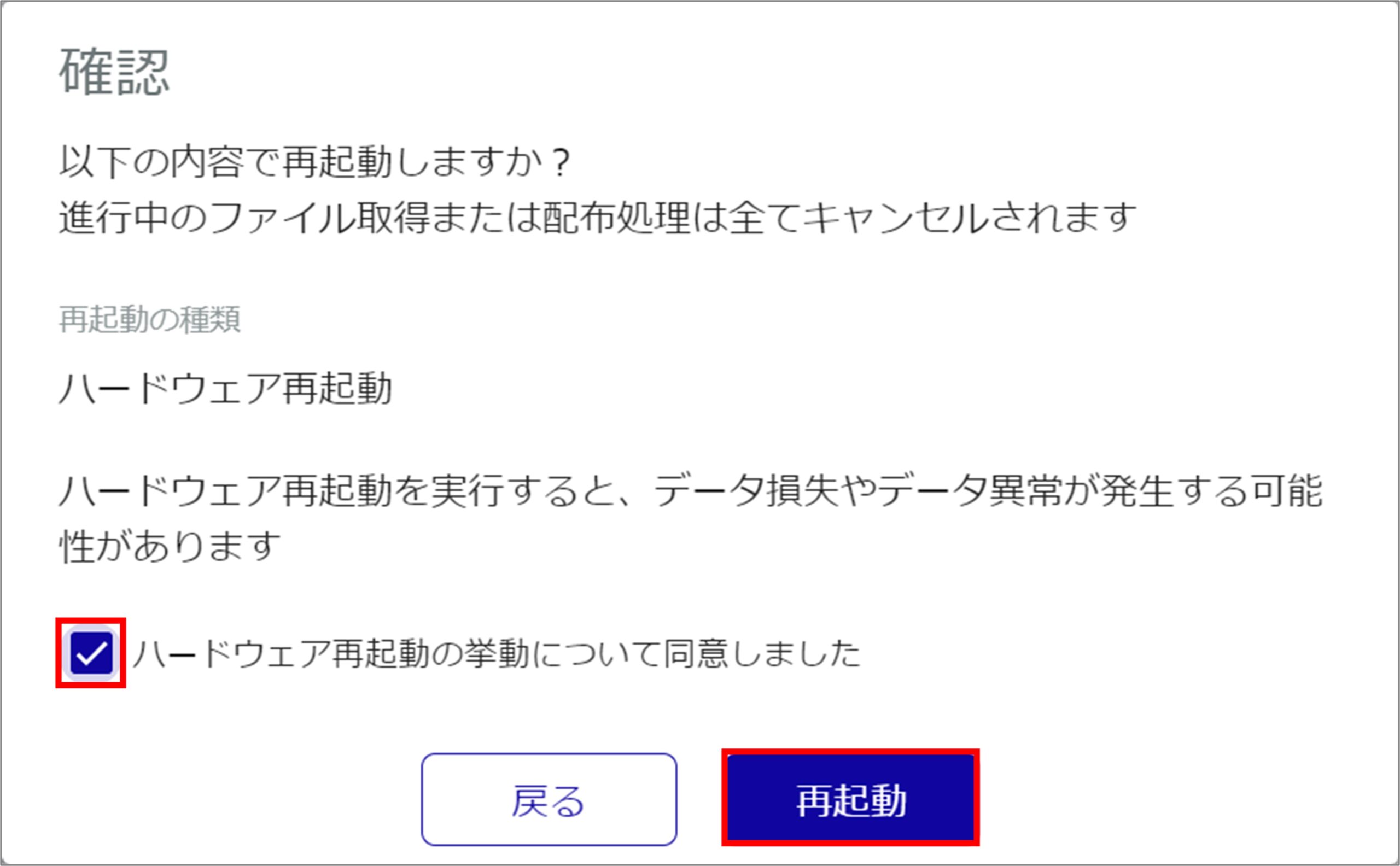
Check the "I agree with the hardware restart behavior" checkbox and click Restart.
Perform the firmware update again.