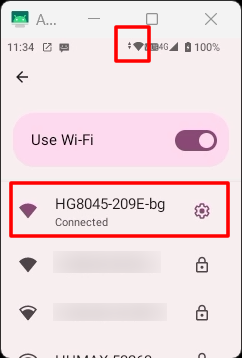
Wireless LAN activation and connection
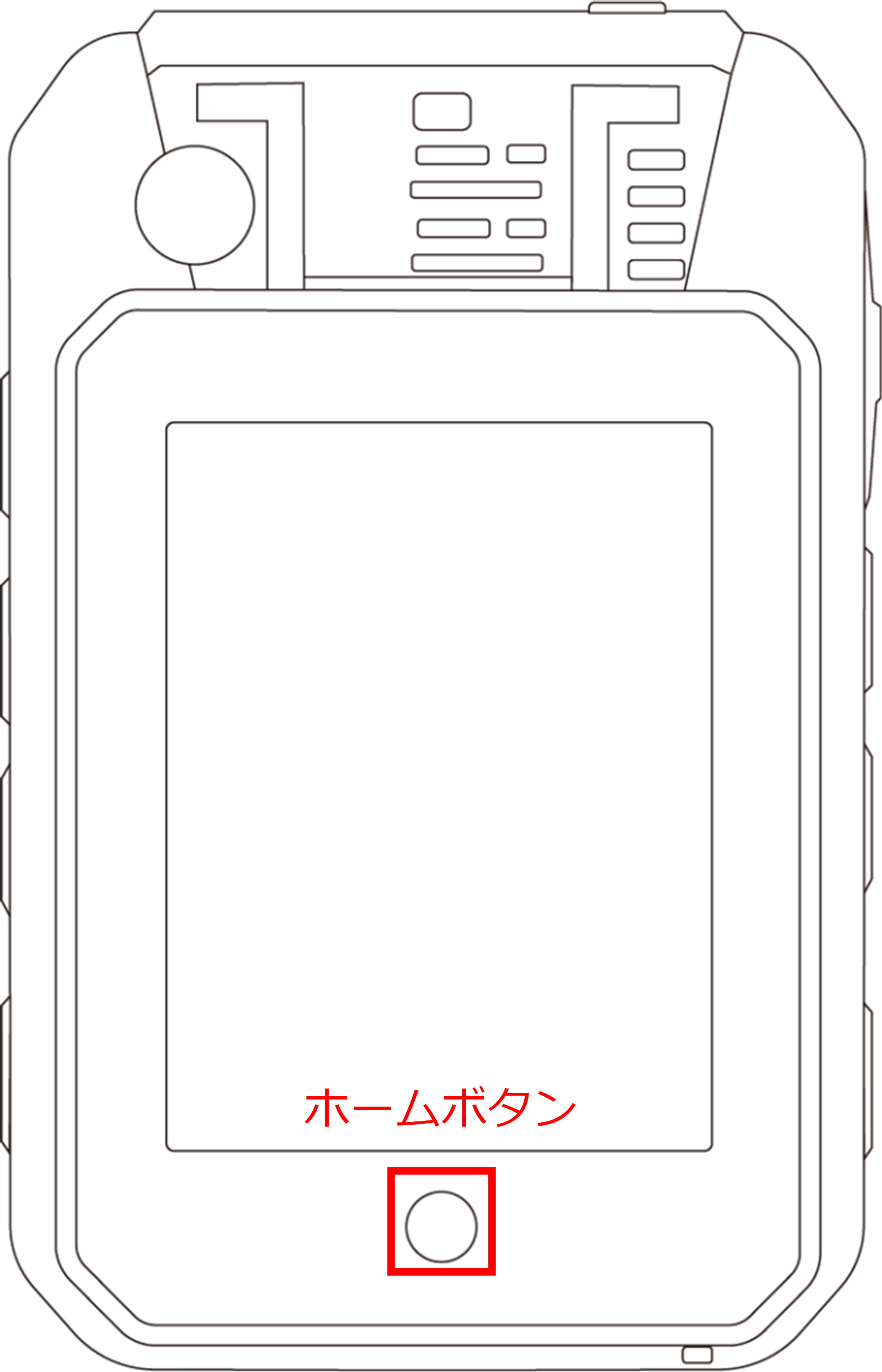
Press the Home button.
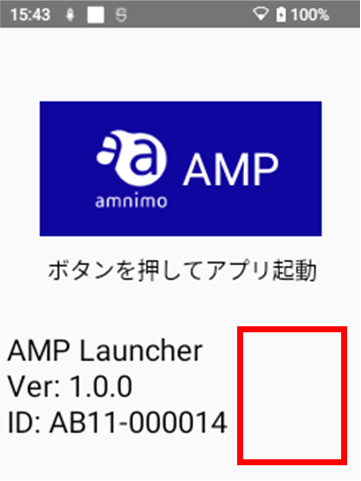
Tap the blank space in the lower right corner of the launcher screen three times.
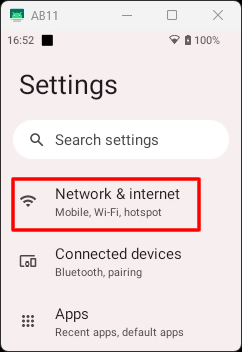
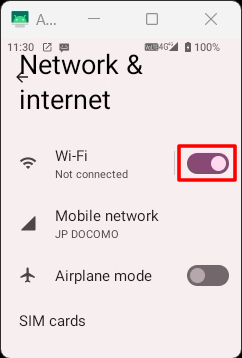
[ Network & Internet ]をタップします。
[Toggle on the Wi-Fi toggle to enable it.
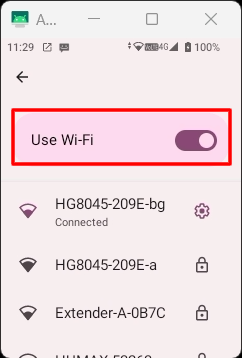
[Turn on the Use Wi-Fi toggle and tap the network you wish to connect to.
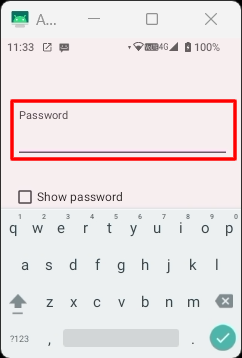
Enter your password.
If the wireless LAN connection is successful, an icon appears in the status bar.