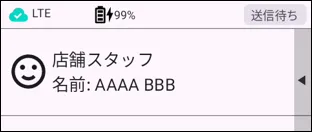
Amnimo Portable Device NP (AB12) allows users registered as tenants in the Integrated Video Management System to be displayed on the monitor as users of the device.
If a tenant has more than one registered user, the user can be switched by operating the device, and this switching is linked to the display of the nameplate.
Swipe up and down on the user selection screen.

When the information of the user you wish to select appears on the monitor, the user switching is complete.