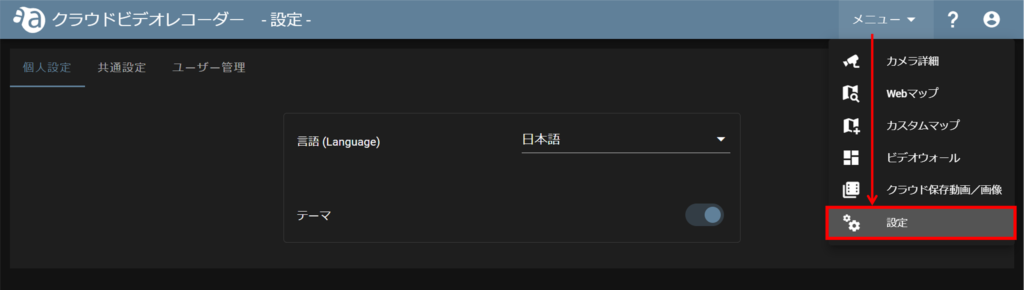
The settings screen allows you to make various settings.
personalization
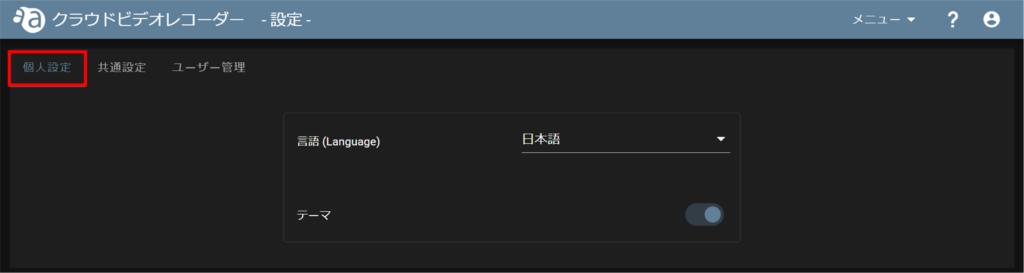
On the "Personal Settings" tab, you can configure the following settings
- Language Settings
- theme color
common setting
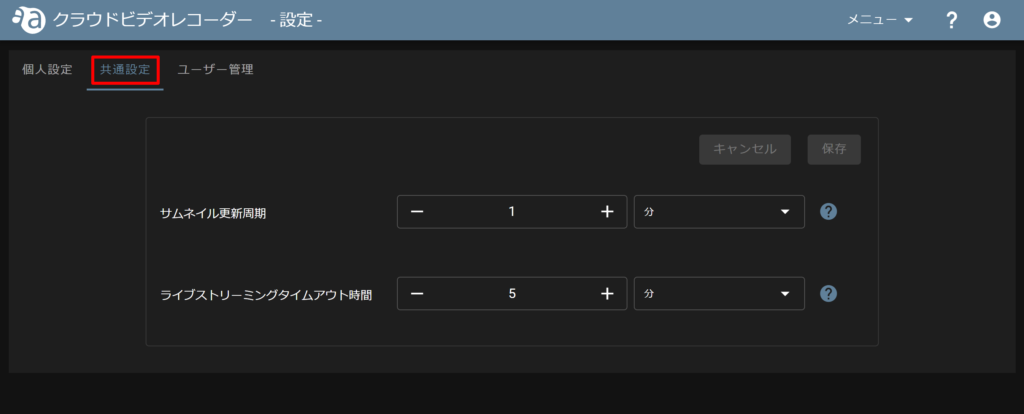
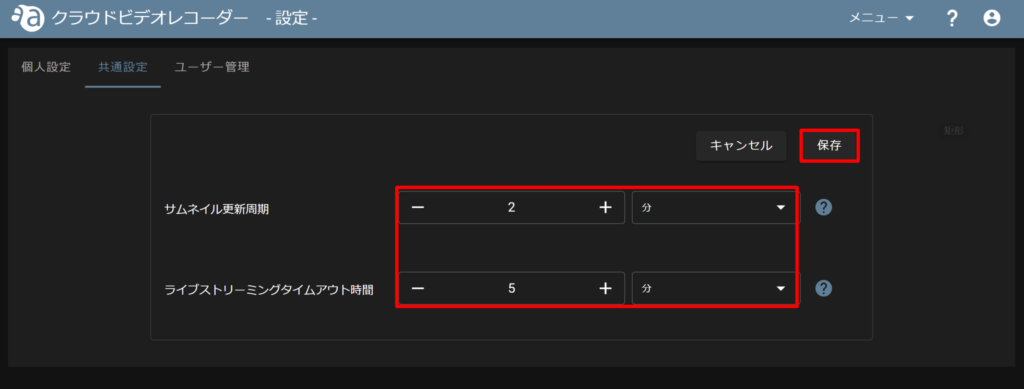
In the "Common Settings" tab, the following settings can be made. Only "minutes" can be selected as the unit.
| Thumbnail update cycle | Select the refresh cycle for all camera thumbnails. |
| Live streaming timeout time | Select the amount of time after the live video is played before the live video is automatically stopped. |
User Management
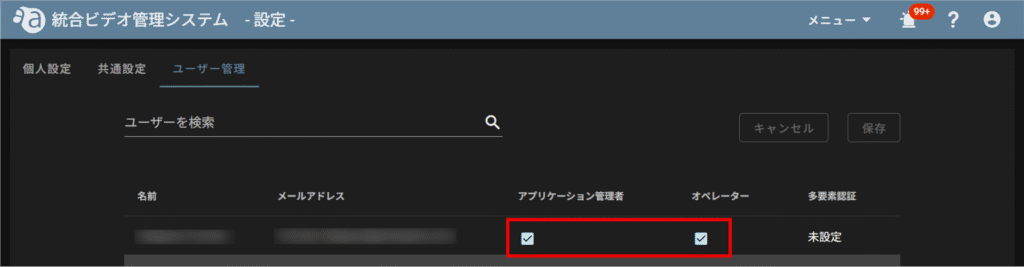
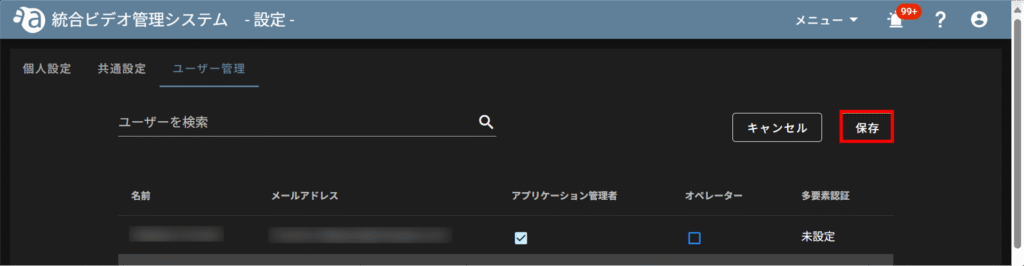
The "User Management" tab allows users to change roles and confirm multi-factor authentication.
User Role Change
Please refer to the authorization table before changing a user's role.
⇒ See "Authorization Table" for details.
The currently logged-in user cannot change his/her own settings.
Confirmation of multi-factor authentication
Users who have enabled multi-factor authentication at sign-in will see the following
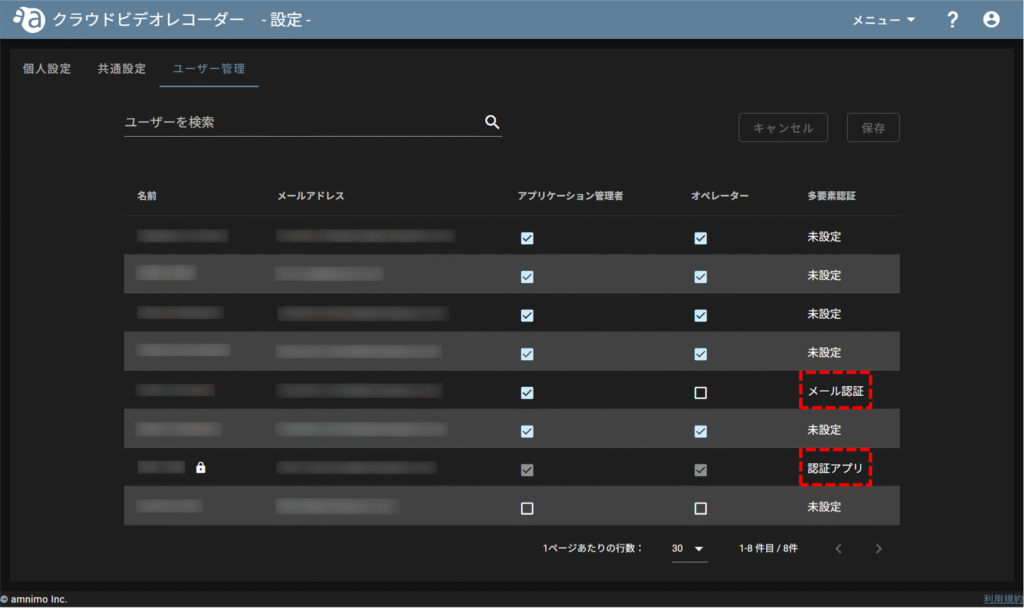
There are two types of multi-factor authentication: email authentication and authentication applications.
The use of multi-factor authentication can be configured in the Service Management Portal.
Please refer to the following for how to set up multi-factor authentication on the Service Management Portal.
⇒ Service Management Portal > "Multi-factor authentication settings