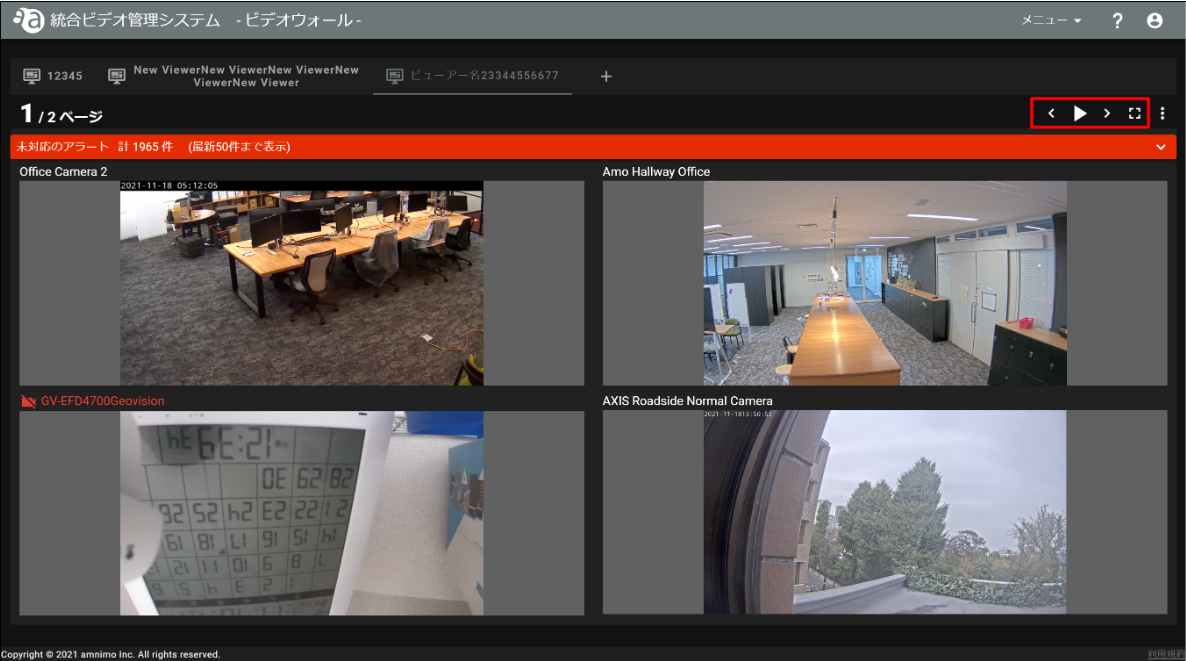
The video wall screen can be paused and paged through. This section describes the operation of the video wall screen.
The video wall screen has the following control buttons 
 : Pause (appears during playback) : Play (appears during pause)
 : Return to previous page
 : Advance to next page
 : Full screen (press F11 or ESC key to return to original size)
Example: Pause is pressed.