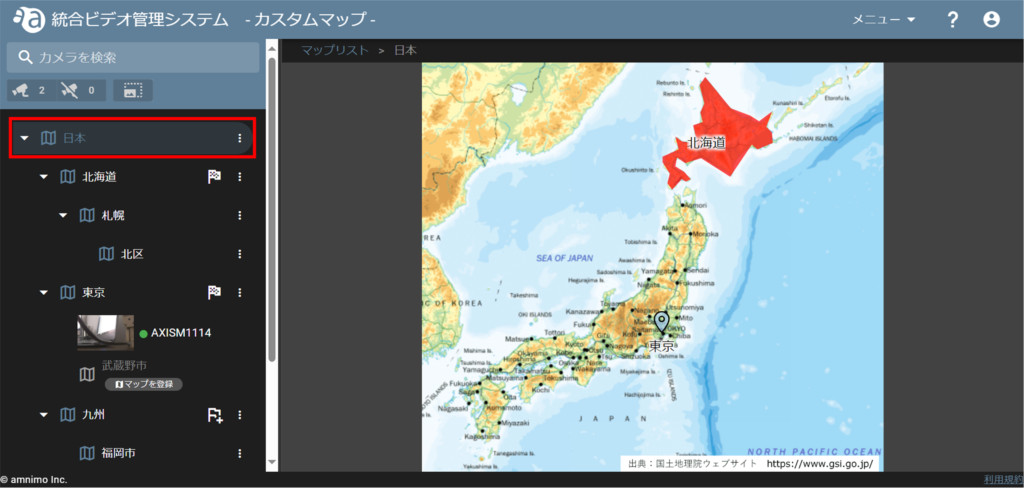
Open the custom map so that the area or icon you wish to change/delete is displayed.
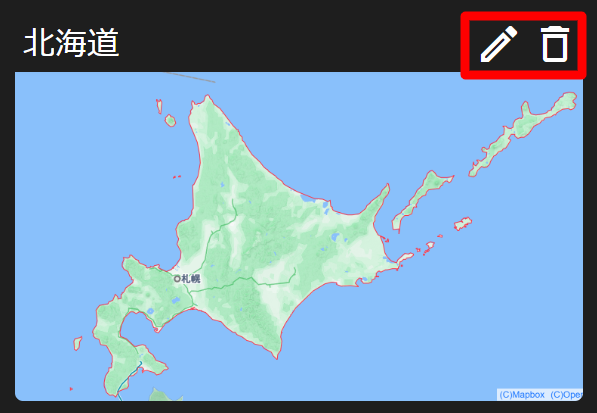
エリアやアイコンにカーソルを合わせると、下位の地図がポップアップされるので、編集アイコン または ごみ箱アイコン をクリックします。
変更する
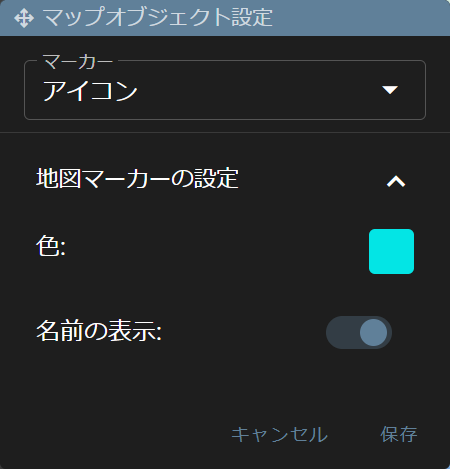
Click the Edit icon to change markers and colors from the Map Object Settings screen and Save.
削除する
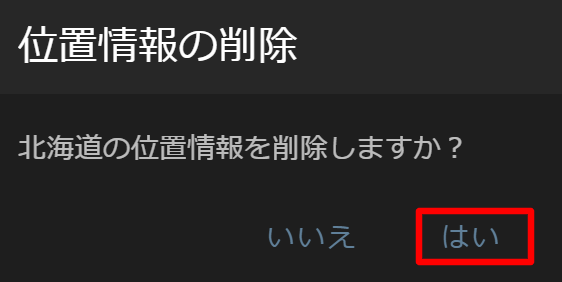
Click on the Recycle Bin icon to display the following confirmation window and click Yes.