NOTE
The images are from an integrated video management system, but the basic operation method is the same.
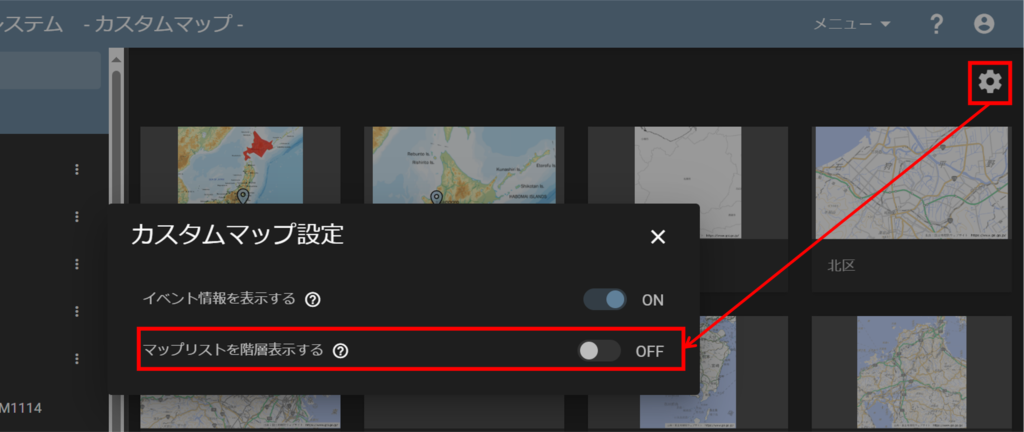
By default, the Map List is displayed in a hierarchical view. To change this to a list view, click on the gear icon and uncheck the "Show Map List as Hierarchy" toggle.
Zoom in and out of the map
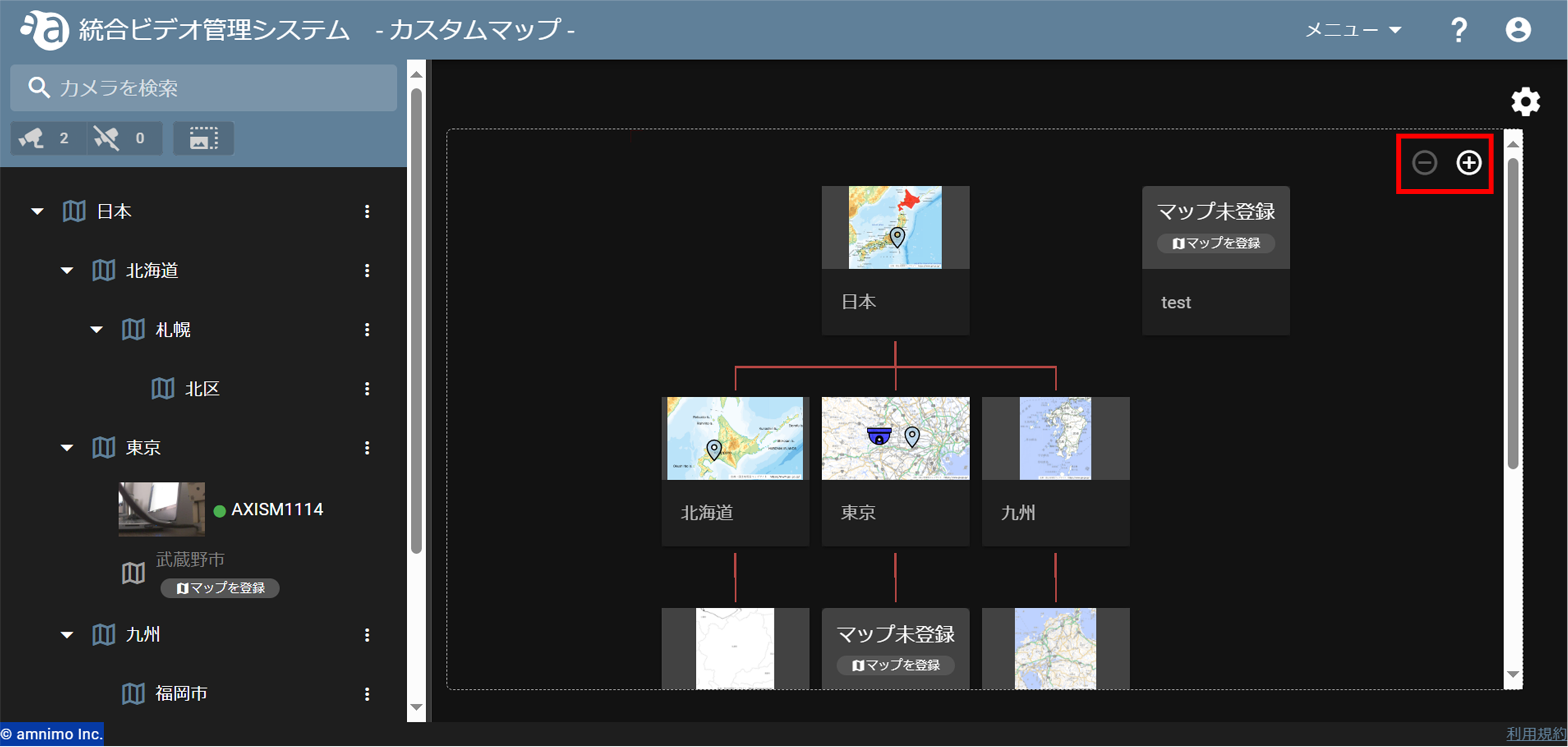
マップリストを階層表示しているときは、マウスのスクロールや拡大縮小ボタン(  )でマップの拡大縮小が行えます。また、マウスでドラッグすることで見たいマップを中央に移動して閲覧出来ます。
If the image is scaled up or down to the limit, the scaling buttons will be grayed out as shown in the figure.