メモ
If you use amnimo VMS as your VMS, please enable amnimo VMS in the CLI (see the procedure for enabling amnimo VMS). Click here ) and then proceed with the following steps.
This section describes the procedure for activating the device.
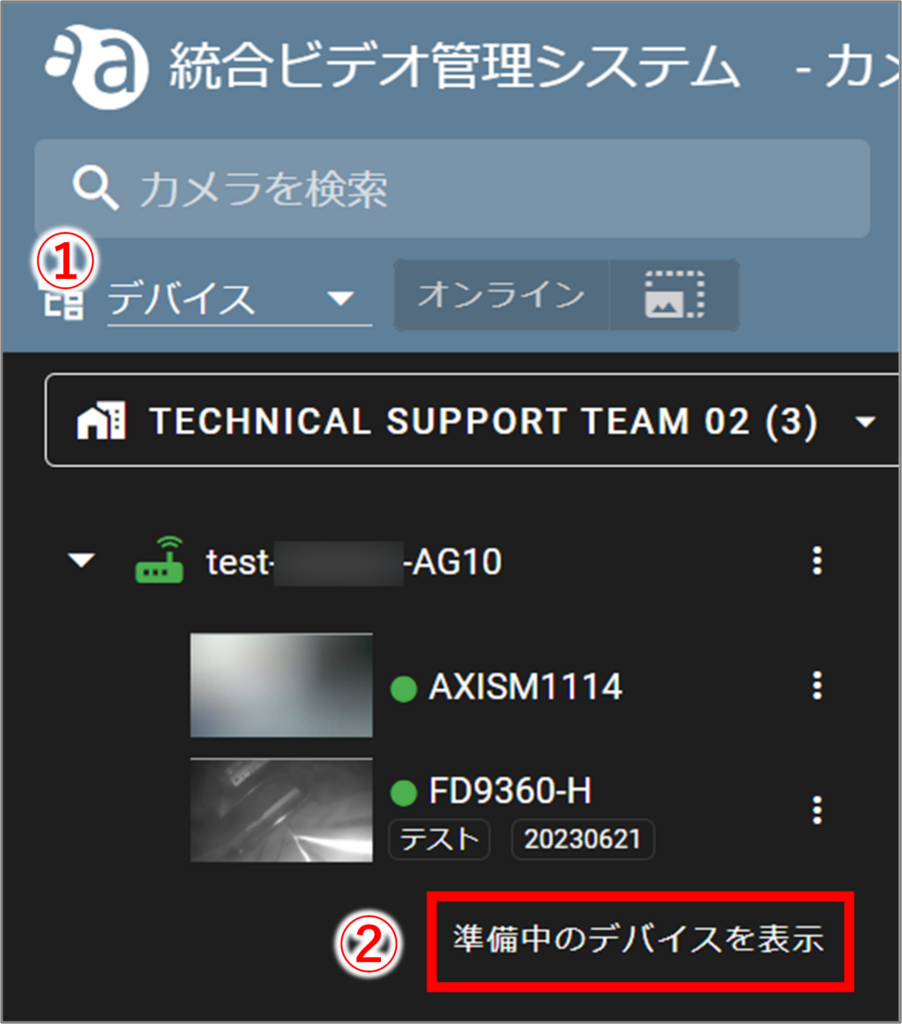
Click ▼, select [ Devices ] (①), and then click [ Show devices in preparation ] (②).
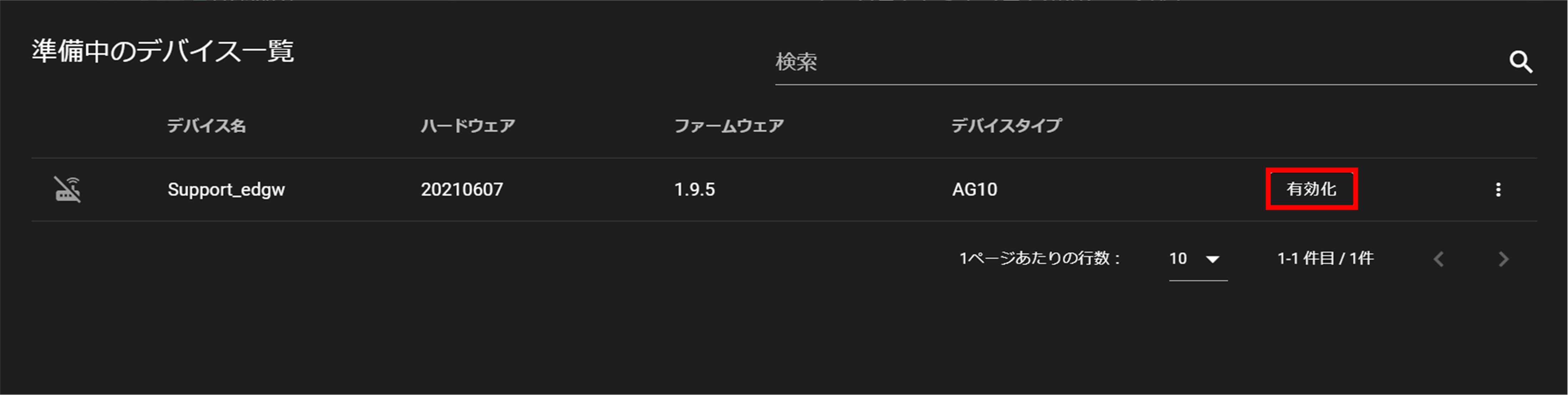
Click Enable for the device you wish to activate.
準備中のデバイス一覧から有効化
- In the list of devices being prepared, click "Enable" for the device you wish to activate.
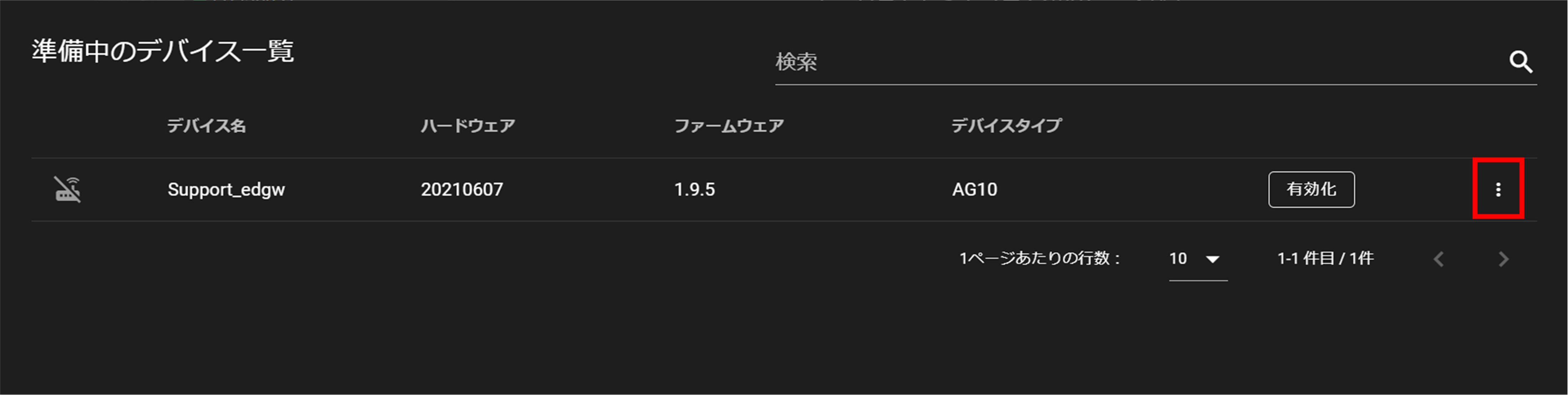
設定画面から有効化
- In the list of devices being prepared, click
 for the device you wish to activate.
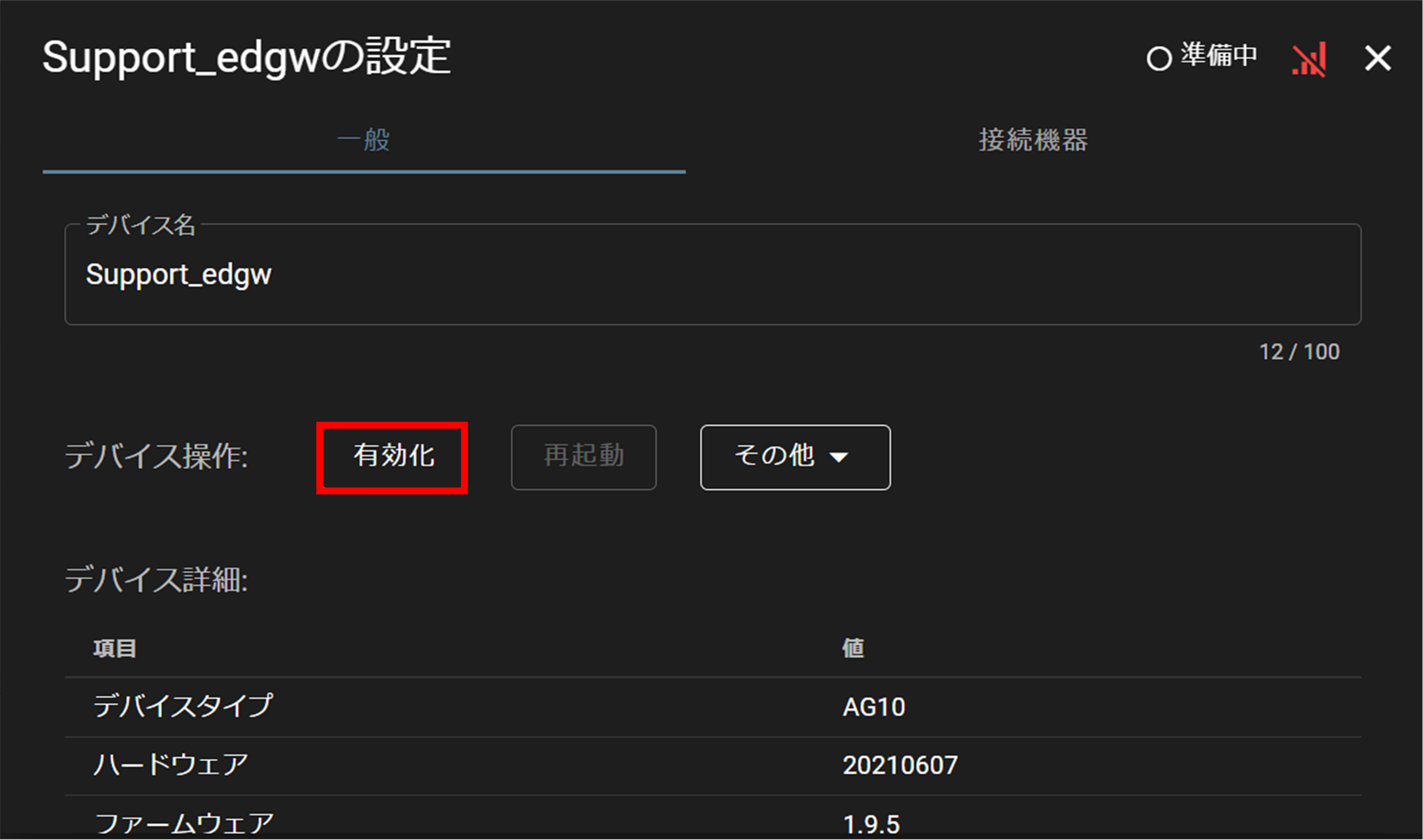
- When the settings window opens, click Enable.
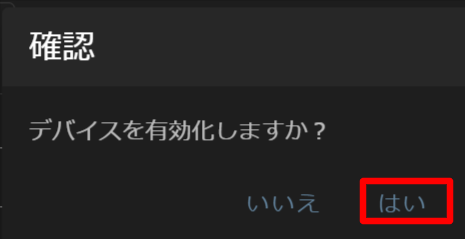
Click Yes when the confirmation window opens. (This process may take several minutes.)
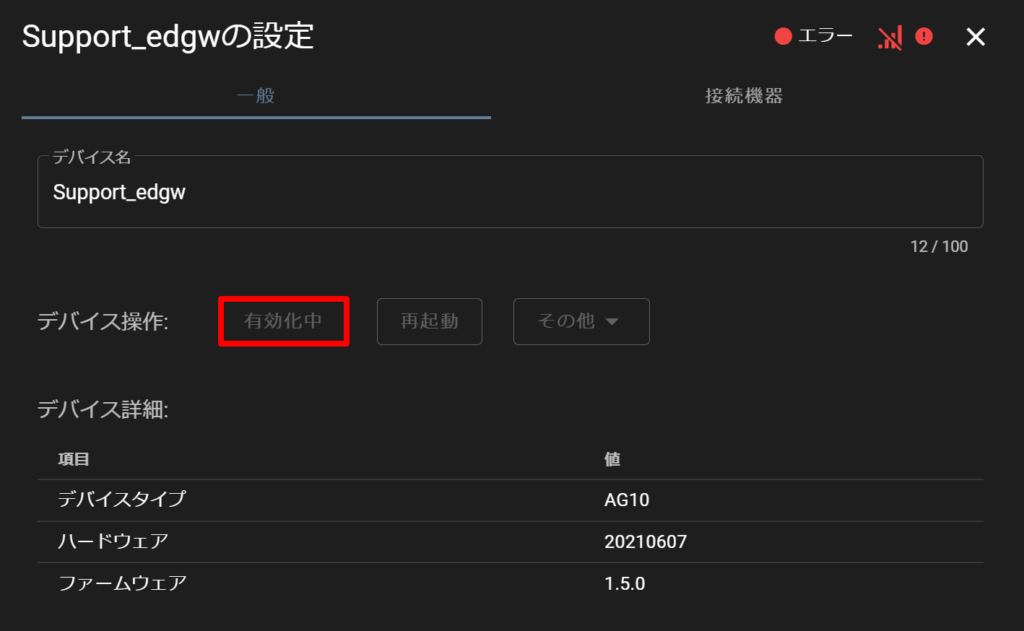
The display changes to [ Activating ].
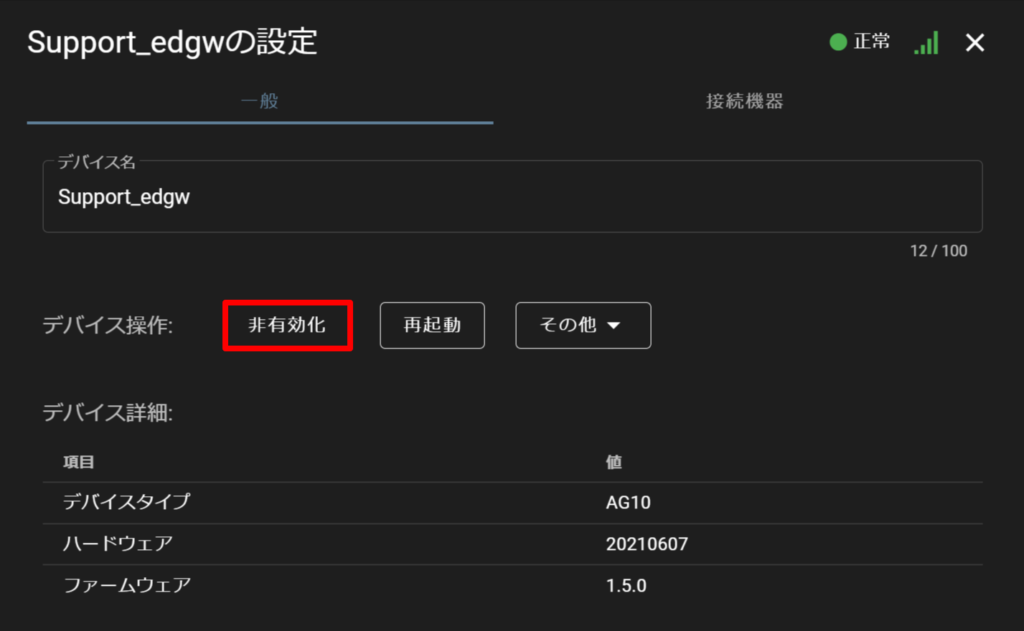
When activation is complete, the Deactivate button becomes active.
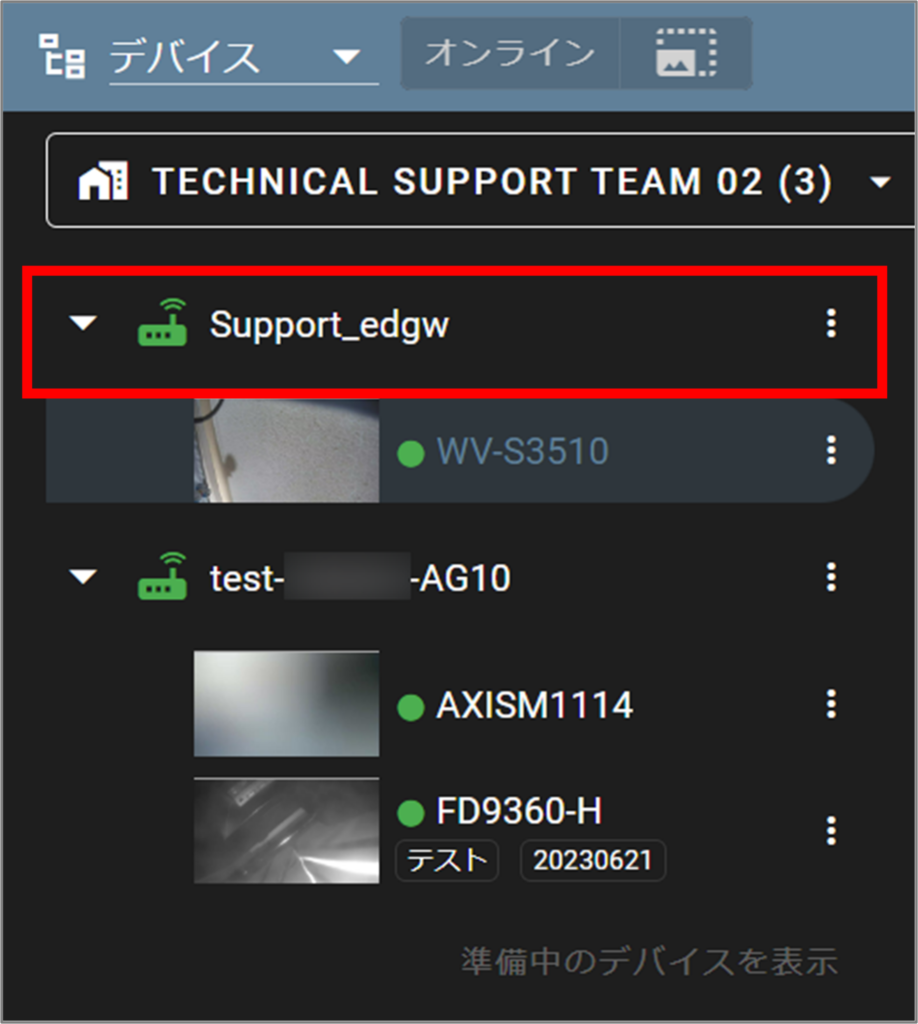
Devices that have been activated are displayed in the sidebar of the camera detail screen.