There are two types of event displays: table display and card display.
This page describes the operation of events in card view.
NOTE
For more information on working with events in the table view, see
- Search Events
- Play Events
- Check the map for the location of the camera where the event occurred.
- Obtain a snapshot from the video when the event occurs
- Download videos of events as they occur.
- Enter the details of your response to the event
- Output event information as a report (if you have applied for this function)
Switch to card view
To switch from table view to card view, follow the instructions below.
[Click on "Card View.
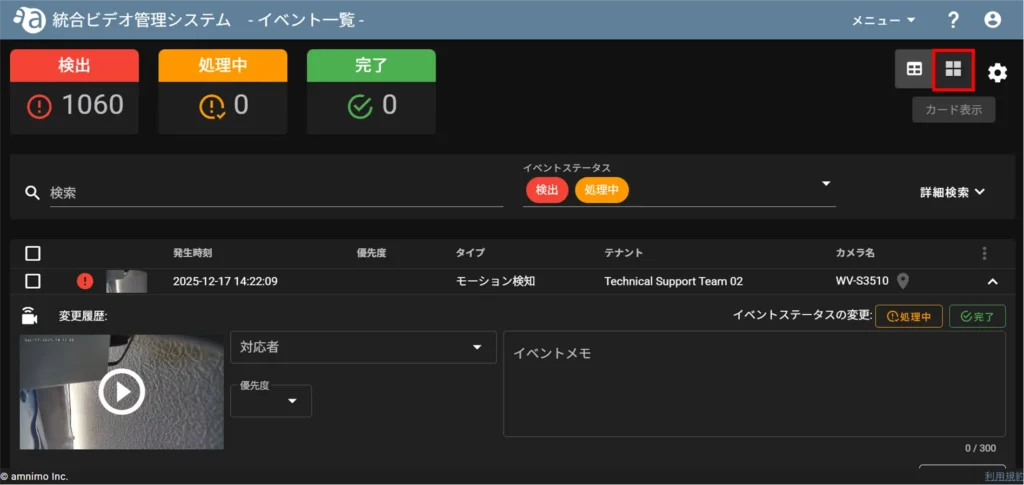
Switches to card display.
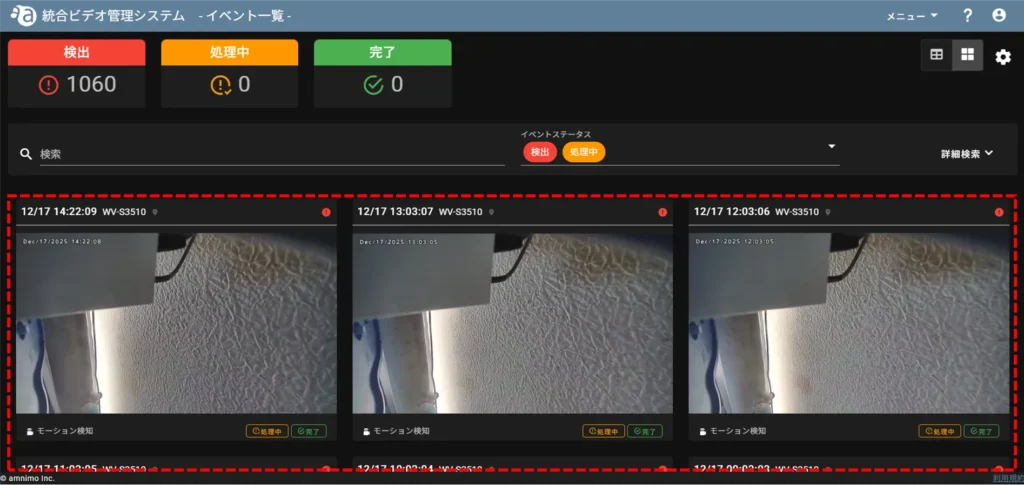
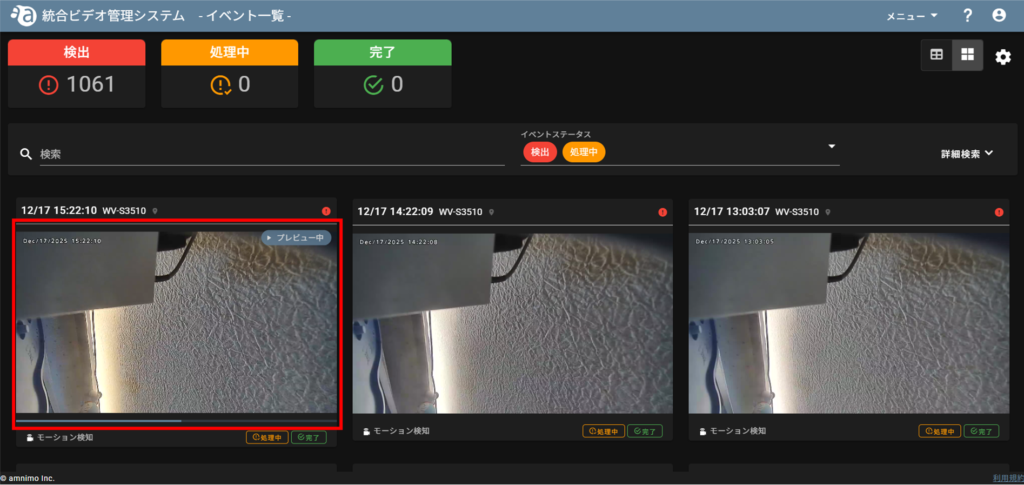
Preview playback of events
Mouse-over the thumbnail of the event you want to preview, and preview playback will begin automatically.
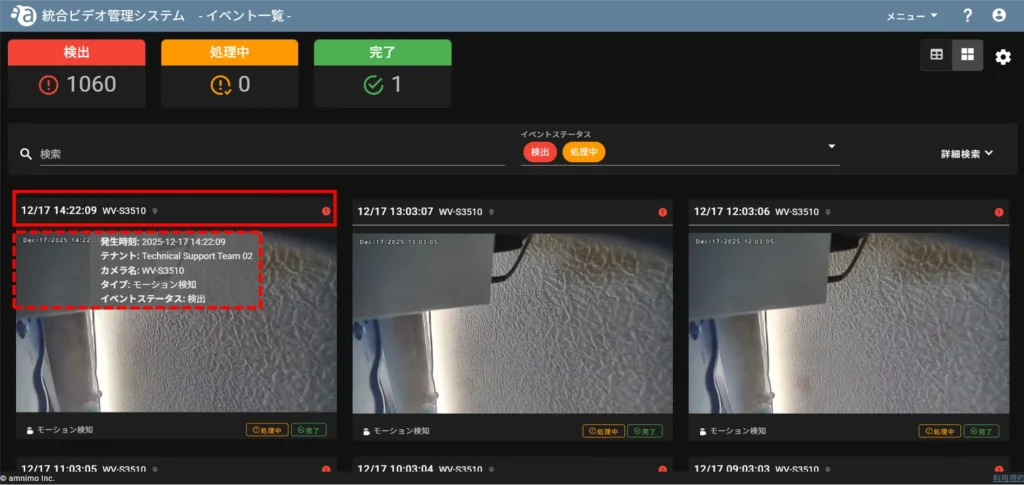
Check event information
Mouse over the information column of the event for which you want to check event information.
Change event status
Click on [PROCESSING] or [COMPLETED] under the thumbnail of the event whose status you wish to change.
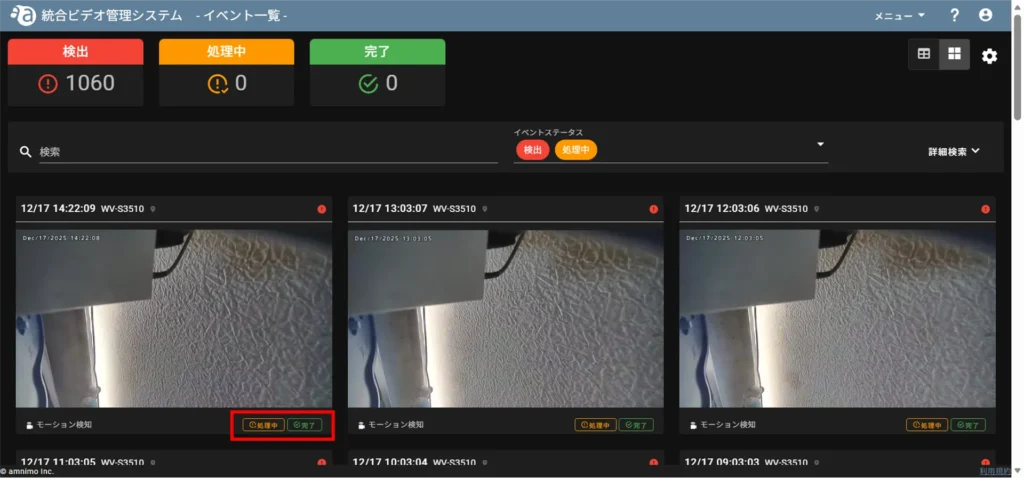
The status of the event will be changed.