This section describes the sign-in procedure via the Graphic User Interface (GUI).
The GUI allows easy configuration of the edge gateway from a browser.
Sign in
If this is the first time signing in with the GUI, sign in after setting the password for the administrator account (admin).
The following environments have been tested for GUI functionality.
| OS | (web) browser | Verified Version |
|---|---|---|
| Windows 10 Pro2004(64bit) | Google Chrome Microsoft Edge Firefox | 92.0.4515.131 (64bit) -* -* |
| mac OS big Sur 11.2.3 | Safari Google Chrome Firefox | 14.0.3 (16610.4.3.1.7) -* -* |
The "Password Registration" screen appears.
The password must be a string that meets the following conditions. The string can be "password" as defined in RFC1738.
- 8 characters or more
- Includes at least two types of uppercase and lowercase letters, numbers, and symbols
- At least one character different from previously used passwords
If the above rules are not met, the password cannot be registered.
There are no restrictions on repeating the same or consecutive letters.
Even if you meet the requirements, your registration may be denied if any of the following conditions apply to you or if your password is deemed to be insecure (difficult to guess).
- Words in the dictionary (e.g., test)
- Words with regularity, such as number or alphabet keyboard sequences (e.g., 1234, abcde, qwert)
- Contains user name
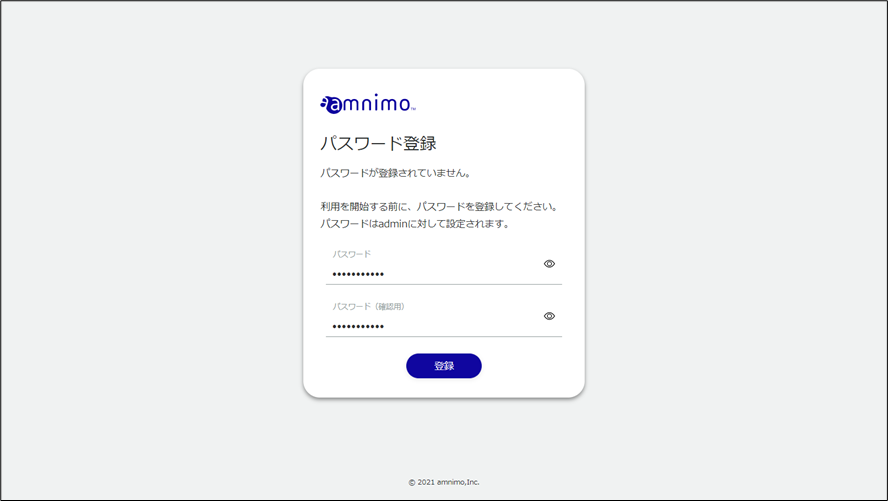
The admin password will be set and the "Sign In" screen will appear.
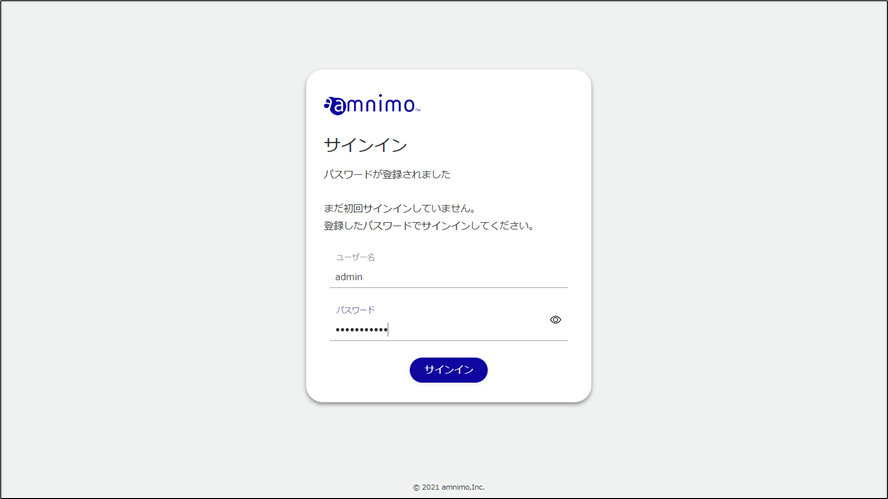
After signing in to the product, the "Device Information" screen will appear.