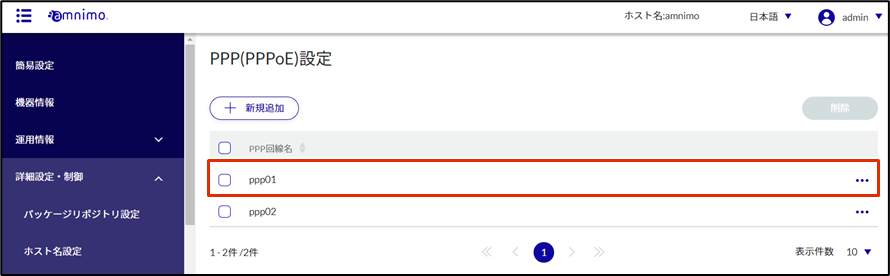
To connect to the Internet using PPP, configure the PPP connection settings. Please configure as necessary according to your environment.
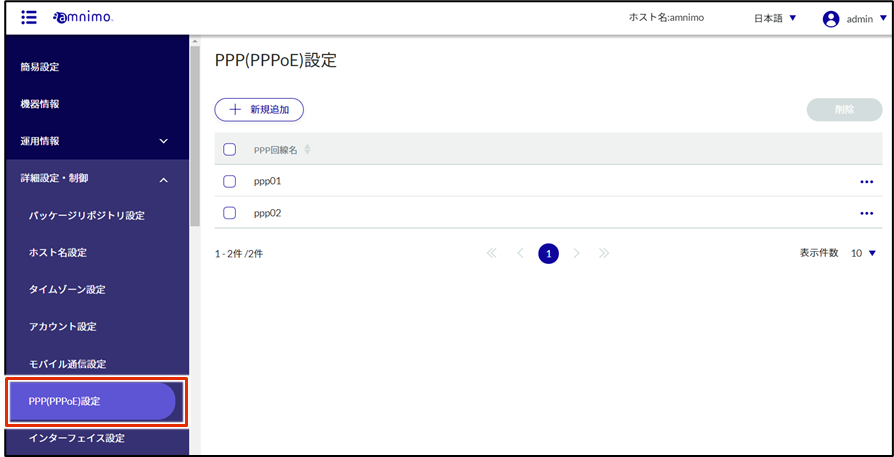
Click [Advanced Settings/Controls] - [PPP (PPPoE) Settings] in the side menu.
The registered PPP (PPPoE) settings are listed on the "PPP (PPPoE) Settings" screen.
NOTE
You can sort the registered PPP (PPPoE) in descending/ascending order of PPP line name by clicking the tab "PPP line name" in the PPP (PPPoE) list.

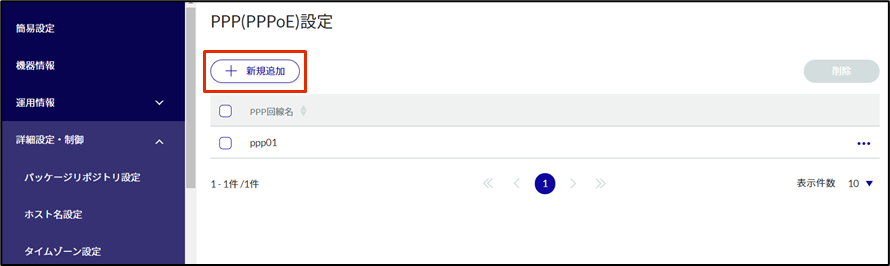
On the "PPP (PPPoE) Settings" screen, click "Add New".
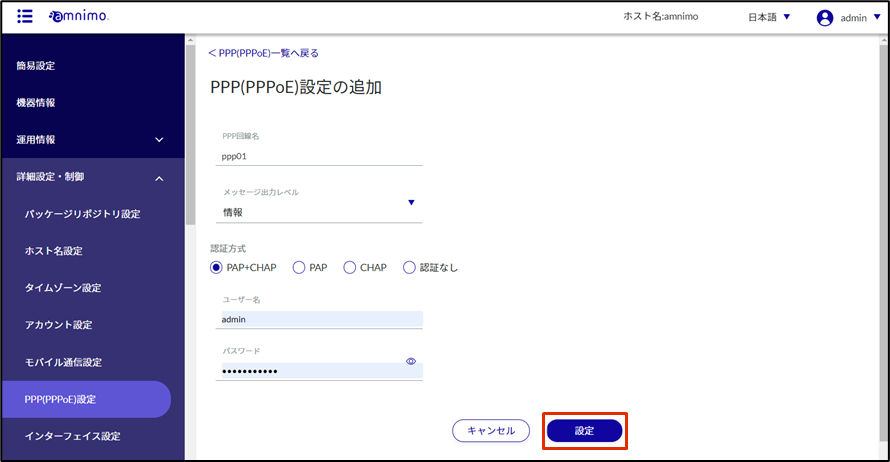
The "Add PPP (PPPoE) Settings" window will appear.
Configure PPP (PPPoE) settings.
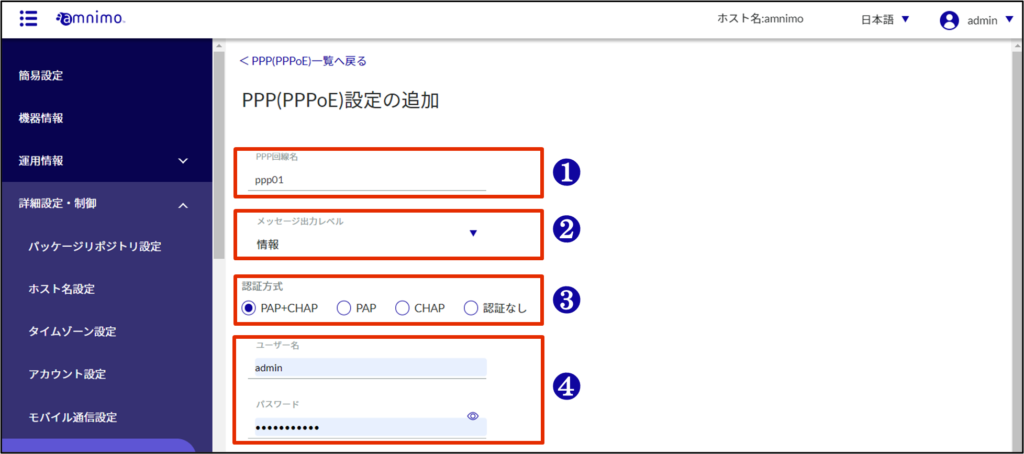
❶ Enter the PPP line name.
❷ Select the message output level.
❸ Select the authentication method.
❹ Enter your user name and password.
[Click Settings.
PPP (PPPoE) settings are added.