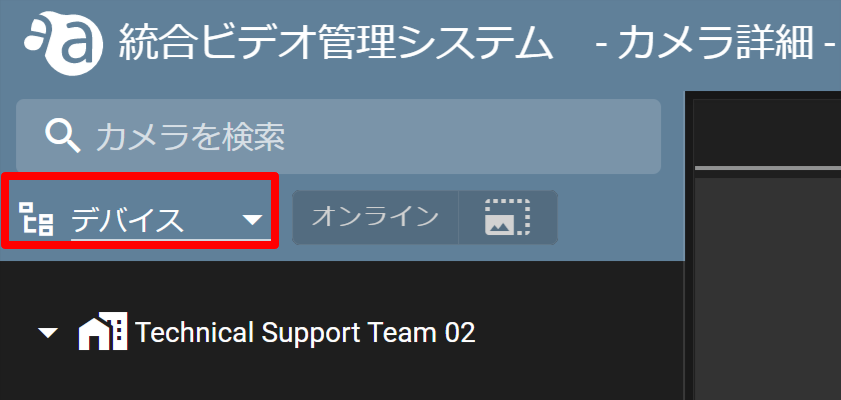
Click ▼ and select Devices.
無効化したいデバイスの  をクリックし、[ ゲートウェイ設定 ] をクリックします。
をクリックし、[ ゲートウェイ設定 ] をクリックします。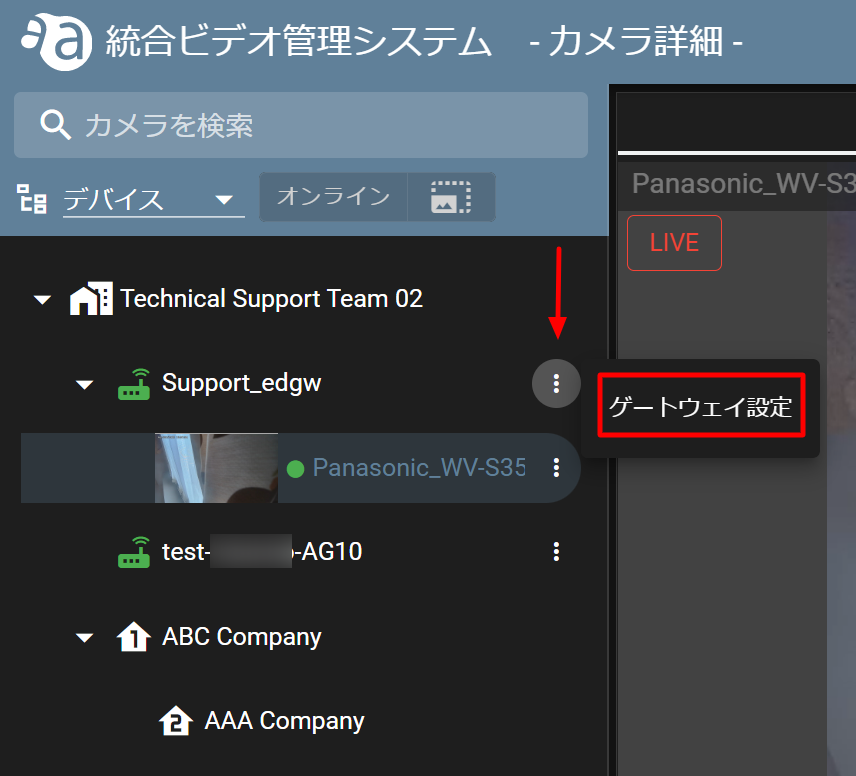
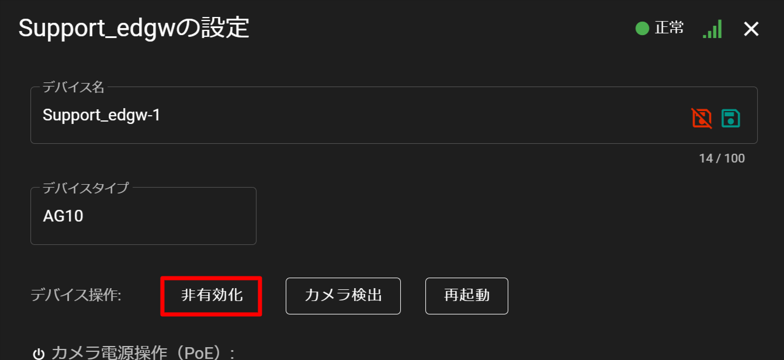
Click [ Deactivate ] when the settings window opens.
When a confirmation screen appears, click Yes.

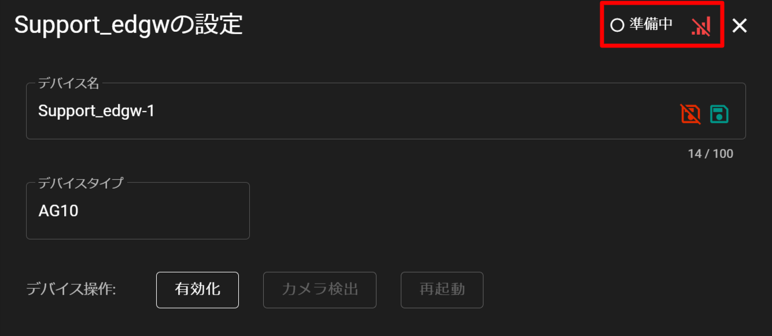
Once deactivation is complete, the device is ready.