
First, activate remote.it for the device using the Graphic User Interface (hereinafter referred to as GUI).
Enable remote.it #
Enable remote.it to use remote.it.
Before using remote.it, make sure the following settings are in place
- Device is connected to the Internet. The device's DNS settings are configured.
- If simple configuration was done in Step 2, DNS settings are enabled.
- Time is set correctly.
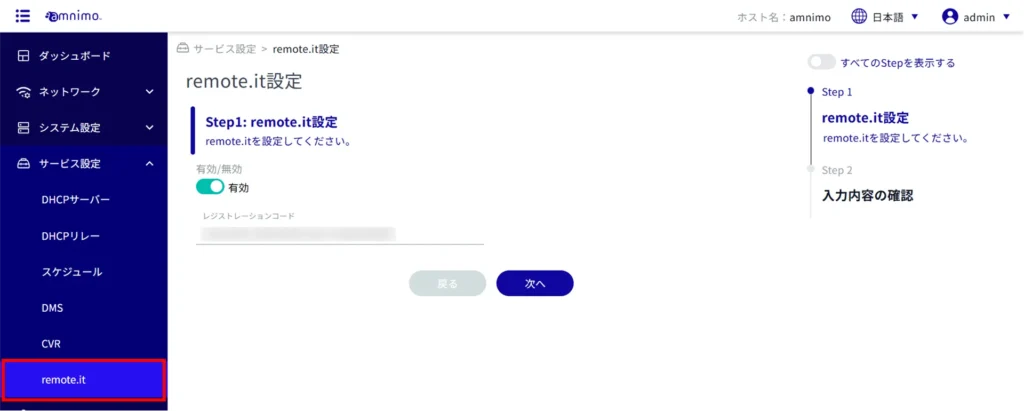
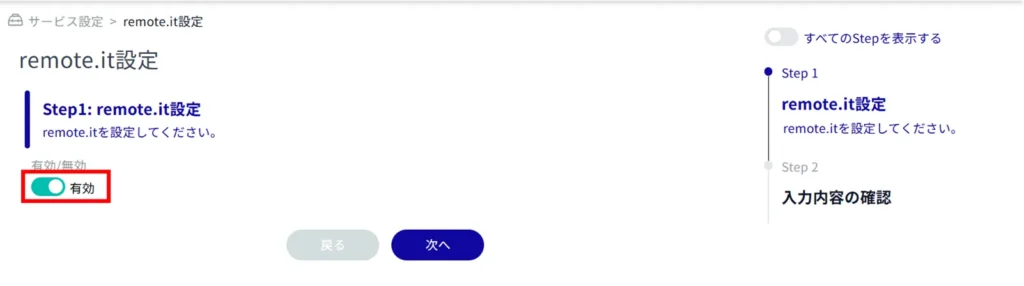
Enabling "remote.it settings" will allow you to use remote.it to control devices.
For compact routers, perform the following precautionary tasks
For compact routers (amnimo C series), the registration code must be registered.
Registration codes must be obtained separately from the remote.it web page.
Please refer to the following for the setup procedure.
⇒ amnimo C Series Compact Router Getting Started Guide
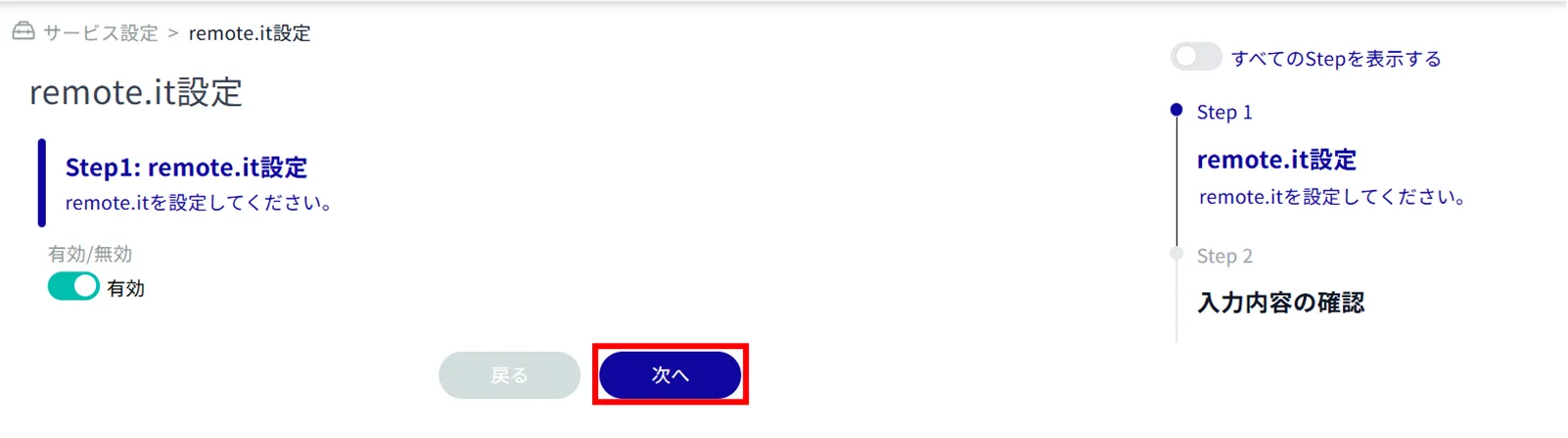
| Edge Gateway AI Edge Gateway IoT Router | Compact Router |
|---|---|
 | 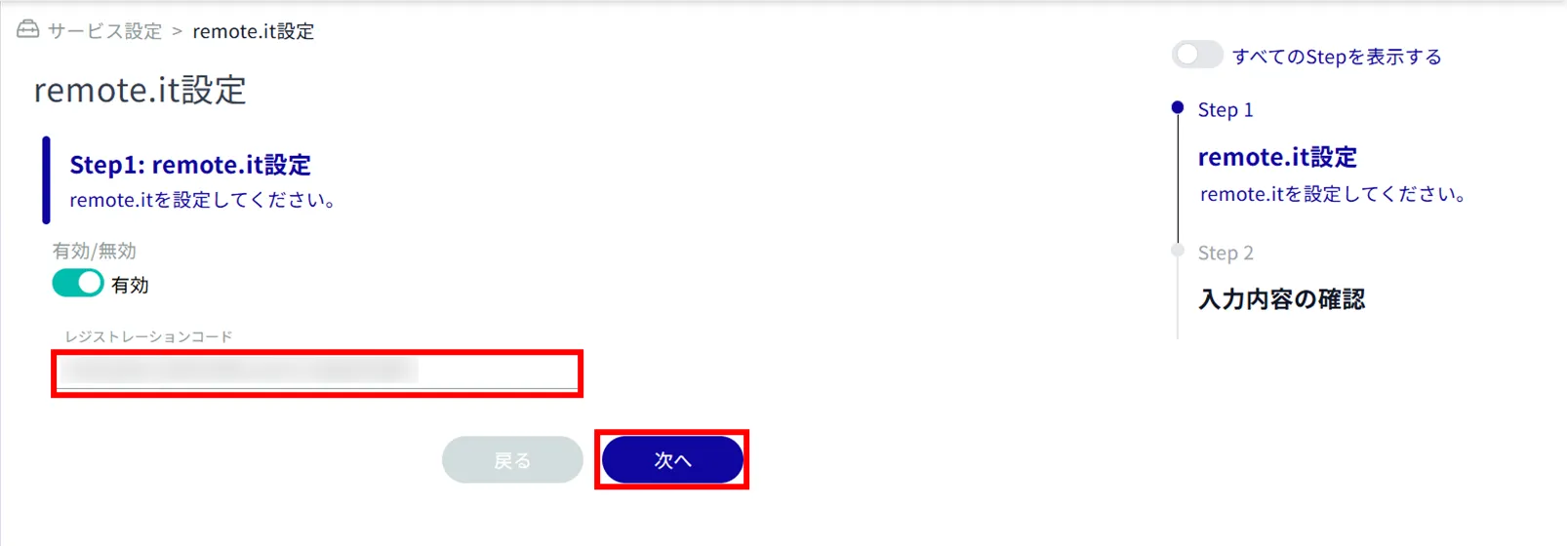 |
You can delete the registered registration code by clicking "Settings" without entering the registration code.
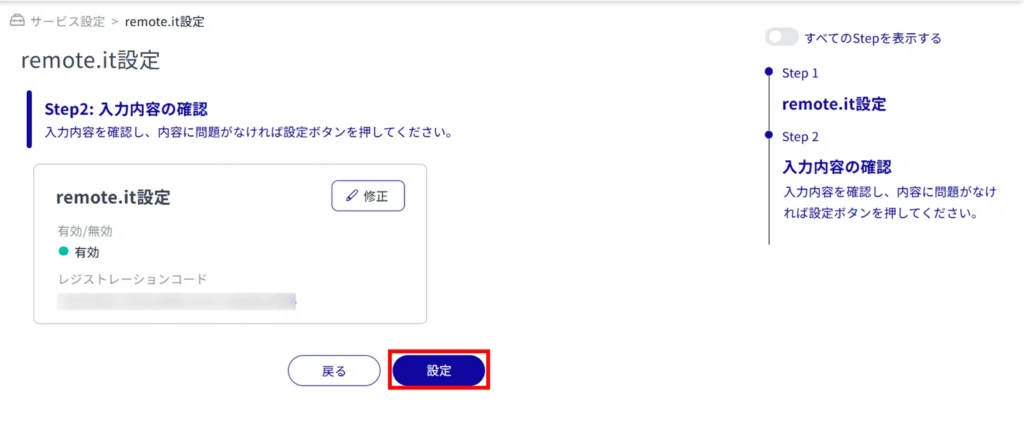
The remote.it configuration will be changed.
Register a device #
The setting method changes depending on whether or not you are using the Device Management System. Please set up remote.it according to your environment.
If you are using Device Management System #
If you are using the Device Management System, follow the instructions in the following manual to register devices.
⇒ Device Management System Manual "Initial Settings for remote.it
If you are using the Device Management System, do not register devices or services from the Command Line Interface (CLI). You will not be able to configure remote.it from Device Management System.
If you are not using Device Management System #
If you are not using a Device Management System, register devices using the Command Line Interface (CLI).
- Please refer to the following FAQ for detailed information on how to use and configure the CLI.
⇒ " Initializing remote.it (AG/AR) Registering Devices "
- It is also possible to connect via serial console for CLI operation; see the following manual for details on how to use the IoT Router and its settings.
⇒ CLI User's Manual > "Chapter 1 CLI Basics".
Register your service #
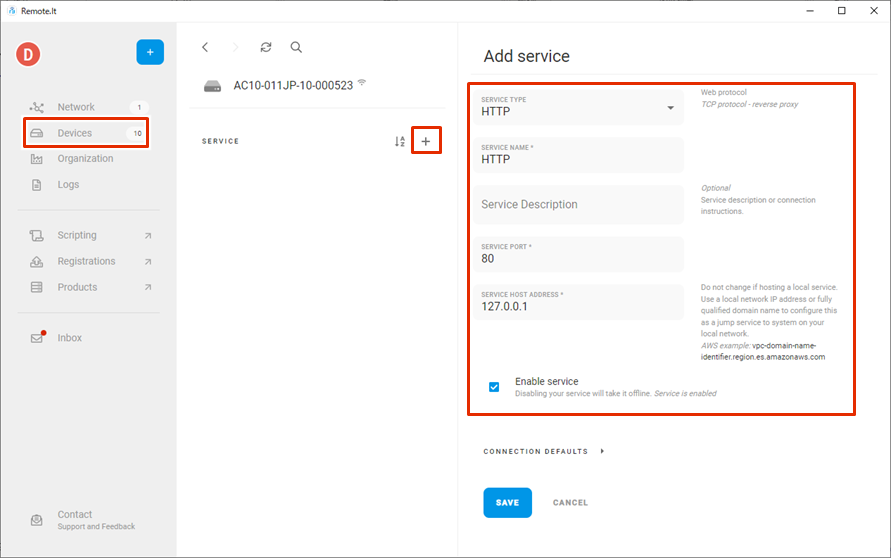
Register your service using the remote.it desktop app.
- The application can be downloaded from the following site
⇒ https://ja.remote.it/download
- For detailed installation instructions, please refer to the following page
⇒ https://support.remote.it/hc/ja/articles/4420541365773
Save configuration information to the device #
Saves configuration information in the GUI.
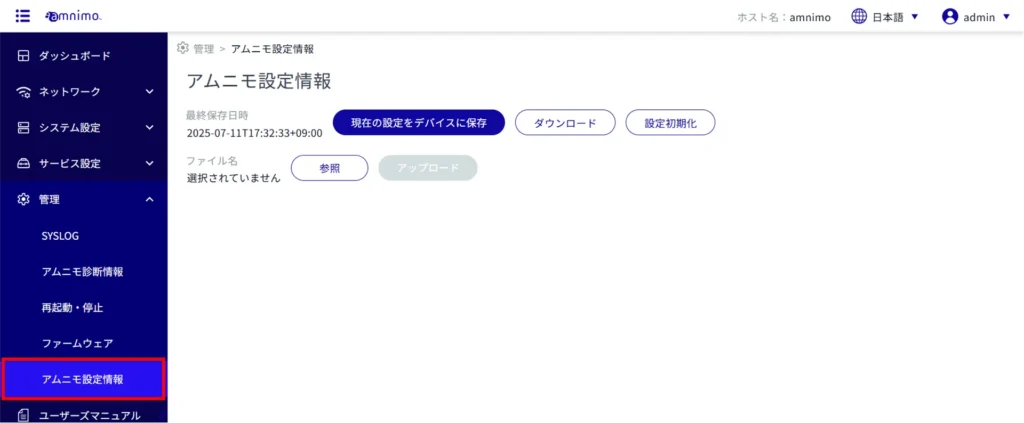
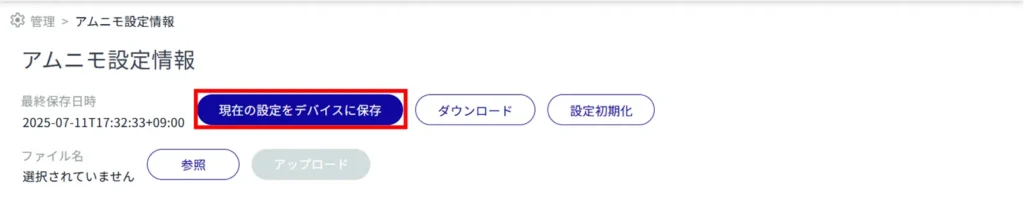
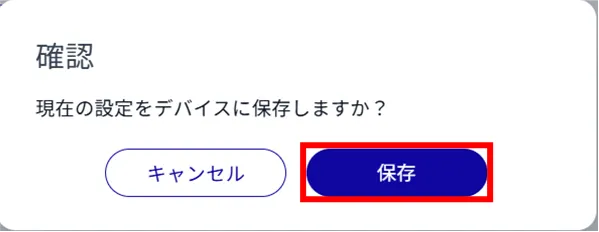
Configuration information is saved in the device.