
Please set up the SIM card in advance to configure the network settings.
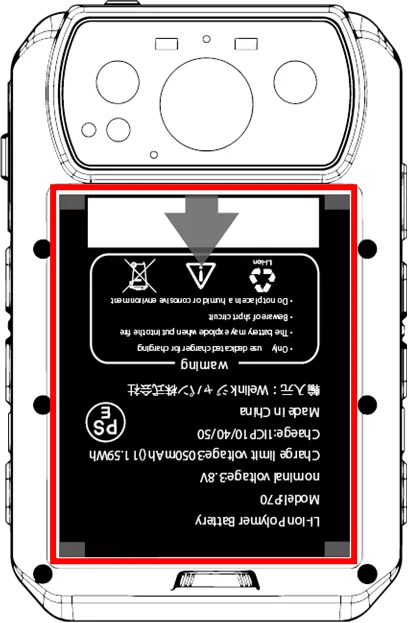
Remove the battery cover and remove the lithium-ion battery.
NOTE
Please refer to the following instructions on how to remove the lithium-ion battery.
⇒ "How to remove the battery cover".
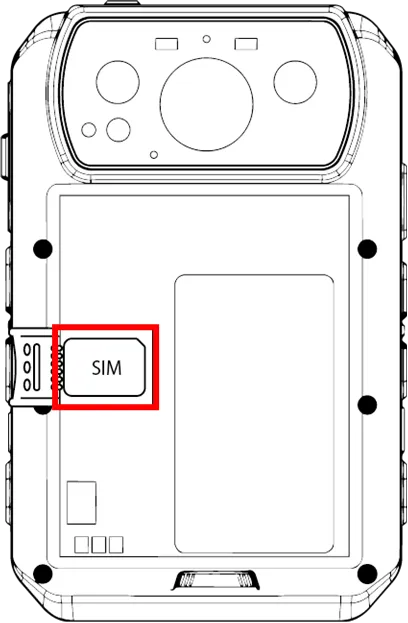
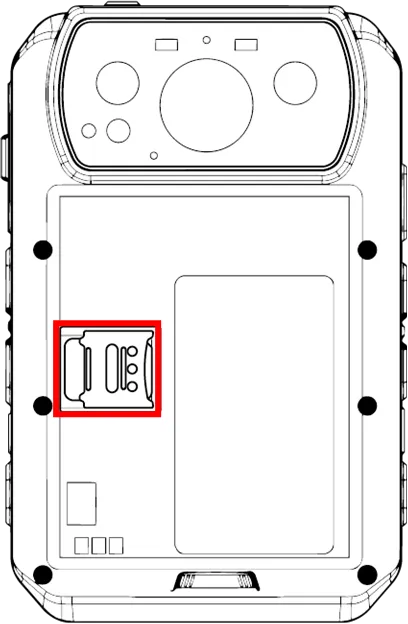
Open the SIM card slot cover and insert the carrier's nano-SIM card.
WARNING
Insert the SIM card into the slot in the correct orientation.
After the SIM card is set, return the battery and rubber sheet, and close the battery cover firmly so that it "clicks" into place.