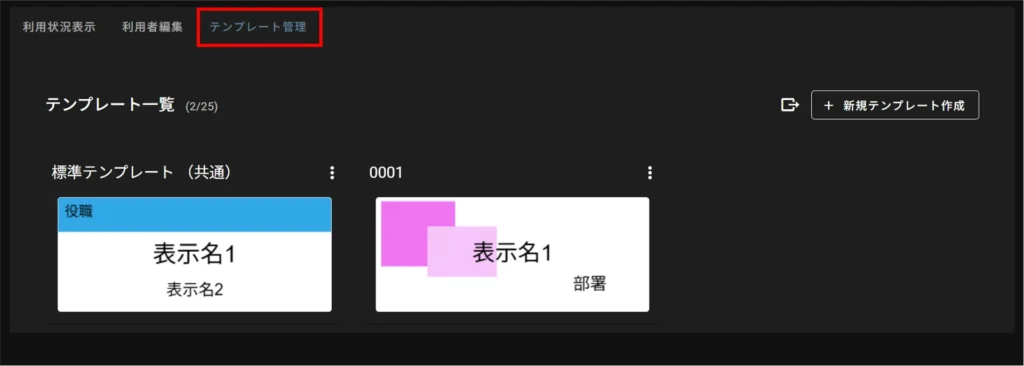
In the "Template Management" tab of the nameplate management, you can register and edit nameplate templates that are displayed on the device's screen.
The maximum number of nameplate templates that can be registered is 25.
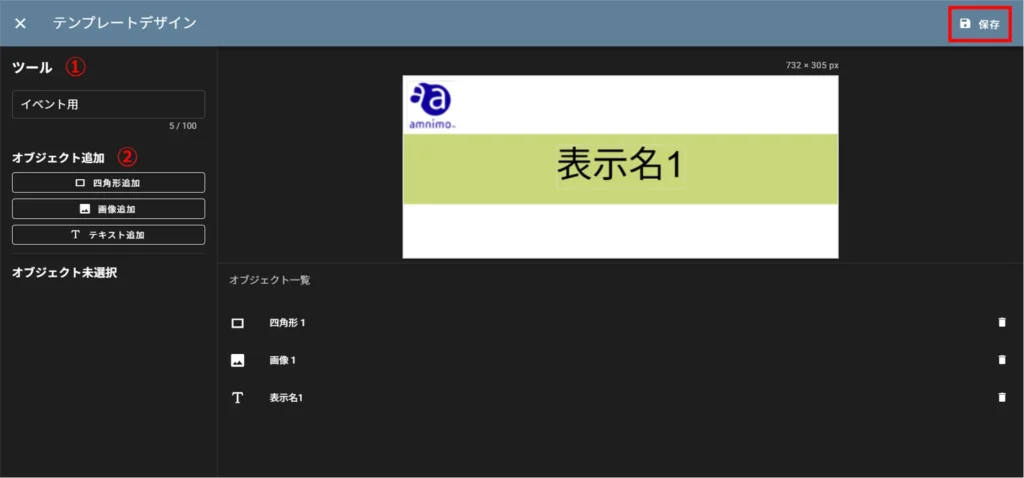
Create a nameplate template #
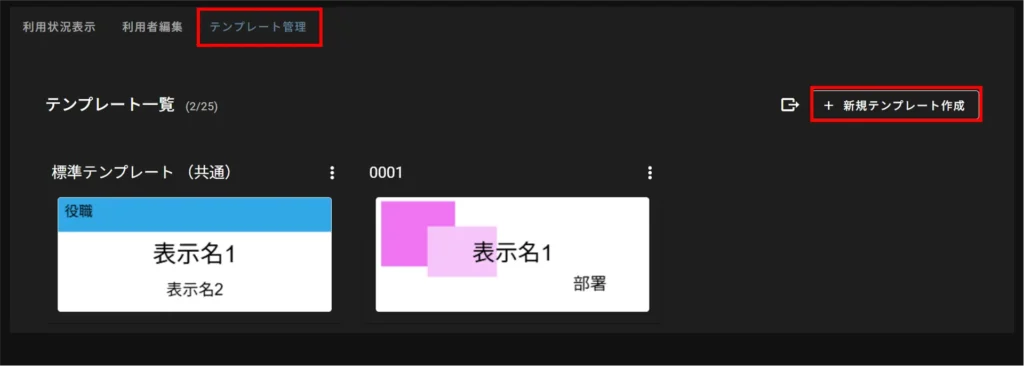
(1) Template name
(2) Add object
For details on how to create a nameplate template, please refer to the following
⇒ Details on how to create a nameplate template
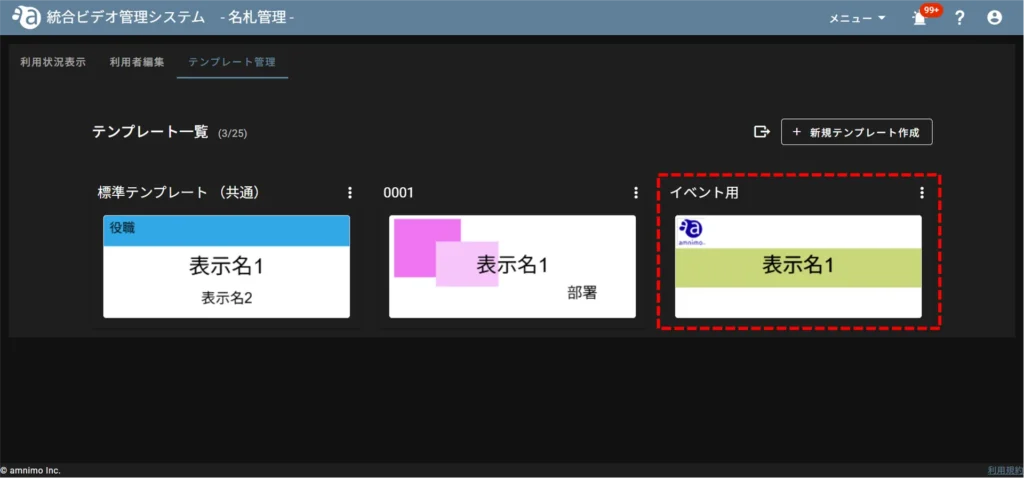
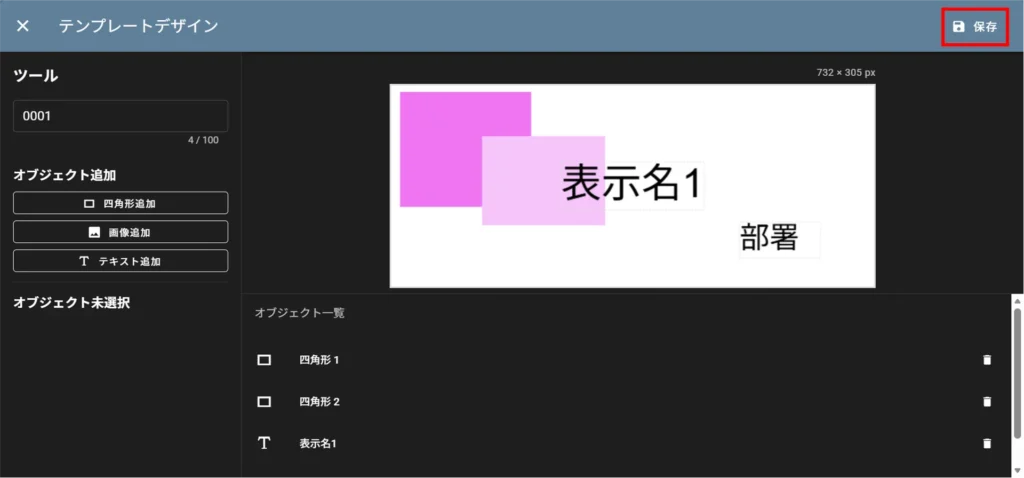
Edit nameplate template #
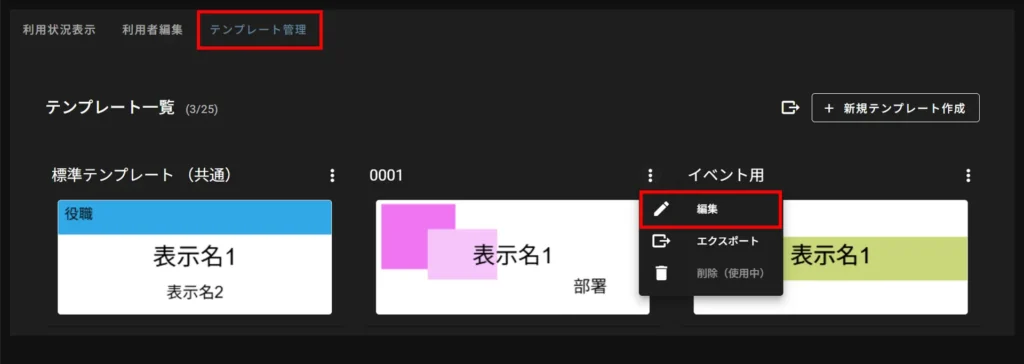
Delete nameplate template #
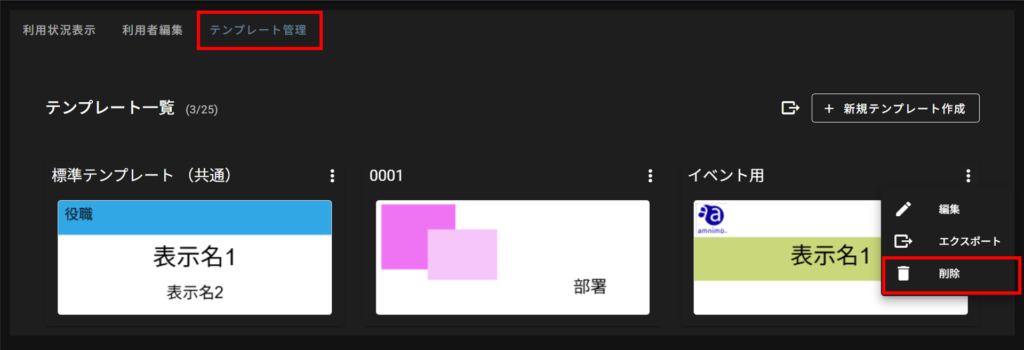
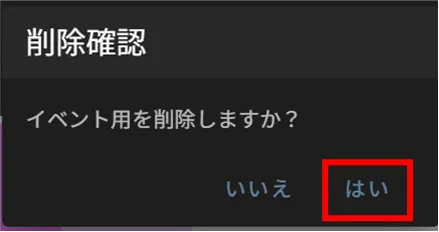
Import/export nameplate templates #
export #
There are two ways to export nameplate templates: individually or after selecting all nameplate templates you wish to export.
Export individually
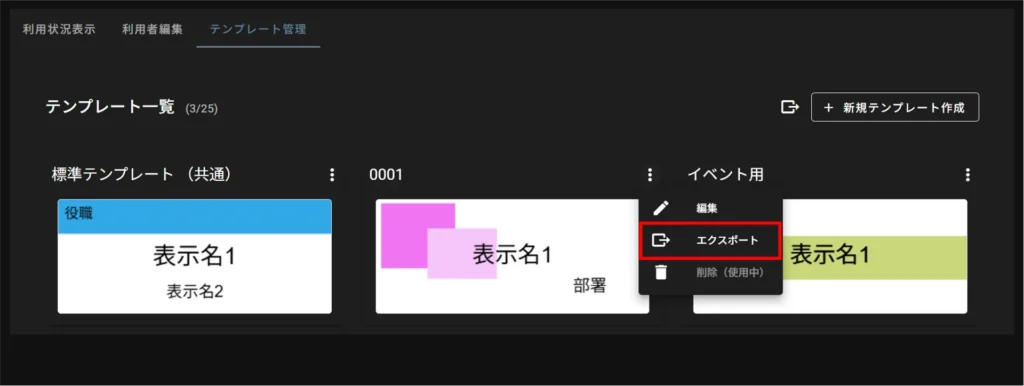
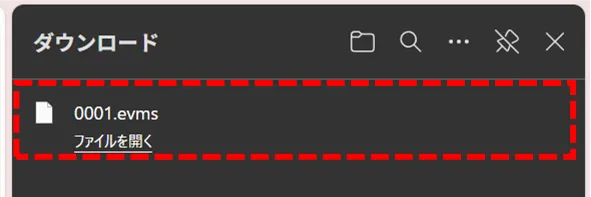
The file is exported as an evms file.
The file name is "●● (template name of nameplate template).evms".
Multiple selections for export
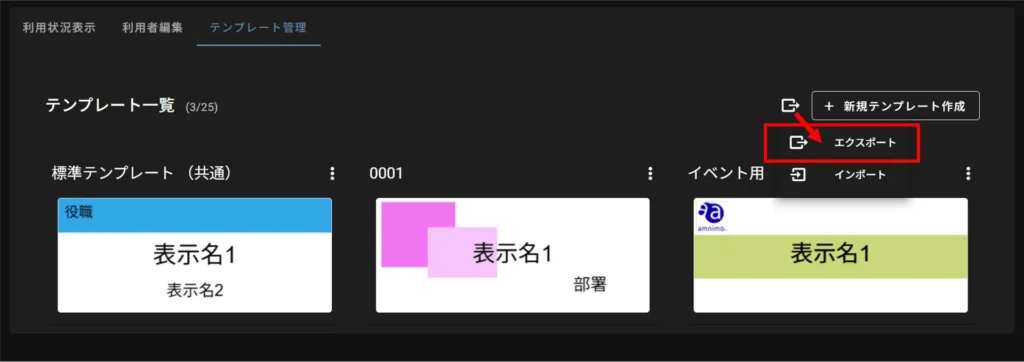
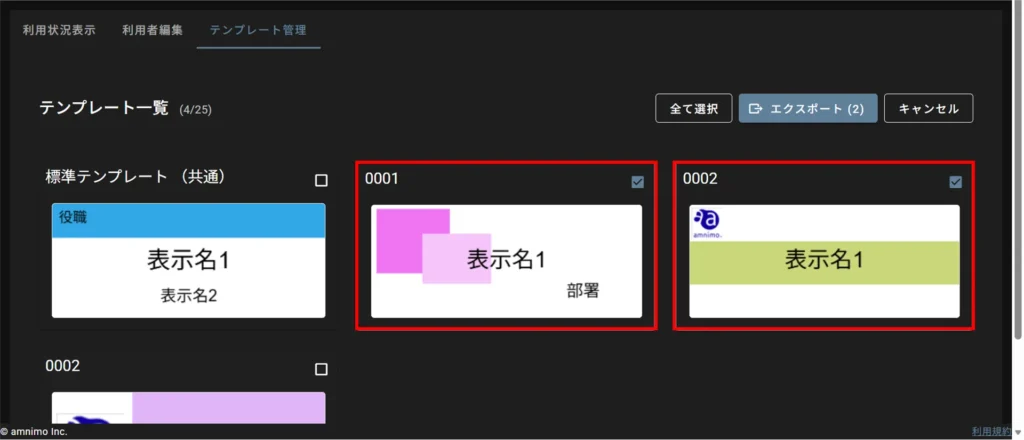
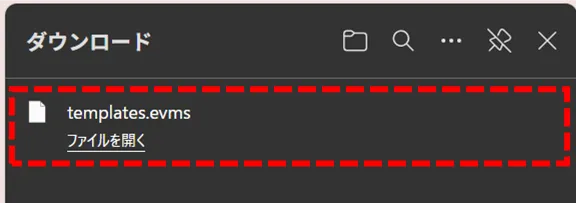
When multiple nameplate templates are exported, they are also exported as a single evms file.
The file name is "templates.evms".
import #
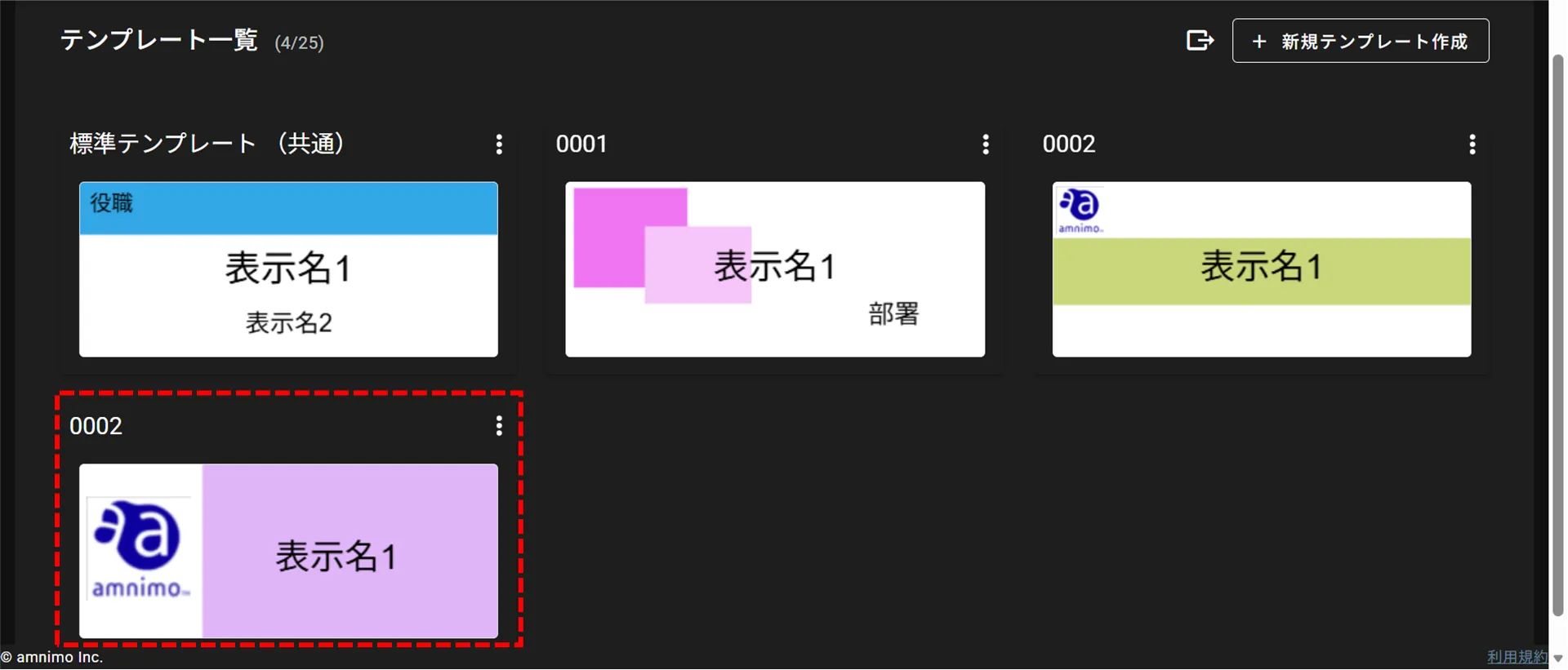
If the number of registered nameplate templates exceeds the maximum number (25) by importing, nameplate templates will be imported until the maximum is reached and subsequent ones will be skipped.
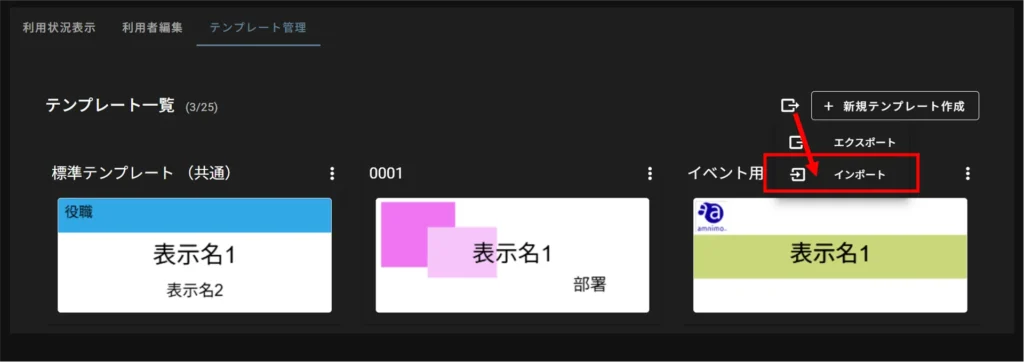
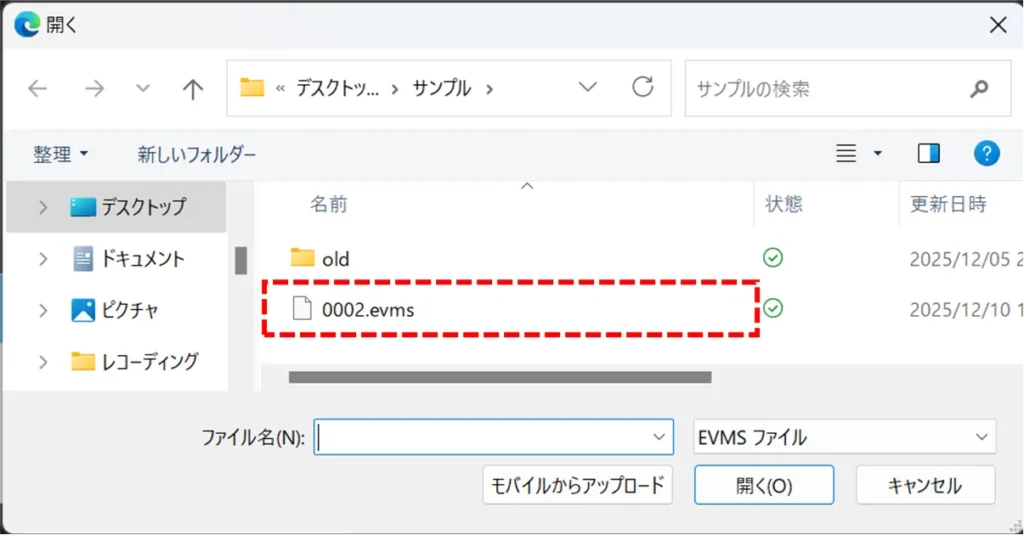
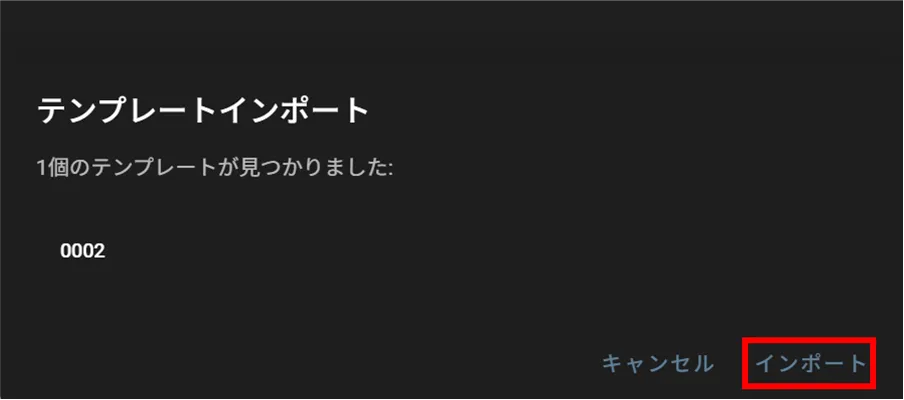
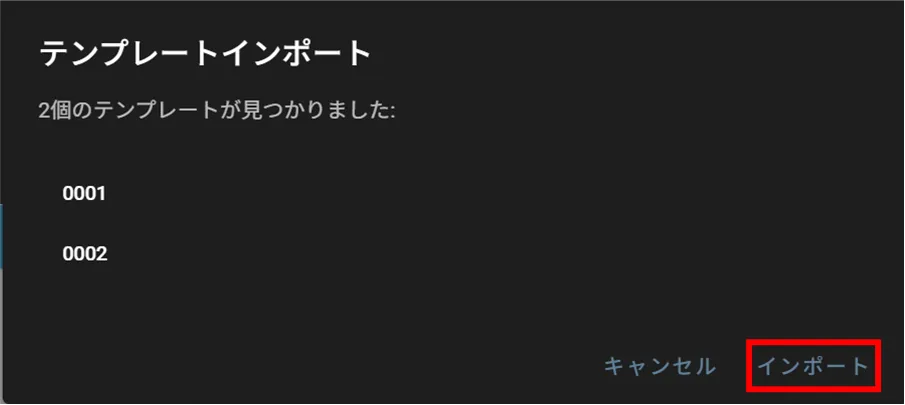
If you are importing an evms file that contains multiple nameplate templates, you will see multiple template names as shown below.