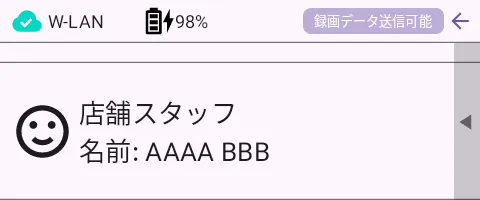
Video recorded on an AMNIMO portable device can be sent to an integrated video management system.
Transmitted recordings can be played back on the integrated video management system.
For instructions on how to operate the integrated video management system, see
⇒ The Integrated Video Management System Manual
Transmitting recorded data #
Recorded data transmission uploads the video data recorded on the internal SD card to the integrated video management system.
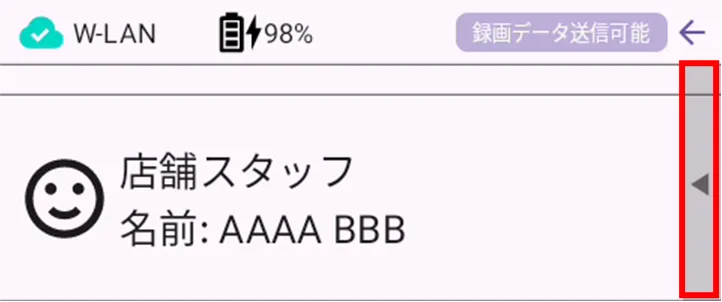
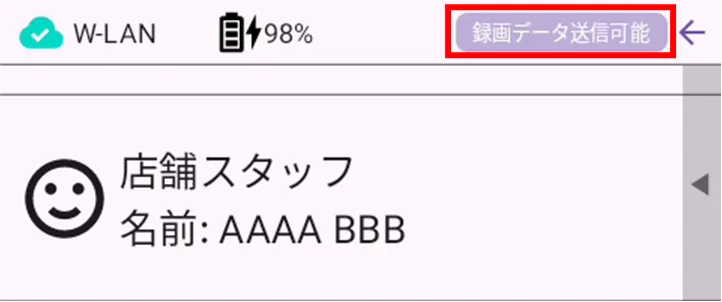
[Tapping [Recording data can be sent] will also result in the same operation (display of [Recording data can be sent]).
[The "Transmit Recording Data" button appears only when the camera is connected to a wireless LAN.
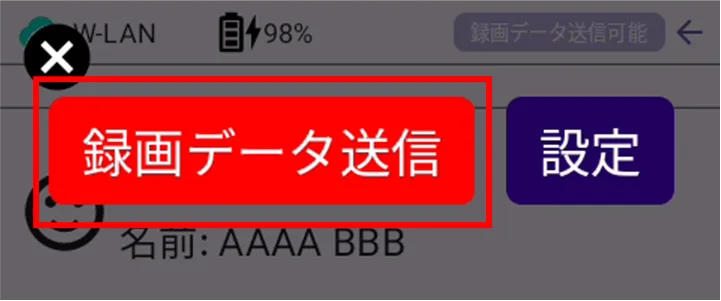
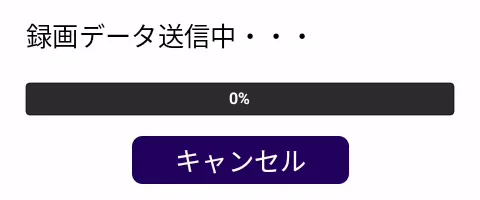
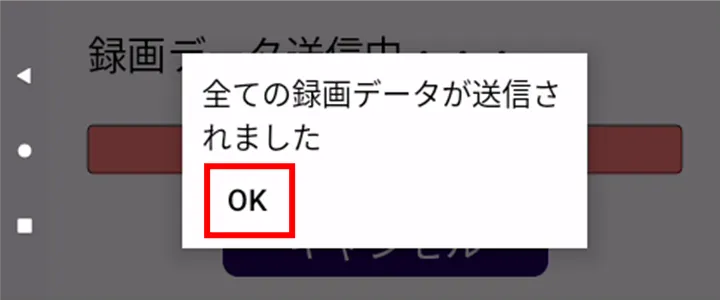
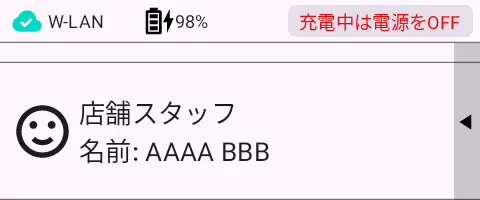
The screen transitions as follows
Stop sending recorded data #
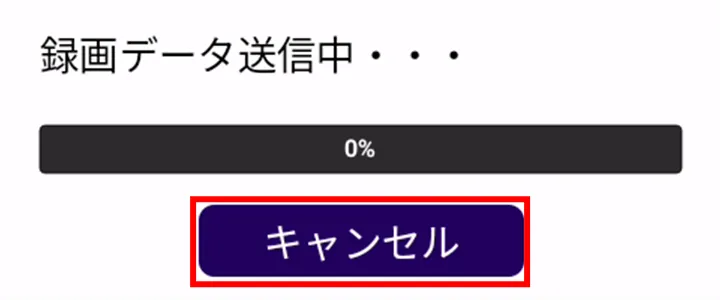
To stop transmission while recording data is being sent, follow the steps below.
If the transmission of recorded data is stopped, the unsent recorded data will be sent when the recording data is sent again.