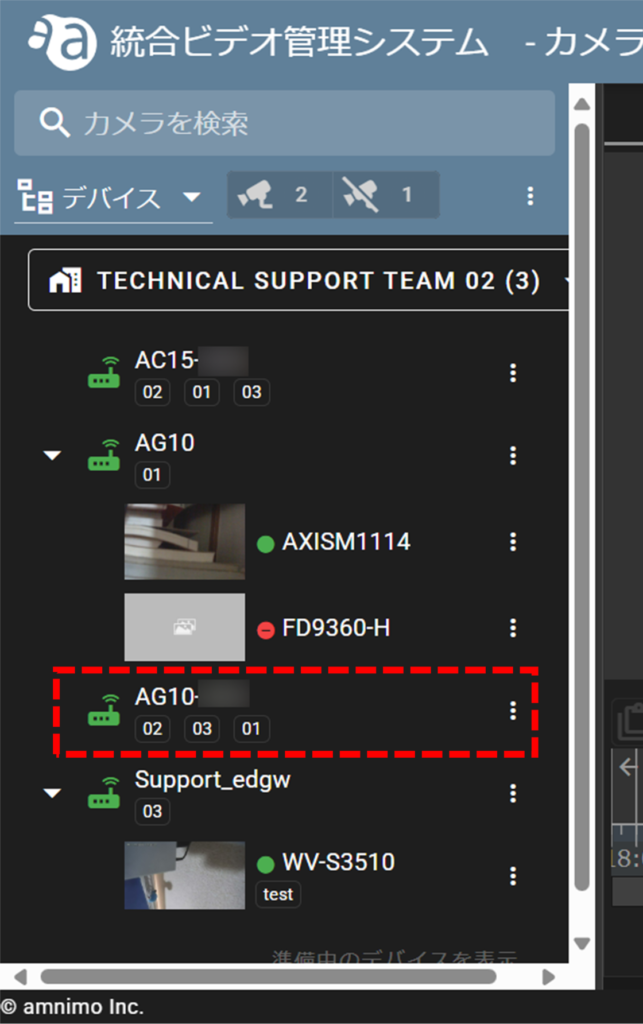
Log in to the Service Management Portal with a web browser.
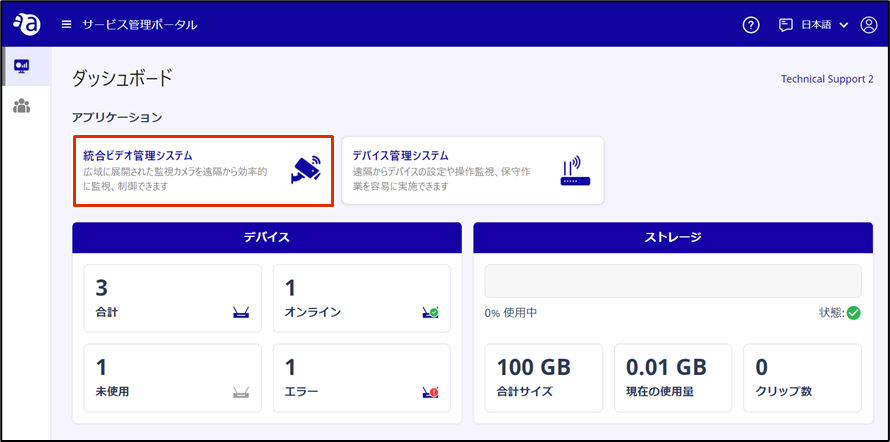
On the Dashboard, click Integrated Video Management System.
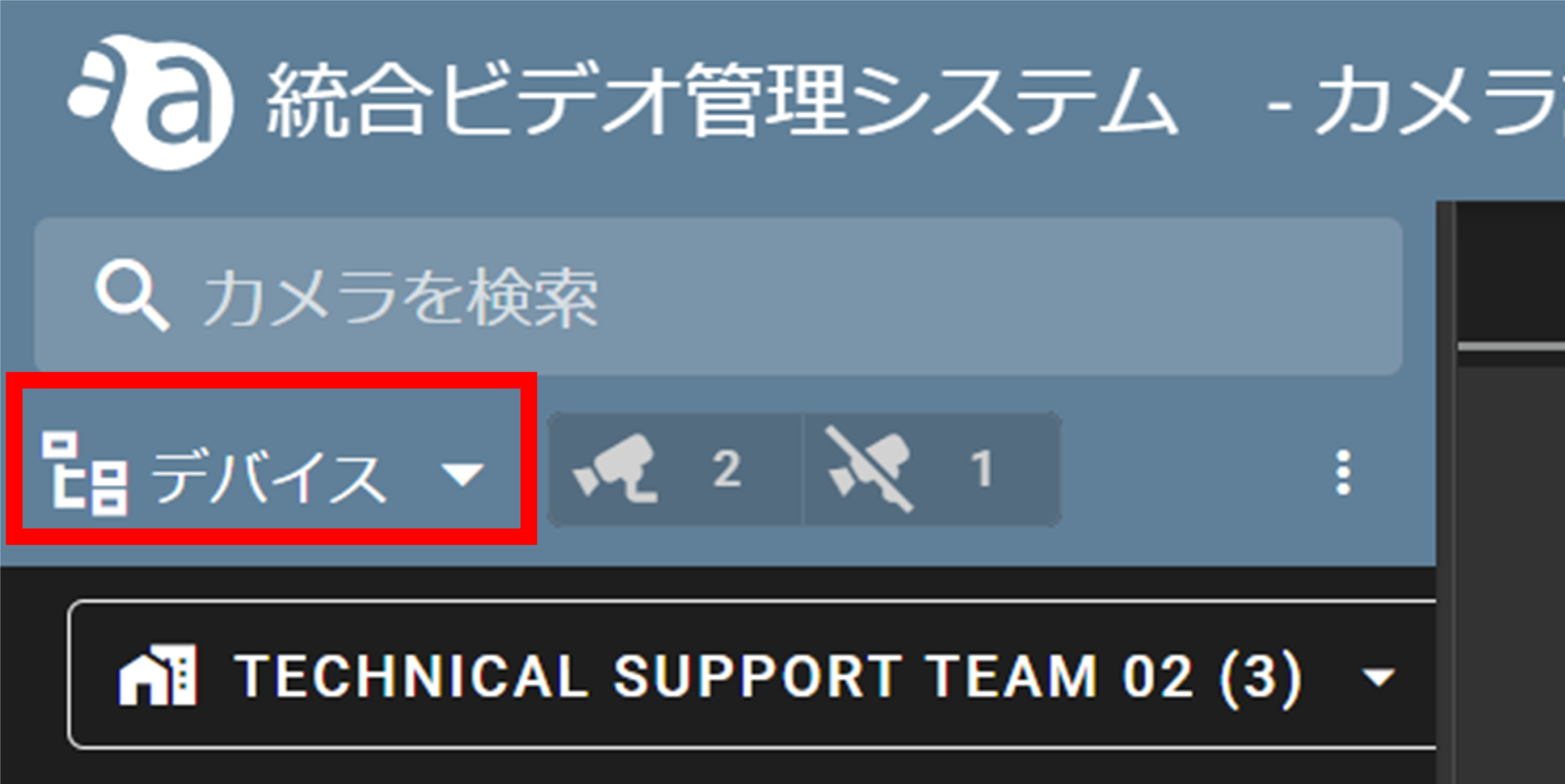
Click ▼ and select Devices.
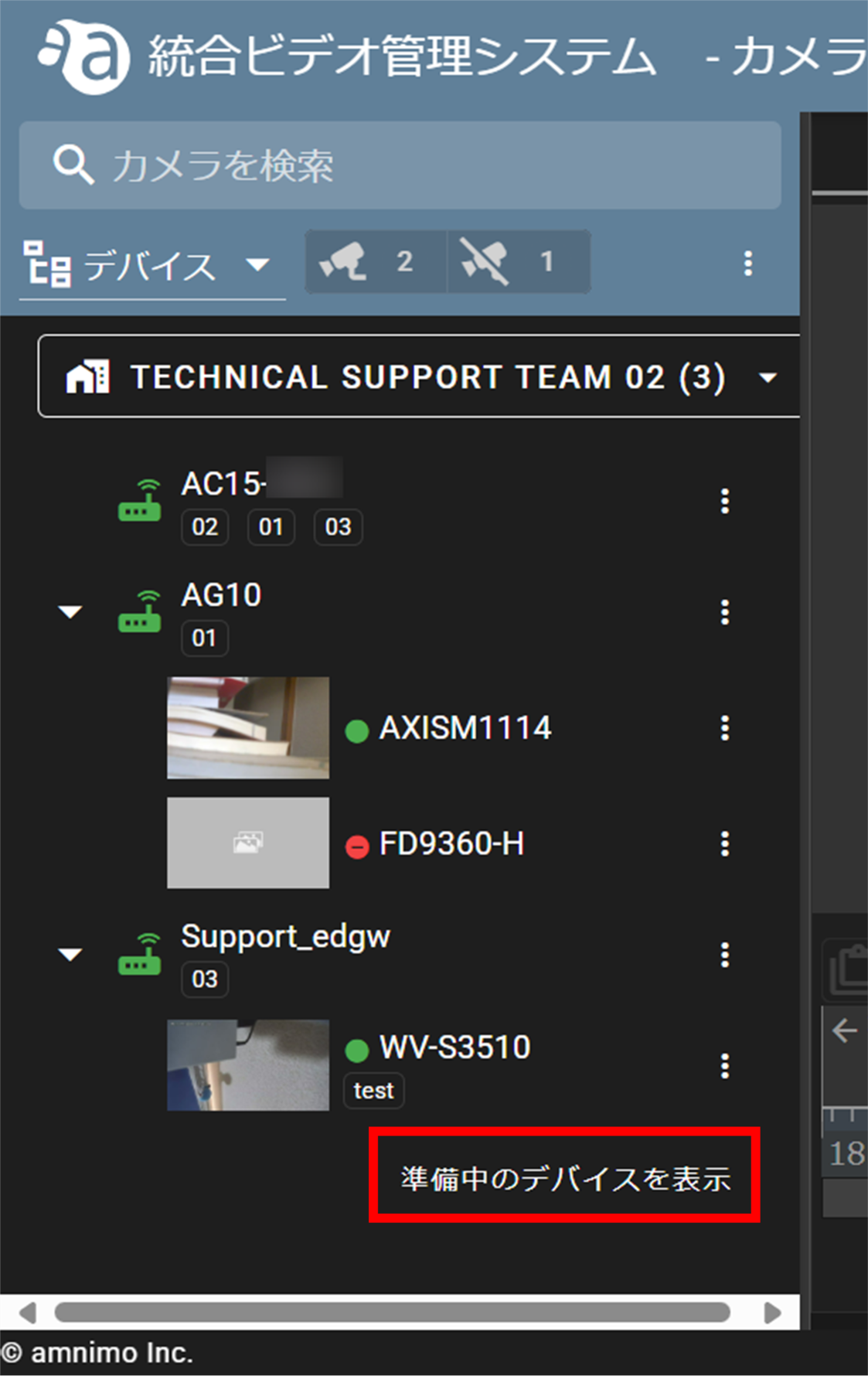
[Click Show Preparing Devices.
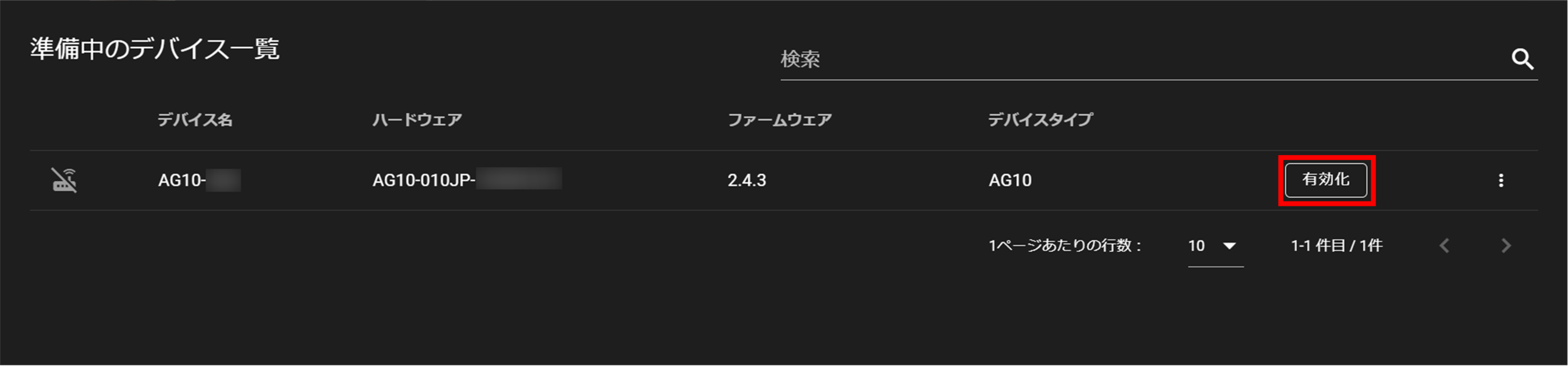
In the "List of Devices in Preparation", click "Enable" in the row of the device you wish to activate.
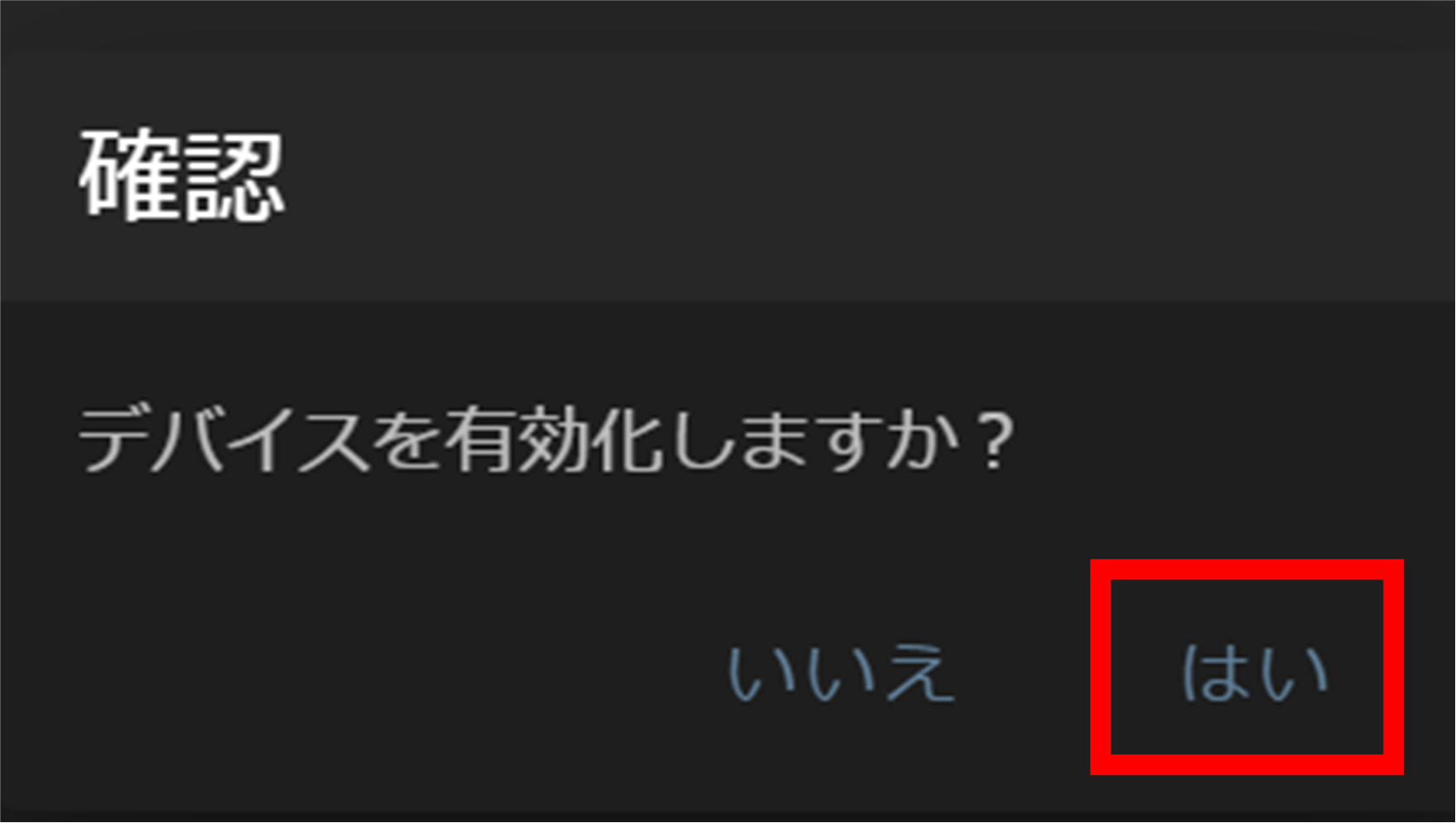
Click "Yes" when the "Confirm" window opens. (This process may take several minutes.)
The activated devices will be removed from the "list of devices in preparation".
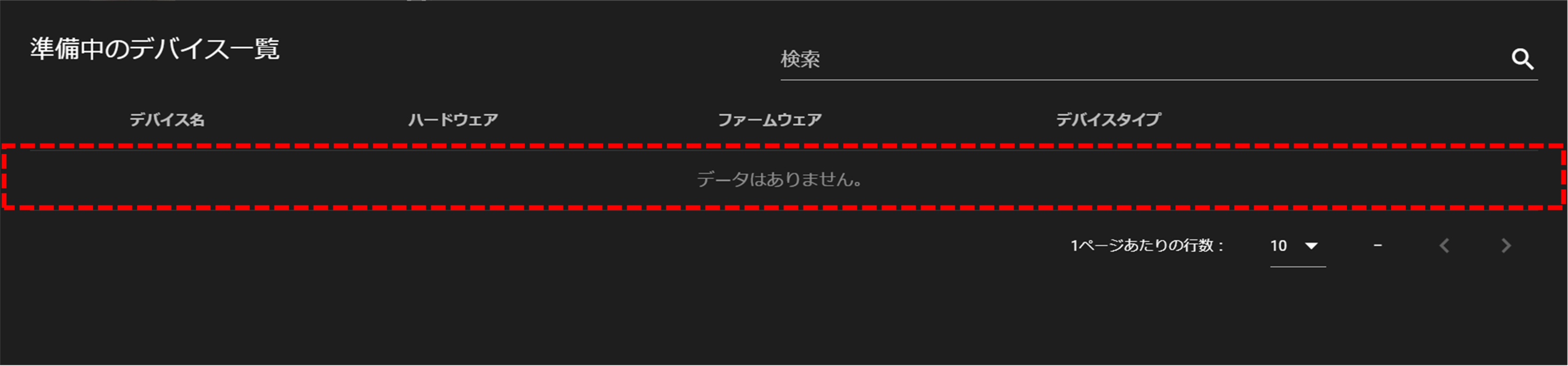
Device activation is complete.