
Device settings are saved as Amnimo configuration information, which is loaded and reflected when the device is started. In order to reflect the settings made on the settings screen, they must be saved to the device.
NOTE
If the Amnimo configuration information has not been saved to the device after the settings have been changed, a message will appear at the top of the screen stating that the settings have not been saved to the device. To make the settings permanent, please click here. The alert "Your settings have not been saved to the device.
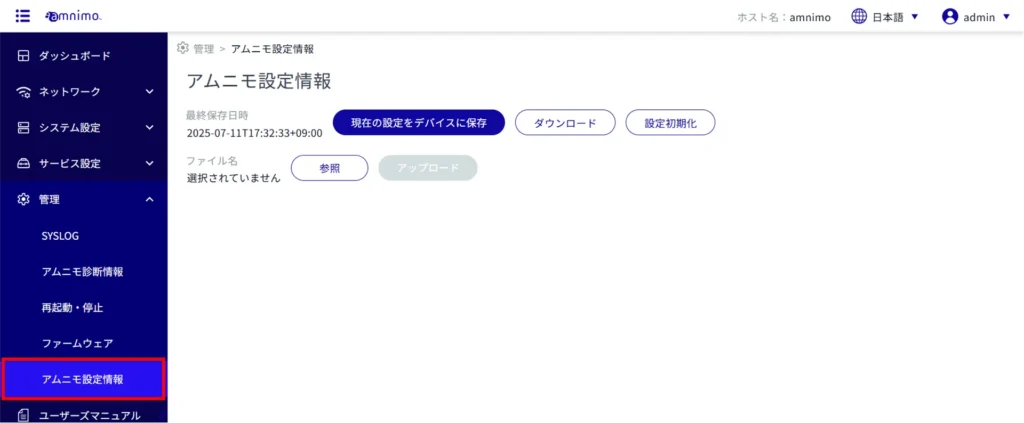
From the side menu, click on "Administration" > "Amnimo Configuration Information".
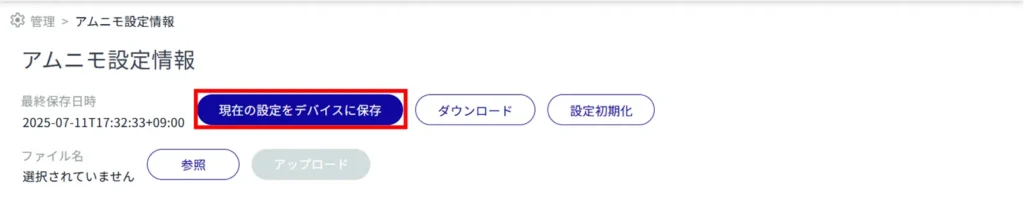
[Click Save Current Settings to Device.
[Click Save.
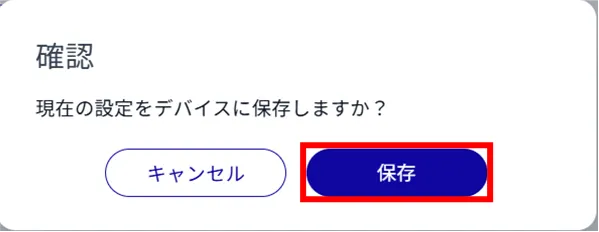
Settings are saved to the device.