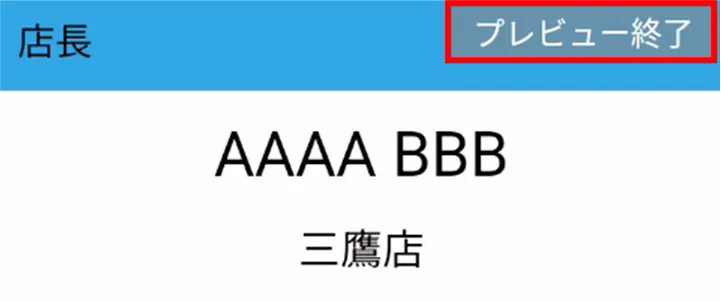
The Amnimo Portable Device NP (AB12) can display the name tags of users registered as tenants in the integrated video management system on the monitor during recording.
Display of nameplate (during recording) #
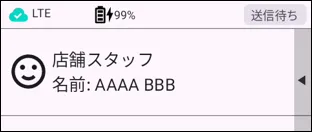
Press and hold the user selection screen.
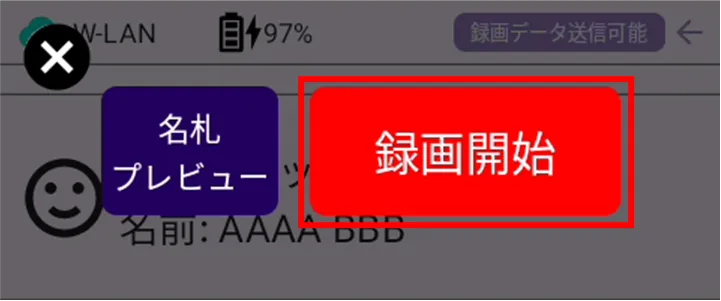
[Tap Start Recording.
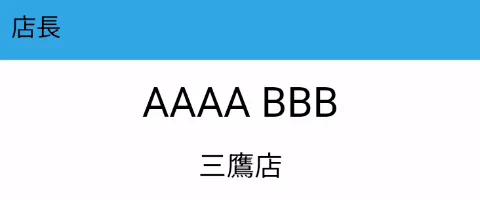
The nameplate screen will appear.
Recording starts at the same time.
Cancel display of nameplate (end of recording) #
Press and hold the nameplate screen.
[Tap End Recording.
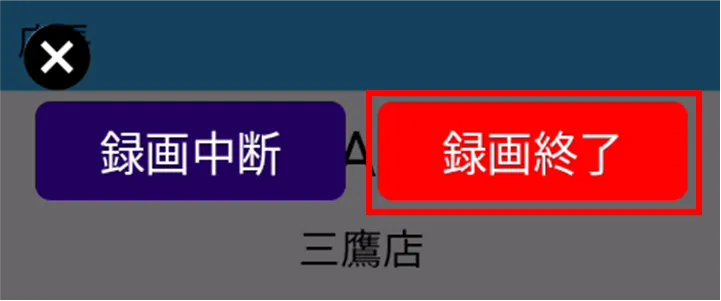
Returns to the user selection screen.
Recording ends at the same time.
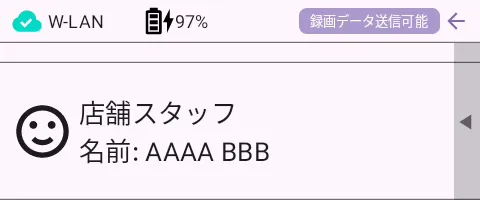
Preview of nameplate #
Press and hold the user selection screen.
[Tap Preview Nameplate.
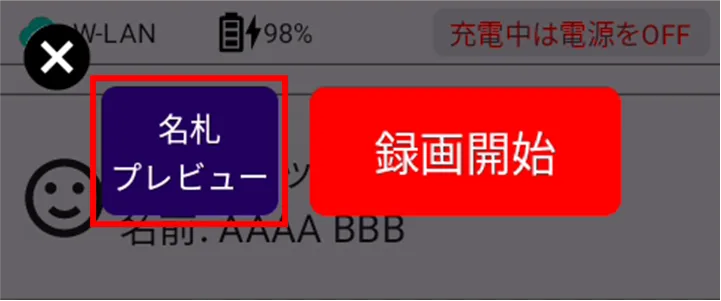
The nameplate preview screen appears.
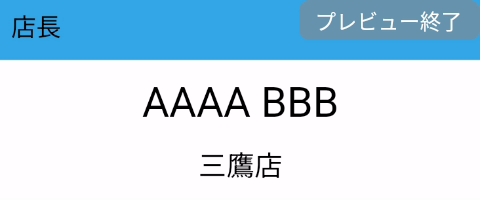
To exit the nameplate preview, tap [Exit Preview] in the upper right corner of the preview screen.