
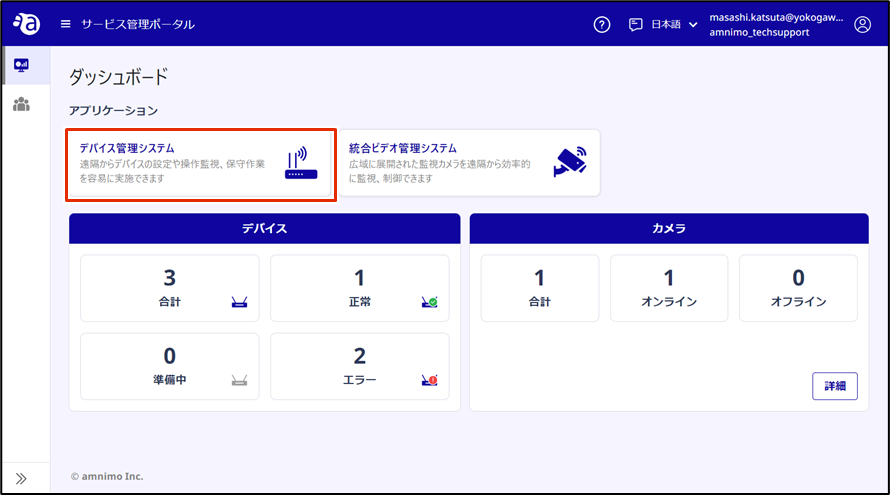
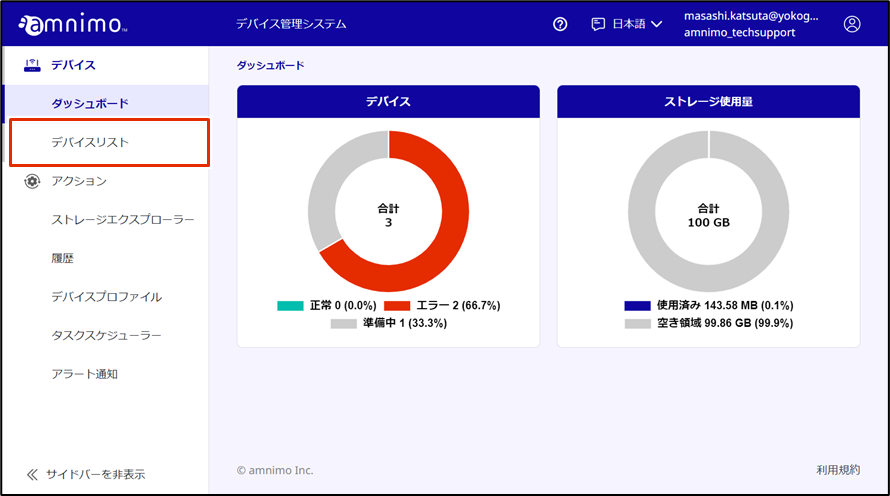
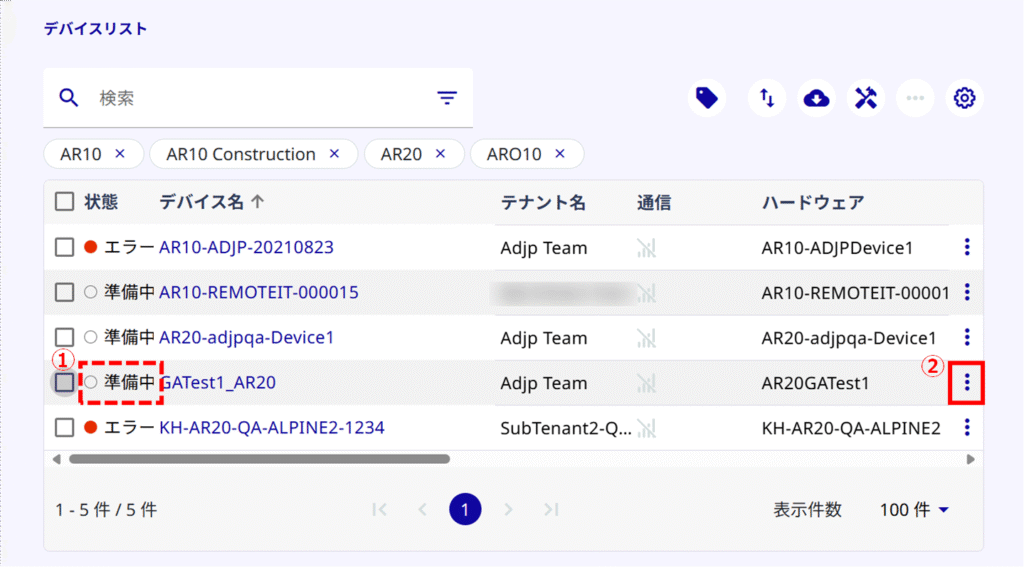
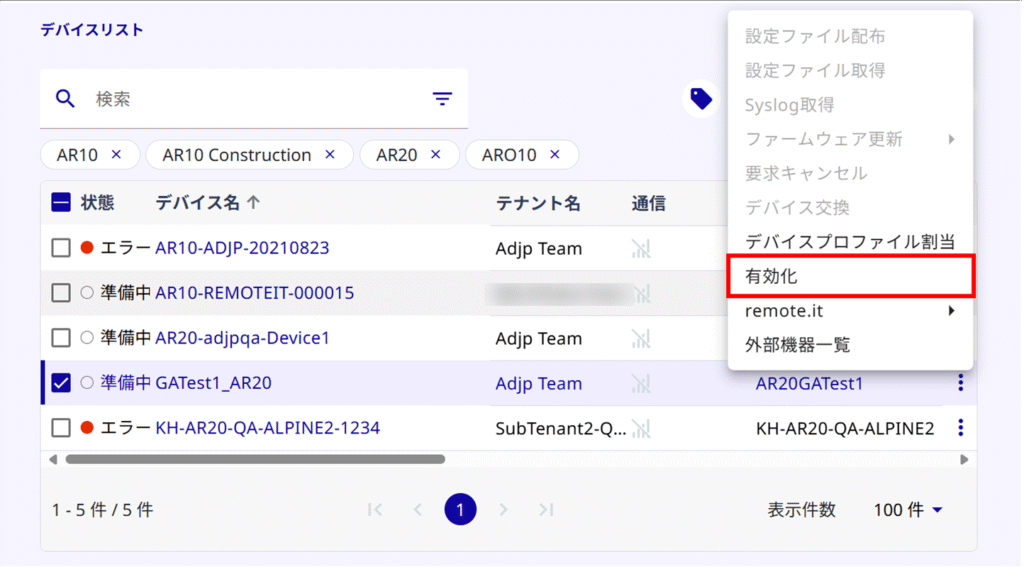
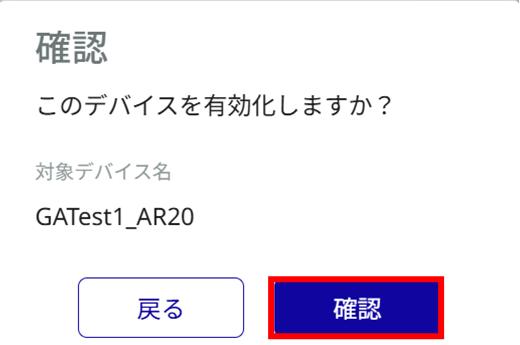
Activate the target device from the Device Management System.
- In order to proceed with activation, it is necessary to complete the time setting on the device in advance.
⇒See " Setting the Time" in the "Setting the Time" section.
Please make sure that the device is connected to the Internet before performing this operation.
Activation usually takes about 10 minutes, but may take up to an hour. If activation is not completed after several tens of minutes, it can be shortened by rebooting the equipment.
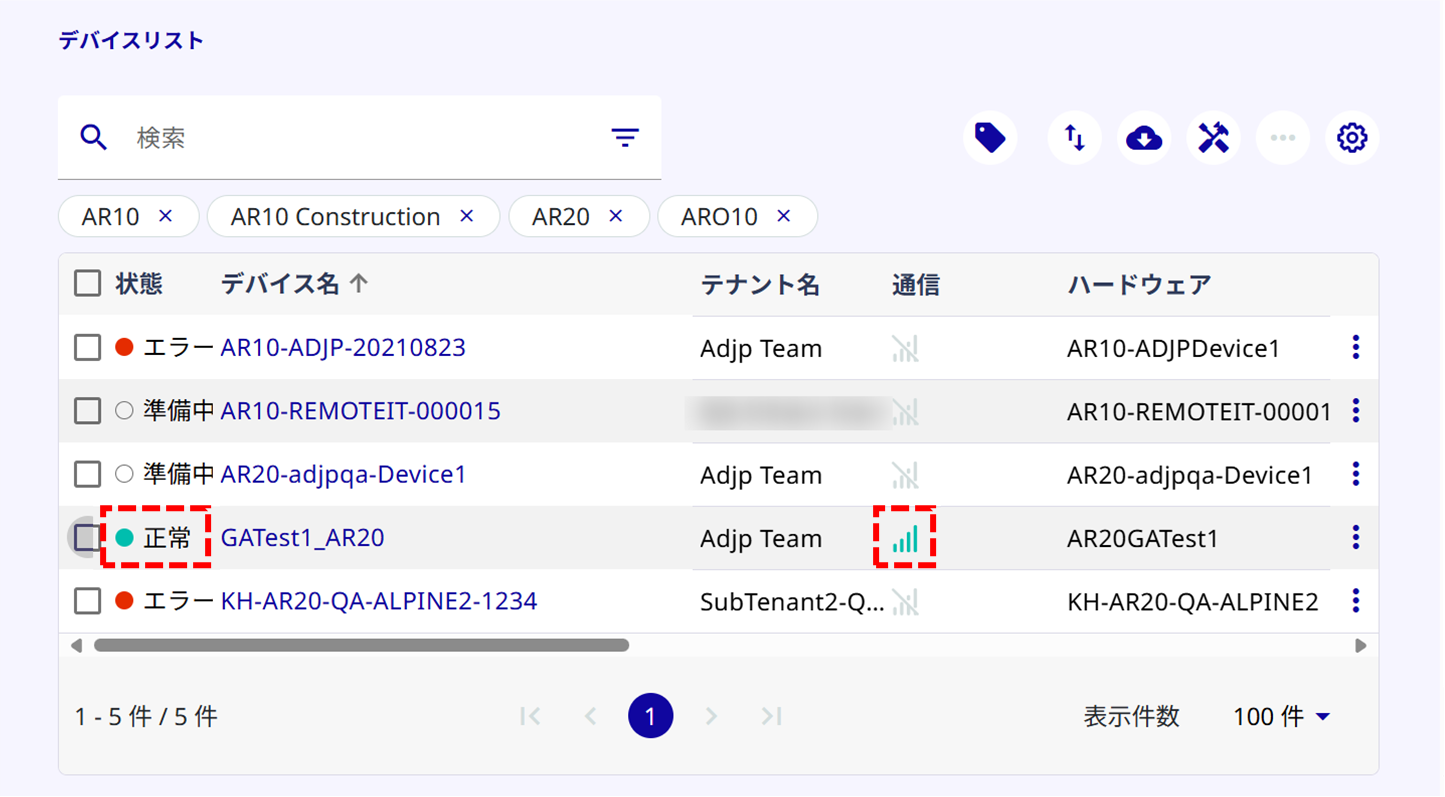
Activation is complete when the device connects to the Internet.
When a configuration file is initialized from the CLI or GUI for a device already connected to the Device Management System, a communication error continues in the Device Management System even if Internet communication is restored after a reboot. In this case, please deactivate the device in the Device Management System and then re-activate it.