Table of Contents
Check device information #
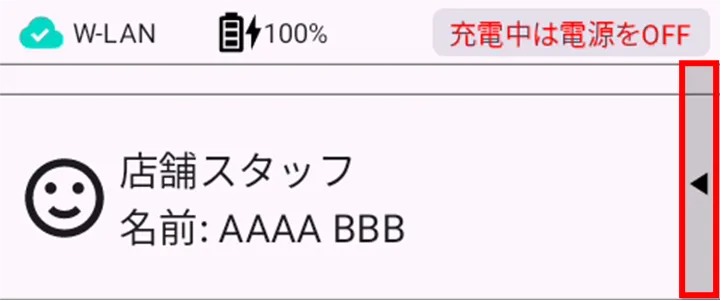
Tap ▲ on the user selection screen.
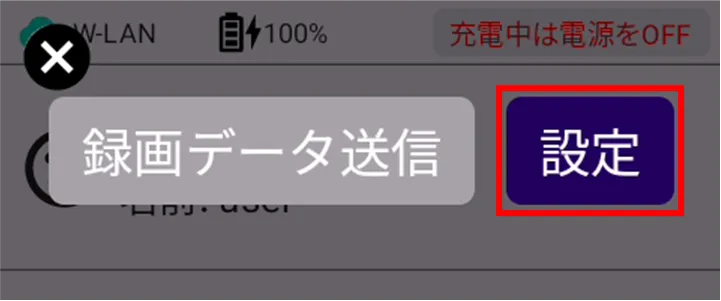
[Tap Settings.
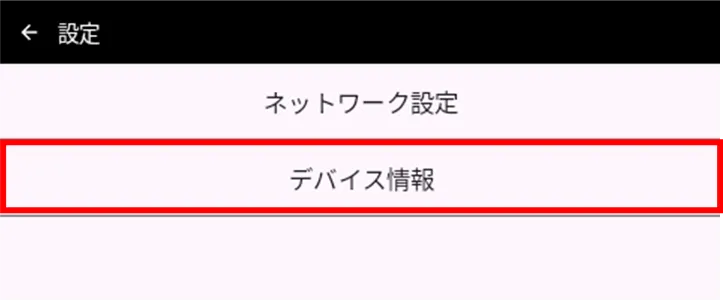
[Tap Device Info.
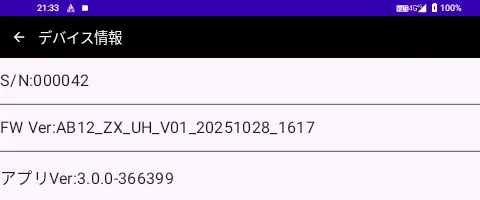
The "Device Information" screen appears.
Check for application update information #
With update #
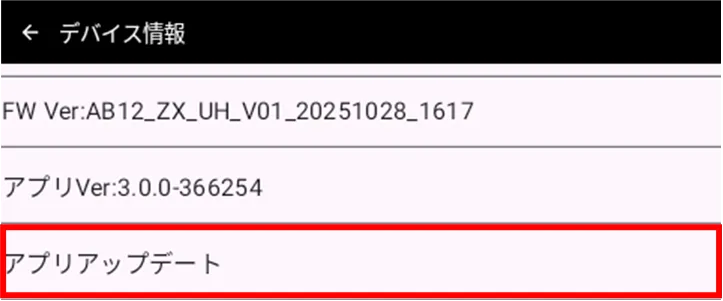
If there is an app update, you can update the app from the "Device Information" screen.
On the "Device Information" screen, tap "Update Apps".
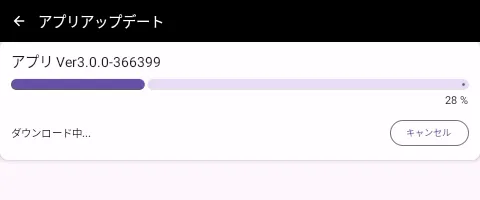
The application will start downloading.
[Tap Yes.
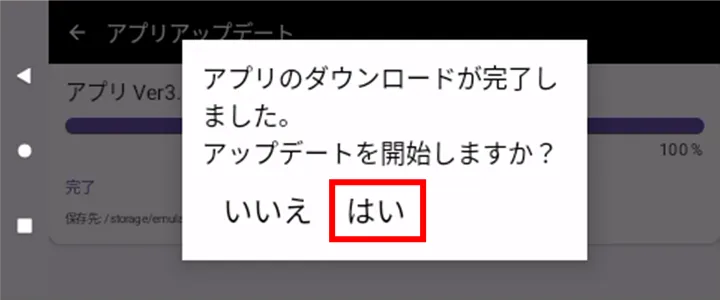
The application will start updating.
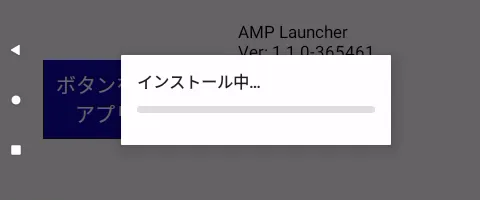
[Tap OK.
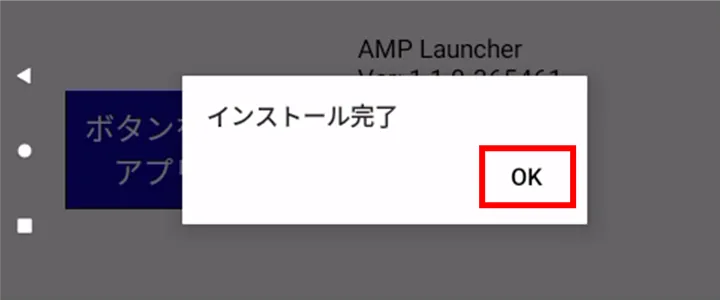
Installation is complete and the application has been updated.
Without update #
On the "Device Information" screen, tap "Update Apps".
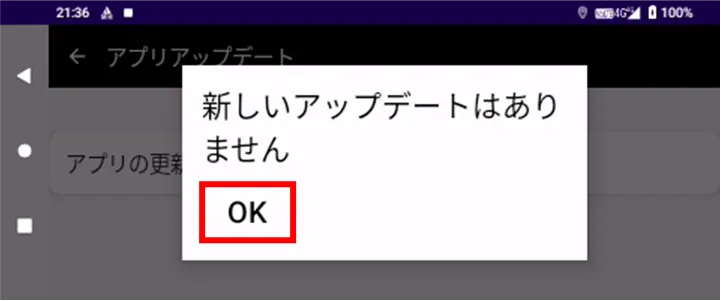
[Tap OK.