
If you are using a device with SSD storage, you will need to configure the storage. This step describes the procedure to mount and make the storage available.
You must be signed in as an administrator to use this feature.
The "Storage Settings" screen displays a list of storage settings registered with the product.
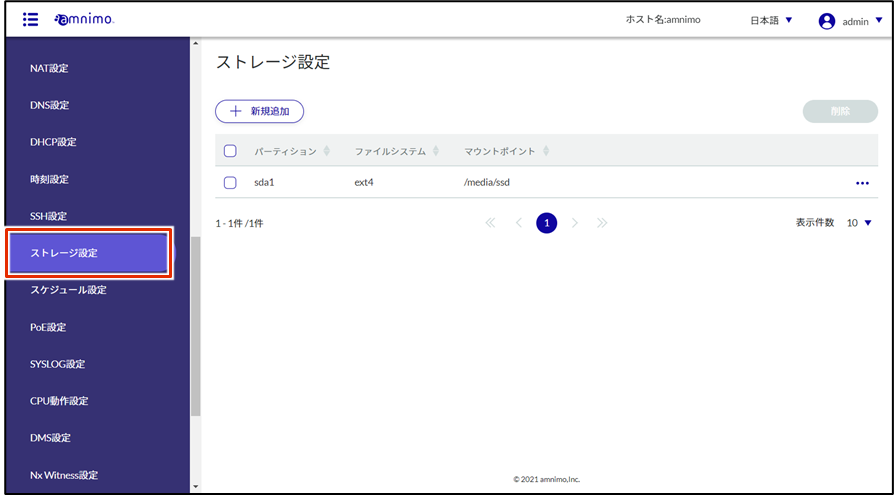
By clicking on tabs such as "Partition" or "File System" in the storage settings list, you can sort the storage settings list in descending/ascending order for each item.

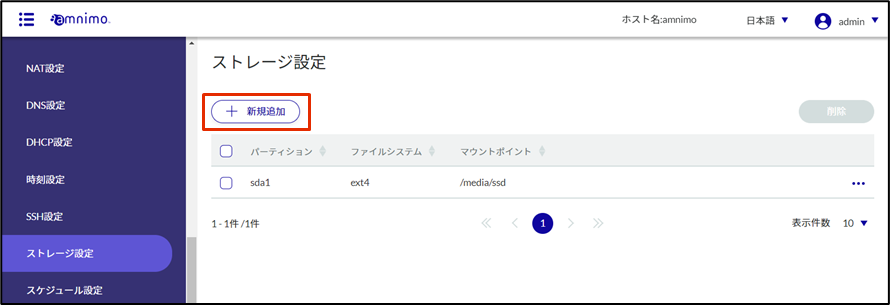
The "Add Storage Configuration" screen will appear.
In this document, the settings are as follows
Partition "sda1" Mount point "/media/ssd" File system "ext4" For detailed settings, please refer to the following.
⇒ GUI User's Manual "Configuring Storage Settings".
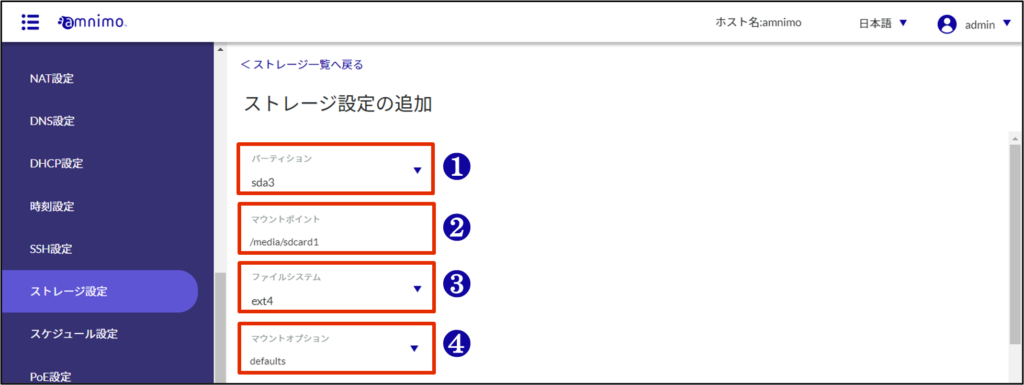
❶ Select the partition "sda1".
❷ Specify "/media/ssd" as the mount point name.
❸ Select "ext4" in File System.
❹ Select the mount option.
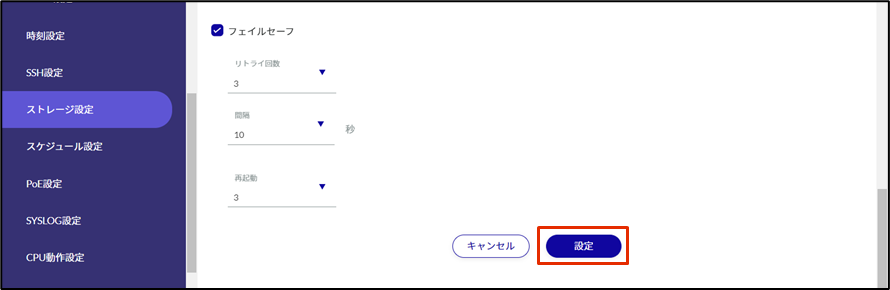
Storage settings will be added.