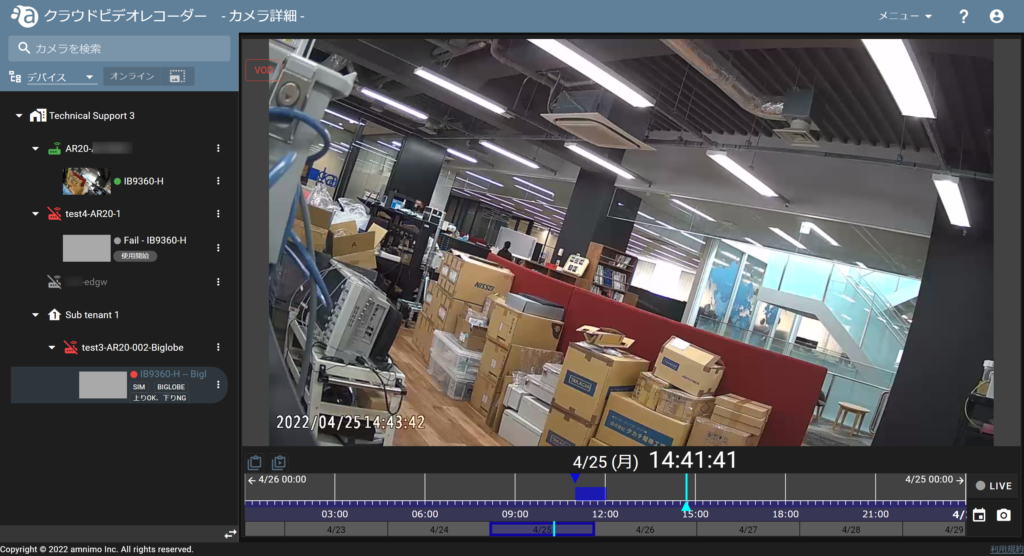
Past recordings can be played back on the camera detail page from the start time of the acquired video clip.
(If the recording does not exist in the cloud, it cannot be replayed.)
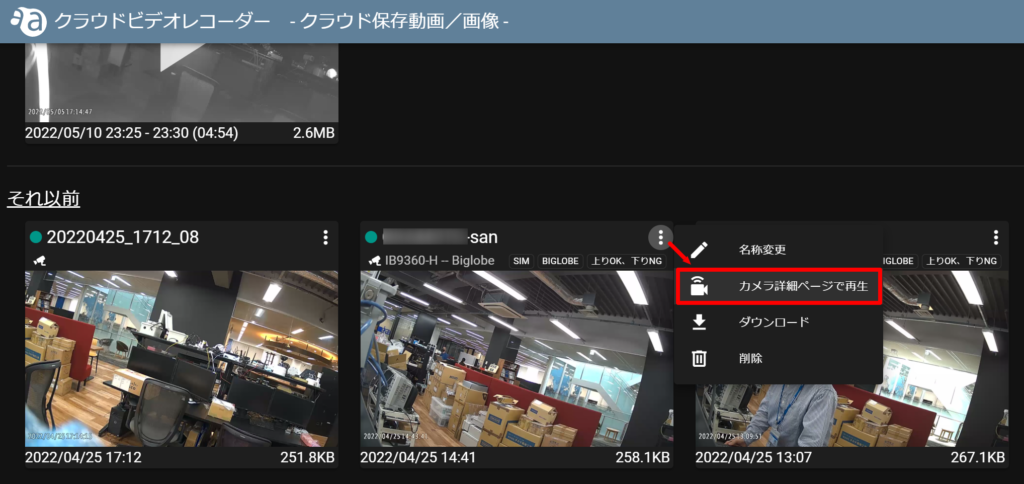
Click the icon in the upper right corner of the thumbnail of the video you wish to play and click [ Play on Camera Detail Page ].
You will automatically be redirected to the camera detail page and the video clip will play.