
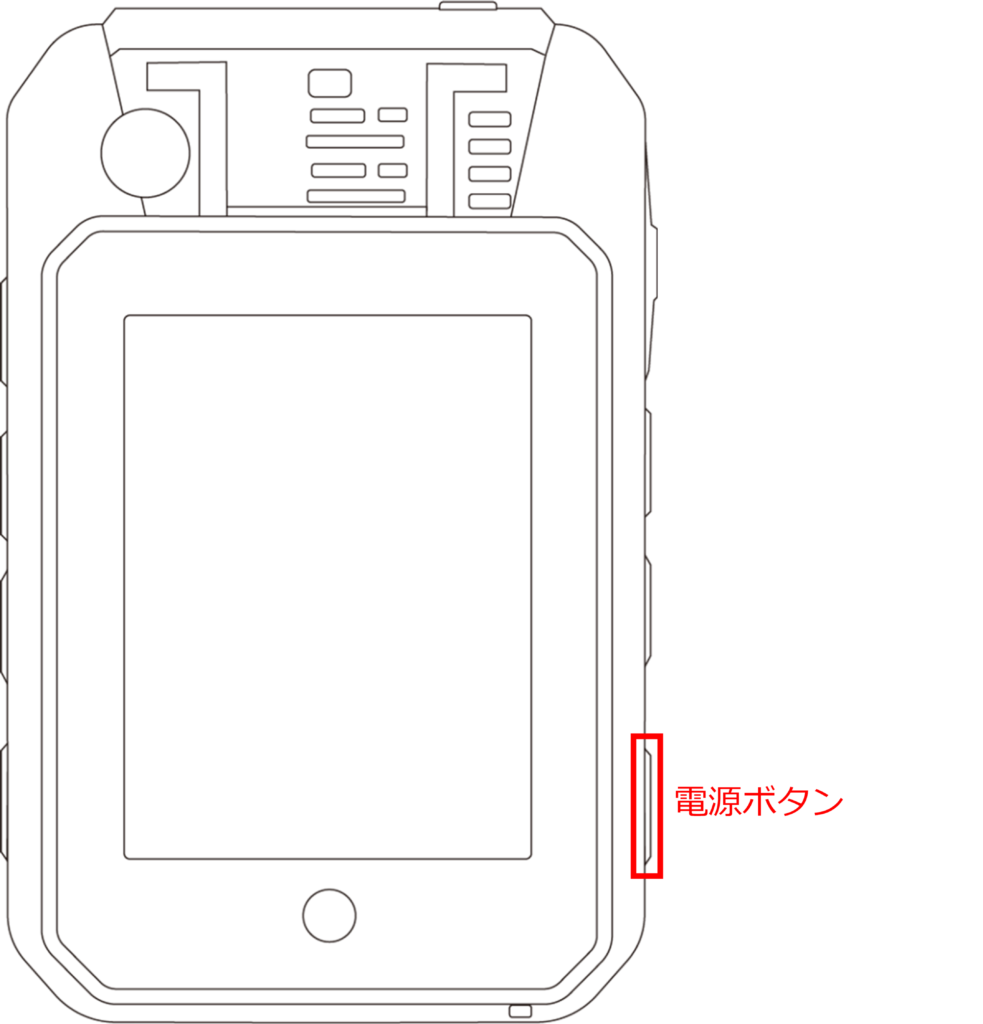
- Power ON
Press and hold the power button until the device vibrates and the startup screen appears.
For details, please refer to the following
⇒ Power on Amnimo Portable" > Power ON - Power Off / Restart
Press and hold the Power button to open the pop-up dialog. [Select "Power off" or "Restart" to turn off the power.
⇒ Power off/restart" > "Amnimo Portable Power Operation" > Power off/restart - Sleep Mode
Tap the power button once to enter sleep mode. Tap again to wake up the device.
The screen is turned off during sleep mode to reduce battery consumption. - Reset
If there is no response to the operation, press and hold the power button for at least 10 seconds to force a reset of the device.